How to Fix Authentication Token Error in Meccha Chameleon
"Failed due to invalid or missing authentication token" — step-by-step fixes from Steam General Discussions: DirectX 11 launch option, Epic account relink, PenguinHotel.exe compatibility, DNS blockers, and what to try when nothing works.
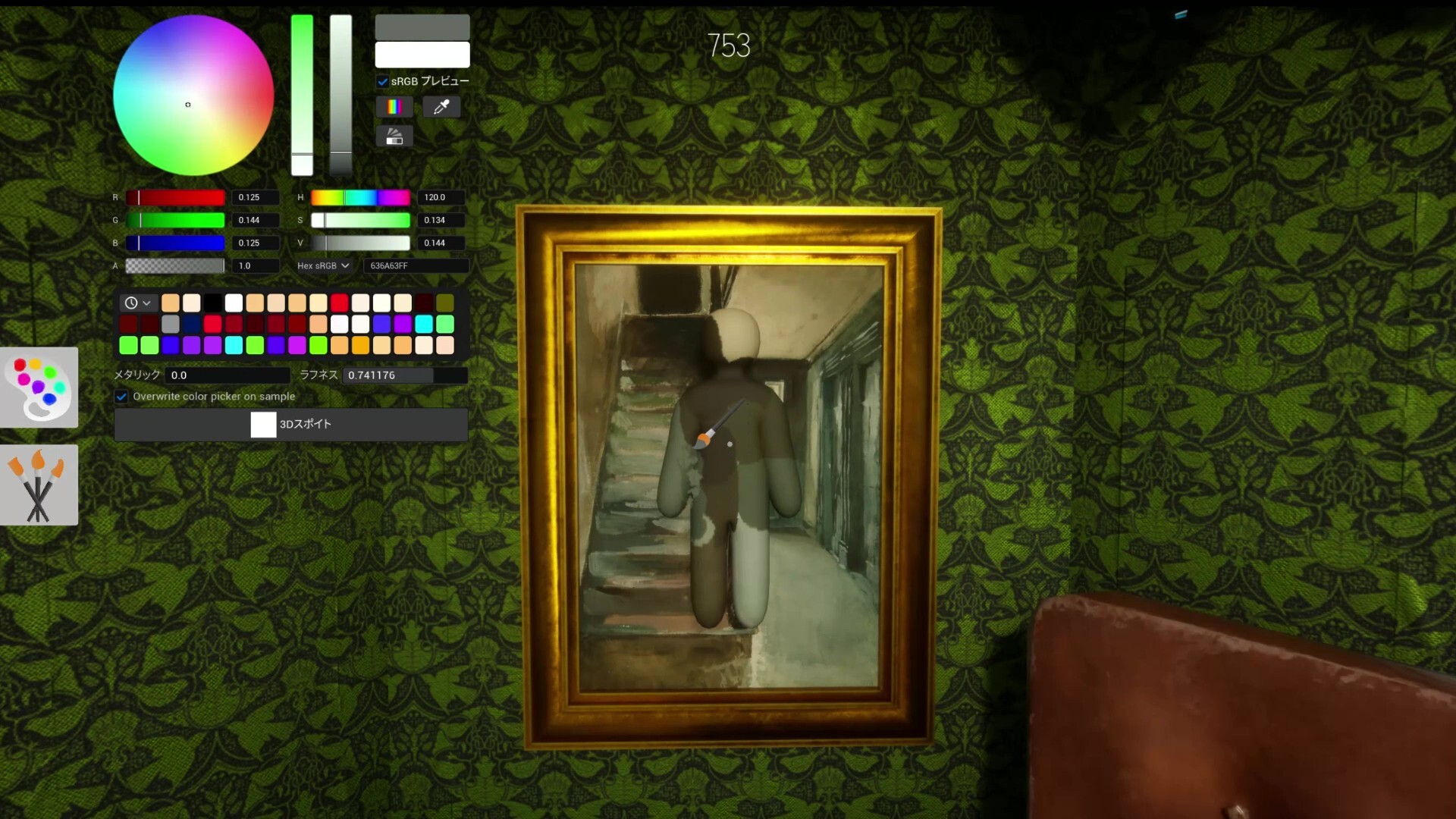
What the Error Means
The message "Failed due to invalid or missing authentication token for user (e.g. not logged in)" appears at launch or login. Steam players report the game crashing on startup, asking to log in, then failing — sometimes after a fresh purchase. The game uses Epic Online Services (EOS) for identity even on Steam; when the Steam ↔ EOS handshake fails, the client cannot obtain a valid token and blocks access. This is not a ban or lost purchase — it is a broken login handshake between Steam, EOS, and the PenguinHotel.exe client.
Recommended Fix Order (Start Here)
Work top to bottom and stop when login succeeds — note which step changed behavior for support threads. Step 1: add -dx11 to Steam Launch Options and relaunch. Step 2: relink Steam on epicgames.com (disconnect, reconnect, full PC restart). Step 3: PenguinHotel.exe compatibility (uncheck Run as administrator, check Disable fullscreen optimizations). Step 4: test mobile hotspot vs home Wi‑Fi; disable Pi-hole or DNS ad blockers. Step 5: Administrator Command Prompt → netsh winhttp reset proxy, then ipconfig /flushdns, restart. Step 6: verify game files, sync Windows date/time, confirm you launch from Steam Library — not a desktop shortcut to the .exe alone.
Fix 1 — Force DirectX 11 (Most Reported Success)
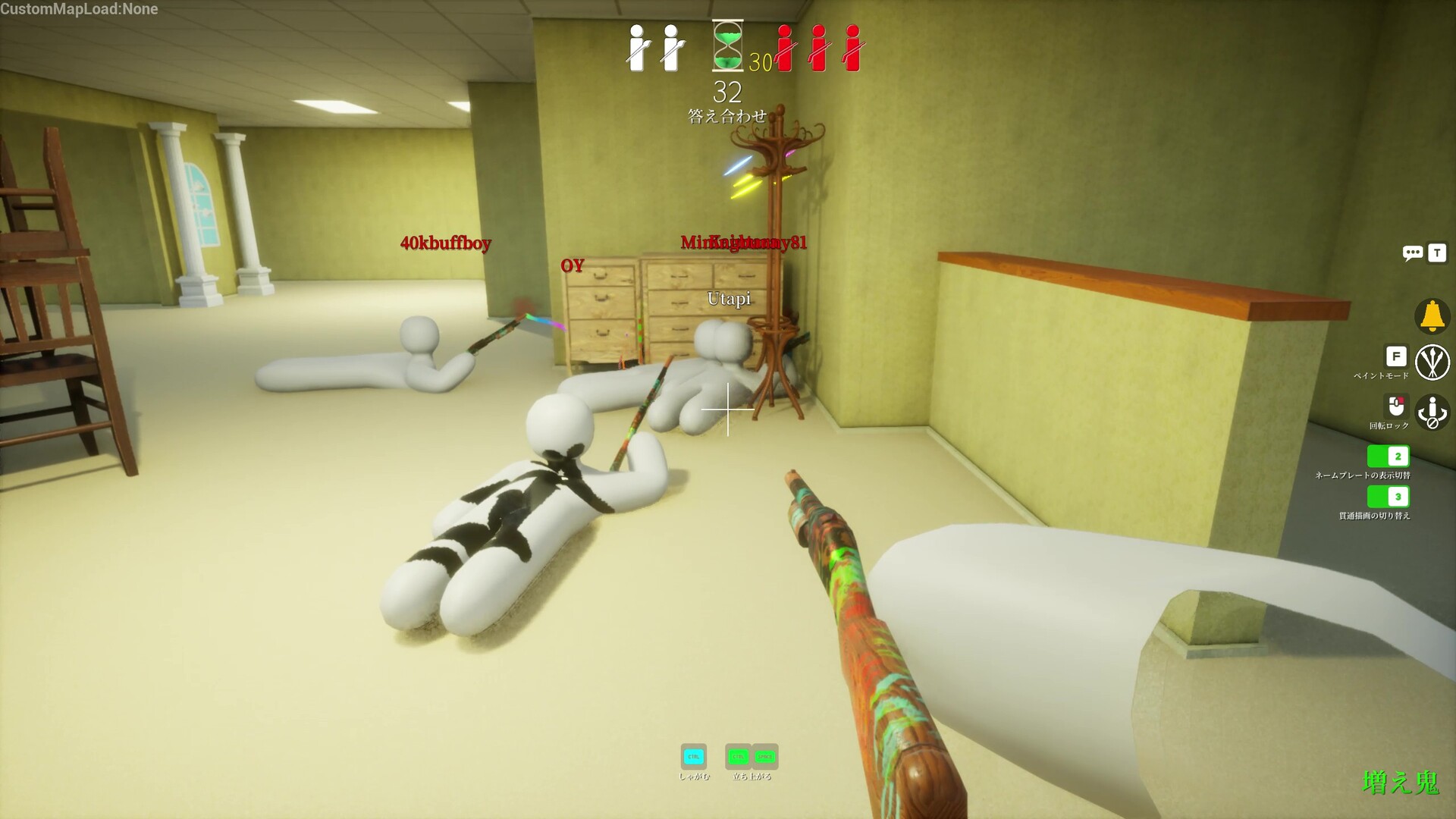
Multiple Steam users report DX12 instability and auth/login failures fixed by forcing DX11. Confirmed steps: open Steam → Library → right-click MECCHA CHAMELEON → Properties → General tab → Launch Options → type exactly: -dx11 → close Properties and relaunch from Steam. Thread author AlphaSohier notes DX12 is "very unstable on this game" and this fixed it for them and others. Some players needed Epic relink or compatibility settings alongside -dx11 — do not skip later steps if -dx11 alone fails. Avoid stacking -dx12 on top unless -dx11 fails and a thread reply specifically recommends testing -dx12 as a second attempt.
Fix 2 — Relink Steam on Epic Games Website
A Steam discussion reply with detailed steps: open epicgames.com in a browser → click your avatar → Account Settings → Apps and Accounts → Accounts section. If Steam is already linked, disconnect/remove it, then connect Steam again and confirm on the Steam login page. Restart the computer (not optional — several replies stress a full reboot), launch Steam, then launch MECCHA CHAMELEON from the library. This addresses broken EOS account links that block token generation. You do not need the Epic Games Launcher installed for Steam purchases, but the web account link must be valid. If you previously linked the wrong Steam account, disconnect before reconnecting the account that owns App ID 4704690.
Fix 3 — PenguinHotel.exe Compatibility Settings
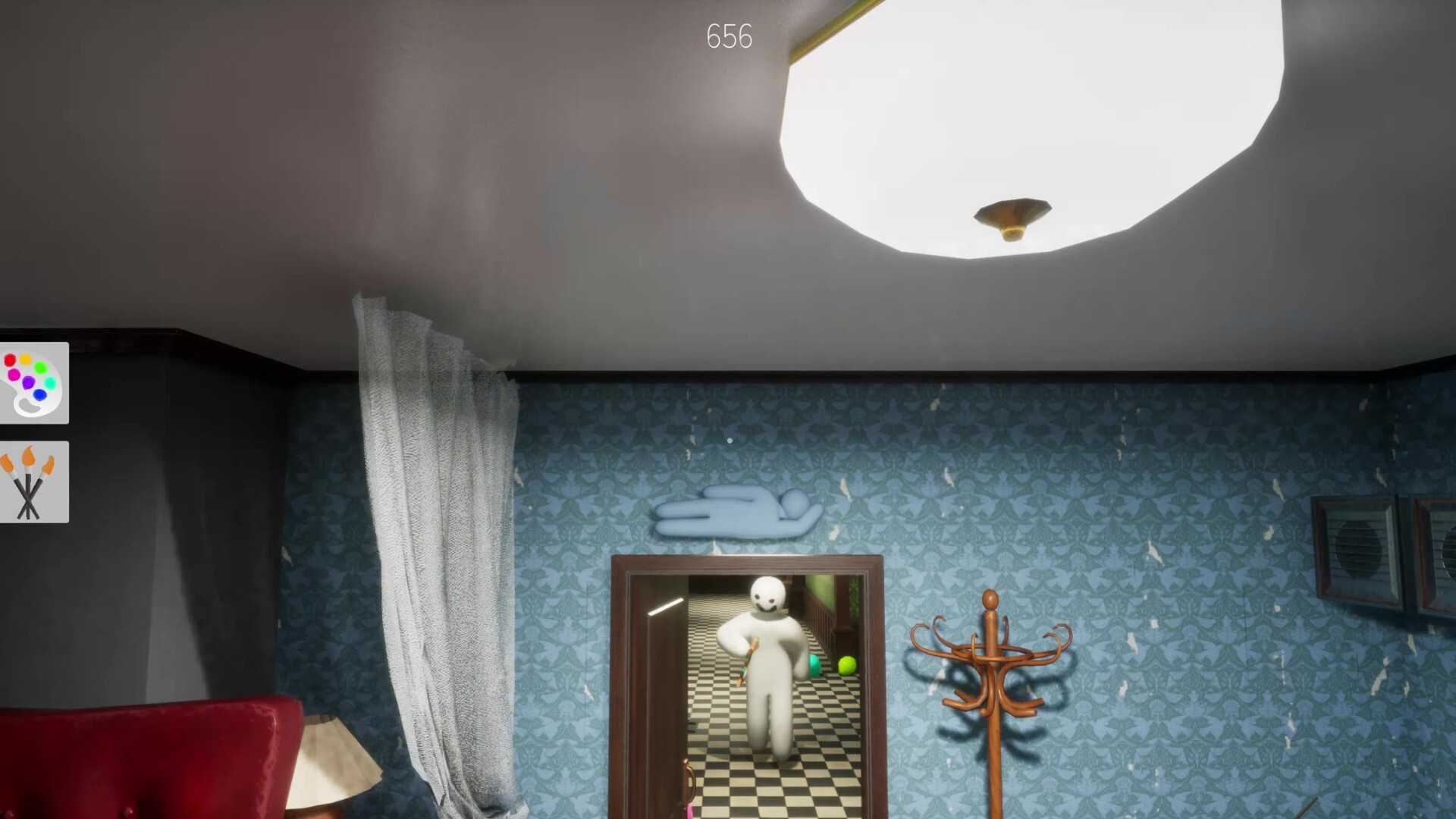
Steam users report fixing auth errors via local files: Steam → MECCHA CHAMELEON → Manage → Browse local files → right-click PenguinHotel.exe → Properties → Compatibility tab → uncheck "Run this program as an administrator" → check "Disable fullscreen optimizations" → Apply. Multiple thread replies confirm this combination worked when login kept failing. One user also noted unchecking "Run in compatibility mode" if it was enabled — forced Windows 7 mode can break EOS hooks on Windows 10/11. If you toggled administrator mode during earlier troubleshooting, reset to the above defaults before retesting.
Fix 4 — Network and DNS Blockers
Steam user elburD reported: "It looks like there's a network problem, because it works when I connect via mobile internet." Another user (cozje) fixed login by disabling Pi-hole until logged in — DNS/ad blockers can interrupt EOS auth endpoints. If home network fails but mobile hotspot works, check router DNS filters, Pi-hole, AdGuard Home, corporate VPN, or proxy settings before blaming the game. Temporarily set DNS to a public resolver (e.g. 1.1.1.1 or 8.8.8.8) for one test launch. Corporate or school networks that MITM HTTPS traffic may block EOS — hotspot test isolates this quickly.
Fix 5 — Reset Windows Proxy (Community Guide Step)
Community fix articles recommend running in an Administrator Command Prompt: netsh winhttp reset proxy — then restart the PC. Pair with ipconfig /flushdns if connectivity was recently changed or you switched VPNs. These are lower-confidence than -dx11 and Epic relink but appear in aggregated fix guides alongside the Steam thread fixes. Run both commands, restart, then launch only from Steam — not from a leftover Epic shortcut or copied .exe.
Fix 6 — System Clock & Verify Game Files
EOS and Steam ticket validation reject tokens when Windows date/time drifts — enable automatic time sync in Settings → Time & Language. In Steam, right-click MECCHA CHAMELEON → Properties → Installed Files → Verify integrity of game files. Corrupted EOS redistributables in the game folder occasionally survive partial updates; verification re-downloads missing DLLs. After verify completes, restart Steam once before testing login.
Always Launch From Steam (Not a Lone .exe Shortcut)
Community guides note desktop shortcuts that point directly to PenguinHotel.exe skip Steam's authentication bootstrap. Always use the Steam Library Play button so Steam injects the session context EOS expects. If you pinned a custom shortcut, delete it and relaunch from Steam only for testing.
FAQ — Game Keeps Asking to Log In Then Crashes
This loop usually means EOS receives a partial token then rejects it — combine -dx11 + Epic relink + compatibility reset in one session rather than testing one fix per day. Full PC restart between Epic relink and the next launch is repeatedly cited in threads. If the loop started immediately after purchase, finish any pending Steam download and EULA acceptance before EOS linking.
FAQ — Fixes Worked for Me but Not My Friend
Auth is per-machine and per-account. Your friend needs their own Epic relink on the Epic account tied to their Steam profile, their own -dx11 launch option, and their own compatibility settings on their PenguinHotel.exe. Shared fixes in Discord do not transfer — walk them through hotspot test and Pi-hole disable individually. Family Sharing libraries can add edge cases; the Steam account that owns the game should perform Epic linking.
FAQ — I Fixed Auth but Workshop Maps Won't Load
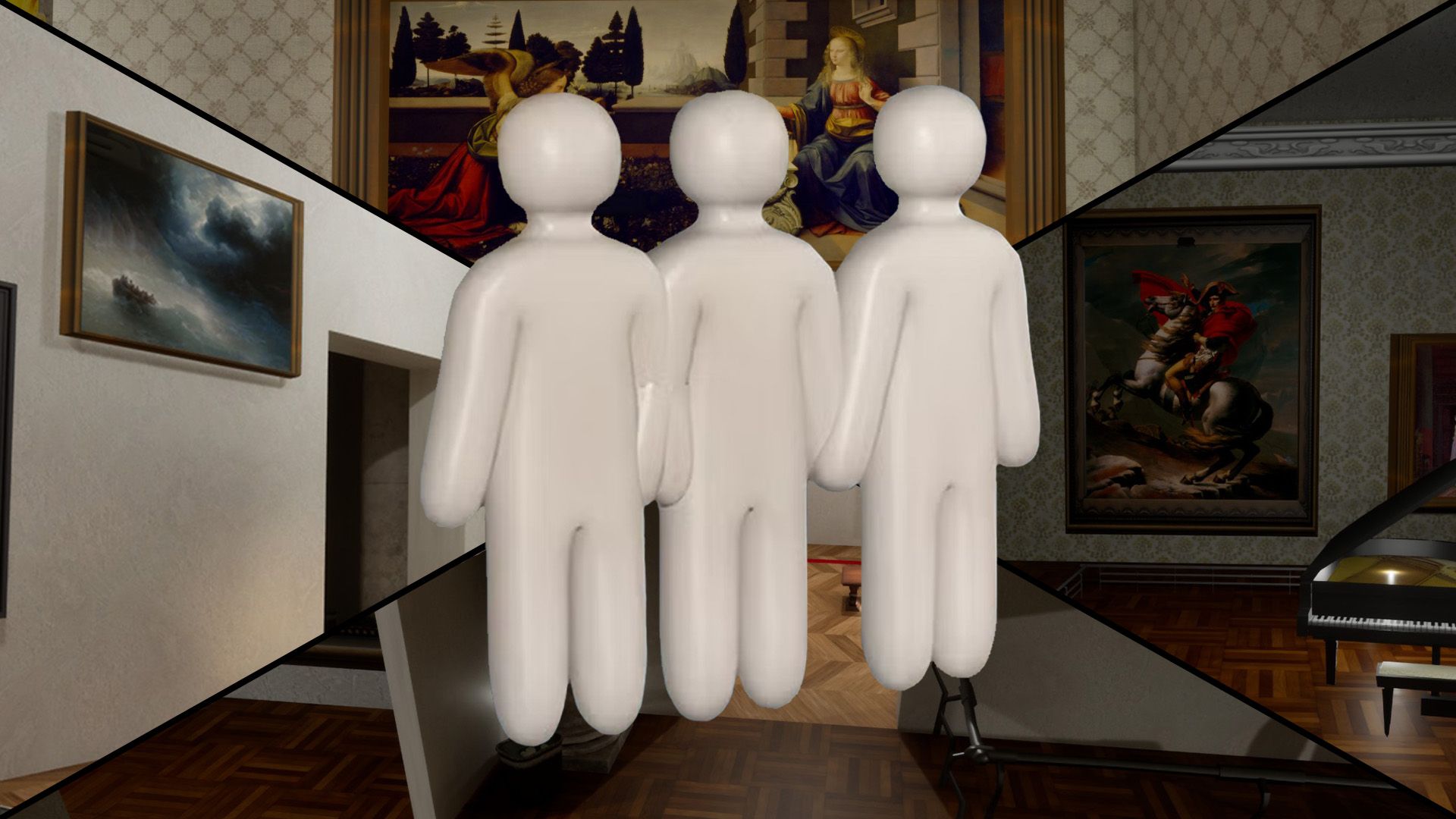
Separate issue. After login works, every player must subscribe to workshop maps on Steam and restart so files download — missing workshop content feels like another auth/load failure. Test Mansion (official) first, then subscribe to maps like Art Gallery before rejoining the same host.
When Fixes Stop Helping
If -dx11, Epic relink, compatibility settings, clock sync, verify files, and network checks all fail on multiple networks (home + hotspot), check Steam Community announcements for server outages during launch windows. Document which step changed behavior before trying deeper network changes or reinstalling Windows. Reinstalling the game without fixing Epic account link rarely helps — relink first, verify second, reinstall last.