Workshop Map Won't Load — Black Void & Stuck Loading Fix
Custom map stuck loading, seeker black void, hiders floating in empty space, or lobby kick on join — subscription parity, restart order, and official-map isolation tests.
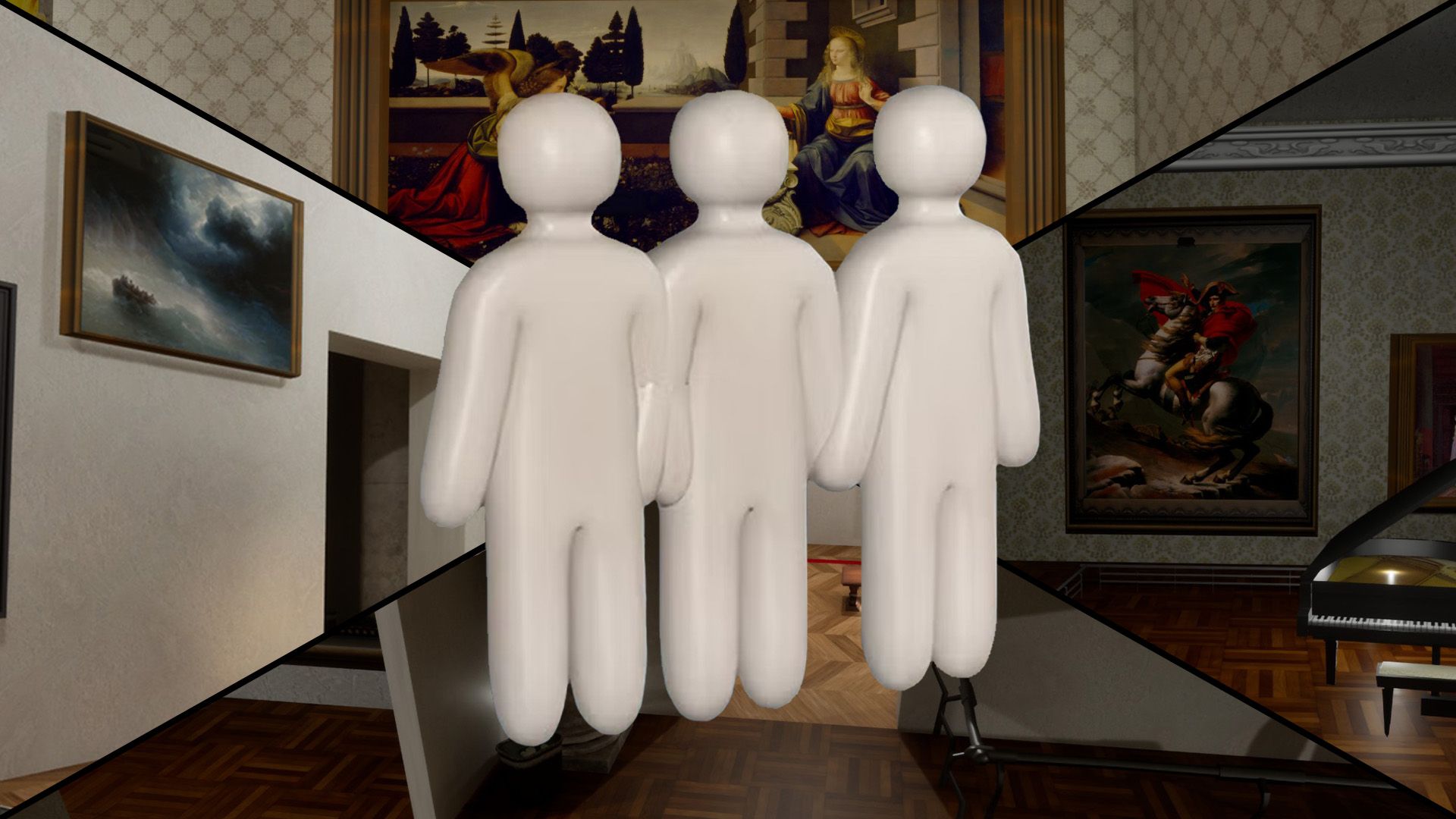
What Workshop Load Failures Look Like
Players report several related symptoms when custom maps desync: infinite loading screen after host picks a workshop map, instant kick back to menu on join, seeker sees a black void while hider models float in empty space, or cross-map tags that look like cheating but trace to the hunter stage failing to load. Steam cheating threads document the black-void case specifically — before reporting ESP, confirm every client loaded the same map geometry. Official maps (Mansion, Sewer, Backrooms) never need workshop subscriptions; failures only on custom maps almost always mean subscription or file-path issues, not broken servers.
Step 1 — Every Player Subscribes on Steam Workshop
Host shares the Steam Workshop URL in Discord before the session — not mid-invite. Each player clicks Subscribe on the workshop item page, waits for Steam Downloads to finish (watch the bottom-right Steam notification), then fully restarts MECCHA CHAMELEON so local cache refreshes. Subscribing without restart leaves stale file paths — especially common after game patches that change workshop storage layout. Popular maps like Art Gallery need this from all four to ten lobby members, not just the host. After late-July 2026 malware reports, prefer established maps with active comments; avoid brand-new uploaders who disabled discussion. v3.1.0+ ships a MOD-map security patch — see Problems After v3.1–3.3.
Step 2 — Test Official Map First (Isolate the Problem)
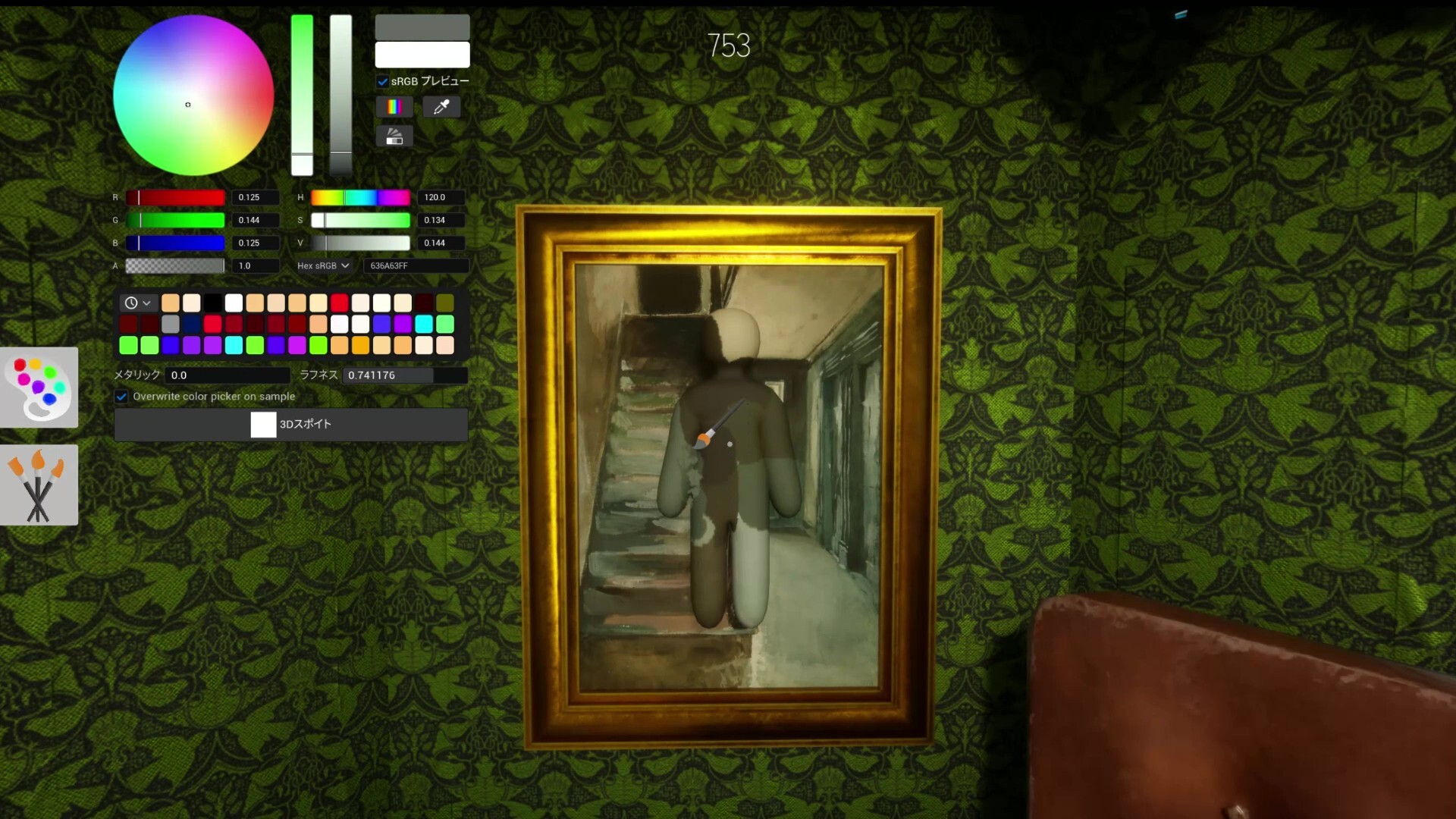
Before debugging workshop files, host creates a fresh room on Mansion with the same friend group. If official maps load and play normally, connectivity and version parity are fine — focus on workshop subscriptions. If official maps also fail, stop here and use Can't Join Lobby guide instead. This isolation step prevents hours of firewall changes when the real issue is one friend missing a 200 MB workshop download.
Step 3 — Fresh Room After Map Change
Changing workshop map mid-session without recreating the room causes stale session IDs. Host flow: confirm all subscriptions in Discord → everyone restarts game → host Create Server → pick workshop map once → send fresh invites or share unique server name. Do not swap from Mansion to Art Gallery inside an existing room and expect late joiners to sync. Patch week amplifies this — v2.4.0+ stability notes mention workshop load desync after hotfixes.
Step 4 — Host Verifies Local Files
If only the host sees black void while hiders play on a visible map, host should verify game files (Steam → Properties → Installed Files), lower graphics preset once to rule out shader timeout, and recreate lobby as host on wired Ethernet. Corrupted workshop cache on the host machine blocks geometry streaming for seekers even when guests loaded fine. Unsubscribe and re-subscribe to the workshop item if verify does not help — forces a clean re-download.
Step 5 — No Surprise Map Swaps
Community reports spike when hosts pick trending workshop maps without warning — friends accept Steam invites expecting Mansion and load into a map they never subscribed to. Agree on map name in voice or text before host clicks Start. Browse curated workshop pages on this site for direct Steam links, color-count notes, and whether a map suits beginner lobbies. High-color workshop maps add load time — wait for everyone past loading screen before starting prep countdown.
Workshop Breaks After Game Update
After Steam patches, workshop file paths can desync even when subscriptions look current. Full fix order: everyone updates game → verify files → re-subscribe to active workshop map → restart game → test Mansion → recreate room. Map creators sometimes push workshop updates the same week as game patches — check workshop item comments for "broken after v2.x" notes before hosting tournaments. See Problems After Update for patch-week timing.
Black Void vs Cheating — Don't Report Too Fast
When the seeker stage fails to load, remaining hider models can appear at impossible positions — tags across the void look like hacks in spectator clips. Confirm load parity first: ask seeker whether they see environment or only black. If void confirmed, all players restart and re-subscribe before opening Steam player reports. Fair Play guide covers real ESP cases — workshop void is a load bug, not a ban offense.
Quick Checklist
Share workshop link → everyone Subscribe → wait for Steam download → restart game → host tests Mansion → host creates fresh room on workshop map → fresh invites → if void persists host verifies files and re-subscribes → never debug firewall before subscription parity. Success path for new groups: first three sessions on official maps only, add Art Gallery or Minecraft Village after everyone completes one clean workshop subscribe cycle.