Meccha Chameleon v2.5.0 Update Problems — Fix Guide (July 2026)
Game broke after update 2.5.0? Fix lobby join failures, Osaka map changes, paint brush and 3D color picker glitches, Gyakusan Chicken Race desync, and workshop load issues — sourced from Steam News and player reports.
What v2.5.0 Changed (Official Summary)
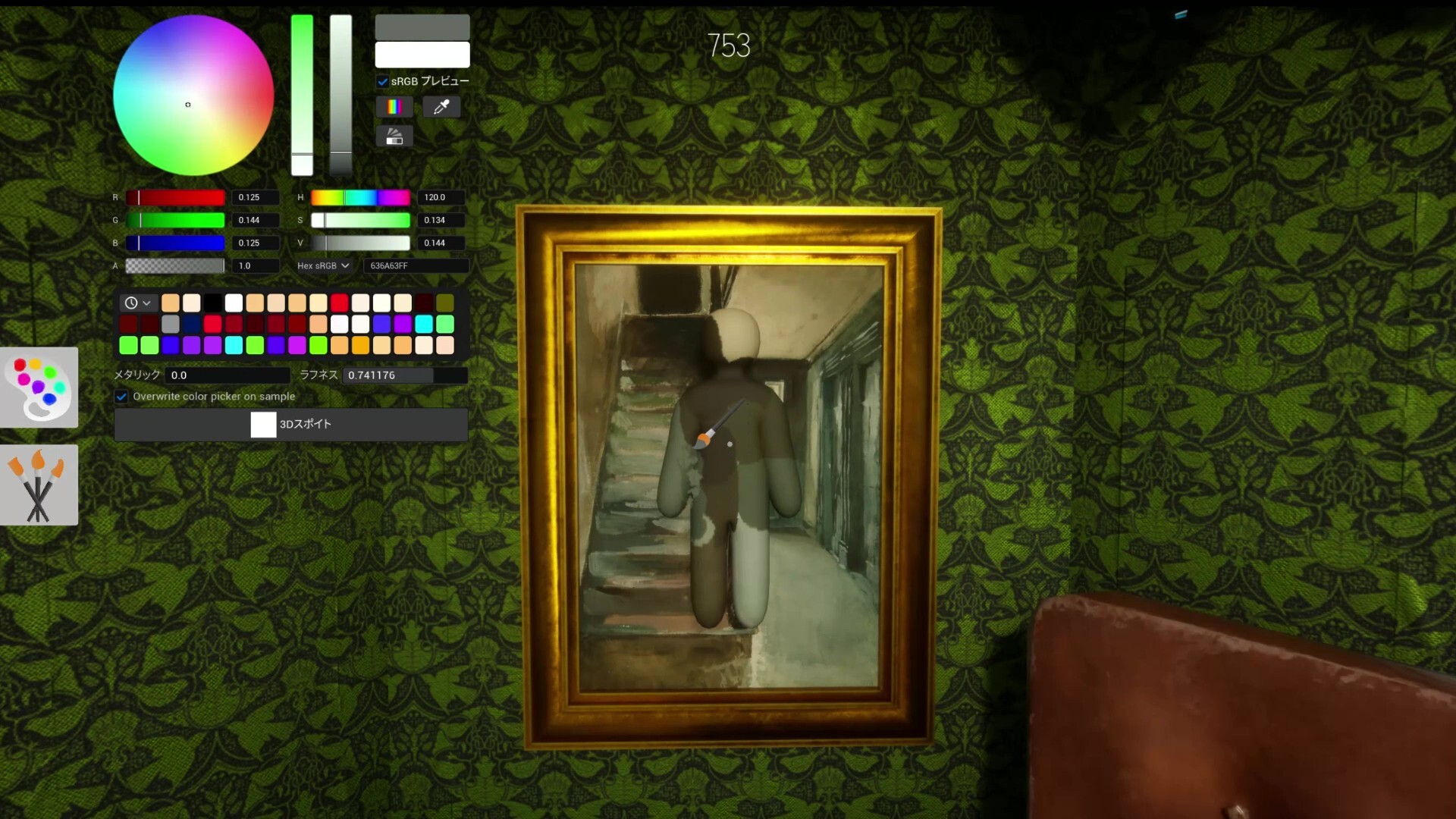
Steam News update 2.5.0 (early July 2026, tied to the 15M sales announcement per press coverage): reworked official Osaka map, improved paint brush resolution, experimental color palette preparing for controller support, 3D color picker stability fixes, and Gyakusan Chicken Race bug fixes (invisible player collision, paint sync across clients). A Japanese star collaboration map was teased for mid-week — watch Steam News and Workshop; it may ship as content without a new client number. Full version history: Updates & Patch Notes guide.
First 60 Seconds After Updating to 2.5.0
Close Meccha Chameleon completely — not minimized. Exit Steam and reopen. Confirm Downloads shows no pending bytes for App 4704690. Relaunch from the Steam library. Have every friend repeat before friend night — one outdated client on 2.4.x breaks private lobbies silently. Host creates a brand-new room after sync; do not reuse pre-2.5.0 invites. Quick generic checklist also lives at Problems After Update guide (auto-tagged to current patch).
Can't Join Friends After 2.5.0
Most post-2.5.0 join failures are still version mismatch, stale invites, or EULA re-prompts — not new 2.5.0-specific server bugs. Fix order: (1) everyone on 2.5.0, (2) EULA accepted solo on each account — EULA Fix guide, (3) host new Mansion room, (4) verify game files if one PC stuck on old build. Steam Invite guide if overlay invites black-screen. Can't Join Lobby guide for full walkthrough. Only touch firewall after these steps fail for the whole group.
Login or Launch Fails Right After Patch
Patch day spikes Epic Online Services desync and DX12 shader crashes — same as prior hotfixes, not unique to 2.5.0 content. Add or keep -dx11 in Launch Options, verify integrity, relink Steam on epicgames.com if token errors appear. Won't Launch guide for hard crashes; Authentication Token guide for login loops. Accept any new EULA prompt before testing multiplayer — skipping terms mimics auth failure.
Osaka Spots Stopped Working (Expected — Map Rework)
consolepcgaming.com and PatchDiff document a full Osaka official map rework — terrain and layout shifts, not a random bug. Viral truck-bed, octopus statue, and alley hides from pre-2.5.0 clips may fail legitimately. Re-test in a private lobby; re-sample signage and shadow colors at exact pixels. Osaka map page and hidden spot database entries note "re-verify after v2.5.0." If a curated spot fails, try Mansion equivalents while learning the new Osaka layout — do not assume your install is corrupt.
Paint Looks Different or Eyedropper Feels Wrong
Higher brush resolution changes how edges render on detailed lines — Steam reviews previously complained about pixelated strokes; 2.5.0 improves fidelity but old muscle memory may need adjustment. Re-sample after patch on gradient walls; metallic and roughness sliders interact with new brush data. Experimental color palette in options prepares for controller support — confirm you did not toggle an unfamiliar preset. How to Paint Better and Color Matching guides cover sampling discipline independent of patch version. Blurry overall image is graphics settings — Lag & Blurry Screen guide, not brush regression.
3D Color Picker Crashes or Glitches
Official notes cite improved 3D color picker stability — crashes that persisted on 2.4.x should reduce after verify + relaunch on 2.5.0. If picker still freezes: switch to Windowed briefly in graphics settings, restart game, test -dx11. Lower Global Illumination if GPU memory spikes during paint menu. Report remaining crashes in Steam Discussions with build number 2.5.0 — include whether crash happens in Mansion prep only or all maps.
Gyakusan Chicken Race — Invisibility & Paint Desync
PatchDiff lists two mode-specific fixes: invisible players still triggering collision (fairness bug), and displayed paint occasionally not synchronized across clients. Update to 2.5.0 before hosting Reverse Chicken Race lobbies — mixed versions exaggerate desync. If paint looks wrong mid-round after update, have all players restart once; stale mode state from pre-patch sessions persists until full client restart. Game Modes guide names mode variants; treat desync as version or session staleness first.
Workshop Black Void After Updating
Workshop load failures after any patch follow the same subscription parity rules — not Osaka-specific. Every player re-subscribes to active workshop map, restarts game, host tests Mansion then custom map in fresh room. Workshop Map Loading guide. Collaboration map tease may add new subscriptions mid-July — host shares Steam Workshop link before invites when the collab ships.
Collaboration Map Not Showing Yet
v2.5.0 announcement teased a Japanese star collaboration map arriving mid-week July 2026 — not necessarily bundled inside the 2.5.0 download on day one. If friends expect a new map and cannot find it, confirm Steam News for a separate workshop or content drop rather than reinstalling 2.5.0. Viral Success guide covers the unconfirmed partner context from press roundups. Subscribe via Steam Workshop when the official listing publishes.
Still Broken on 2.5.0? Escalation Order
Verify game files on affected PC → all friends confirm 2.5.0 in Downloads → EULA parity → fresh Mansion room → -dx11 → change host to wired Ethernet → disable VPN → match Steam regions → reinstall only one stuck client after group confirms parity. Search Steam Discussions with "2.5.0" plus exact error text. Link this guide in Discord during patch week — most issues are skipped version sync, not broken 2.5.0 servers.