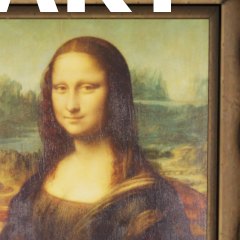
Dark Canvas Region
Recommended by experienced players · sourced from published guides, not live match stats
Location Description
Darker canvas region — skypenguin.net notes dark paint hides better than bright highlights.
Why It Works
Dark Canvas Region on Art Museum works because darker canvas region — skypenguin.net notes dark paint hides better than bright highlights. Guide rating 77/100 — difficulty tier from skypenguin.net, not live match statistics. Published guides (Denfaminicogamer — Kyoto / Art Museum) emphasize pose discipline: Compact canvas and plinth poses; avoid open gallery floors and giant-canvas fronts. Map context from Art Museum: Do not confuse this official map with Workshop ART GALLERY (Popunia) or Workshop Art Museum (id 3752392092). Color plan: Torso base samples Primary surface at Dark Canvas Region (F → paint menu, Space eyedropper); Shadow side samples Nearby shadow or darker patch at lock position; Limb / head edges samples Surface adjacent to limbs at lock height. Guide rating 77/100 reflects difficulty tier from skypenguin.net — a curated estimate from published walkthroughs, not aggregated match statistics. The core advantage is silhouette breaking: seekers scan for human-shaped lumps and value mismatches before they analyze hue. Dark Canvas Region gives you clutter, depth, or verticality that buys time when paint and pose are locked in prep.
Best Colors
TheGamer, IGN, and mecchachameleongame.wiki all recommend the in-game Eyedropper (Space) on the exact surface you touch — not fixed hex/RGB codes. Lighting and patches change effective values; the table below lists which surface to sample per body part and how to apply it.
- Torso base: Primary surface at Dark Canvas Region (F → paint menu, Space eyedropper) — Eyedrop the canvas you touch; darker regions hide better than bright highlights (skypenguin.net analog).
- Shadow side: Nearby shadow or darker patch at lock position — HSV Value one step down — never sample a similar surface across the room
- Limb / head edges: Surface adjacent to limbs at lock height — 360° white-gap check before prep ends (SlashSkill #1 day-one mistake)
When To Use
- When this applies: v4.1.0 official 美術館 — dedicated still pending; all spots experimental.
- When this applies: Do not confuse with Workshop ART GALLERY (Popunia).
- When you can eyedrop the canvas you touch — museum analog from skypenguin.net / DualShockers
- Darker paintings and smaller frames before giant canvases get first-cleared
- Serious lobbies where you need a reliable round-one survive — best-category spots prioritize consistency over memes
When NOT To Use
- Open gallery floor as a long camp — spotlight sightlines punish imperfect paint
- Same giant-canvas perch three rounds — workshop analog says large paintings read human at range
- Confusing this official map with Workshop ART GALLERY (Popunia) callouts
- When seekers in your lobby already slow-check this zone twice in one session — rotate
Pro Tips
skypenguin.net: darker painted regions hide better than bright highlights on museum canvases. Sample the dark patch you touch.
How to Win Here
- v4.1.0 official 美術館 — dedicated still pending; all spots experimental.
- Do not confuse with Workshop ART GALLERY (Popunia).
- Smaller lesser-known paintings often beat giant canvases at range (DualShockers analog).
- note.com chair-leg / plinth-underside pins: seekers scan canvases first.
- Pro tip from our database: skypenguin.net: darker painted regions hide better than bright highlights on museum canvases. Sample the dark patch you touch.
- Source: skypenguin.net — re-verify in a private lobby after major patches.
Color & Paint Plan
Body-part breakdown from published guides — sample with in-game Eyedropper (F → Space), then fine-tune HSV / metallic / roughness per surface.
| Body part | Sample from | Technique |
|---|---|---|
| Torso base | Primary surface at Dark Canvas Region (F → paint menu, Space eyedropper) | Eyedrop the canvas you touch; darker regions hide better than bright highlights (skypenguin.net analog). |
| Shadow side | Nearby shadow or darker patch at lock position | HSV Value one step down — never sample a similar surface across the room |
| Limb / head edges | Surface adjacent to limbs at lock height | 360° white-gap check before prep ends (SlashSkill #1 day-one mistake) |
Pose
Compact canvas and plinth poses; avoid open gallery floors and giant-canvas fronts.
Metallic & roughness
- · Match metallic / roughness to surface (SlashSkill: sheen mismatch exposes faster than hue error)
- · Matte wall → low metallic; metal pipe/barrel → medium–high metallic
Common Mistakes
- Standing too close to the edge where your outline breaks the geometry
- Using one flat eyedropper sample for the whole body — guides say lit + shadow sides need separate samples (mecchachameleongame.wiki paint-system)
- Moving the camera or adjusting pose after seekers enter the room
- Setting up during hunt phase instead of prep — SlashSkill: spend first third of prep on spot, then paint
Counter Strategy
For seekers hunting this zone — sourced from map guides and community checklists
- Seeker timing: Guide rating 77/100 — difficulty tier from skypenguin.net, not live match statistics.
- Clear canvas blends and darker paintings on first pass — museum analog from skypenguin.net
- Scan plinths and gilded frames at crouch height before assuming halls are empty
- Giant canvas fronts: look for human-shaped silhouettes at range
Guide Sources
Guide Notes
- v4.1.0 official 美術館 — dedicated still pending; all spots experimental.
- Do not confuse with Workshop ART GALLERY (Popunia).
- Primary tip from skypenguin.net: skypenguin.net: darker painted regions hide better than bright highlights on museum canvases. Sample the dark patch you touch.
- Denfaminicogamer — Kyoto / Art Museum — https://news.denfaminicogamer.jp/news/2608283n
- skypenguin.net — museum / ARTGALLERY analog — https://skypenguin.net/2026/06/25/post-155004/
- Verify in a private lobby after major patches.
Image & Data Sources
Screenshot matched to Art Museum where possible; some entries use map overview assets when a spot-specific image is unavailable. Spot details via skypenguin.net. Guide ratings are curated estimates from published walkthroughs — not live match statistics. Game imagery © lemorion_1224 / Steam.
Similar Spots
Keep exploring — related spots to improve your win rate
Other Art Museum hiding spots ranked by guide rating
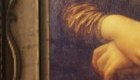
Gallery Bench Legs
Gallery bench-leg hide — note.com chair-leg tactic on official 美術館; sample wood plus floor shadow.
via note.com · note.com / GameWith
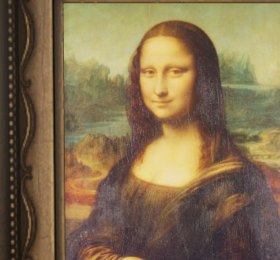
Canvas Blend
Canvas blend on official Art Museum — eyedrop the painting you touch; experimental pending official still.
via skypenguin.net · Community
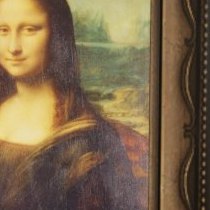
World-Famous Painting Wall
World-famous painting wall on official 美術館 — 4gamer; eyedrop the canvas, not Workshop ART GALLERY.
via 4gamer · 4gamer / Community
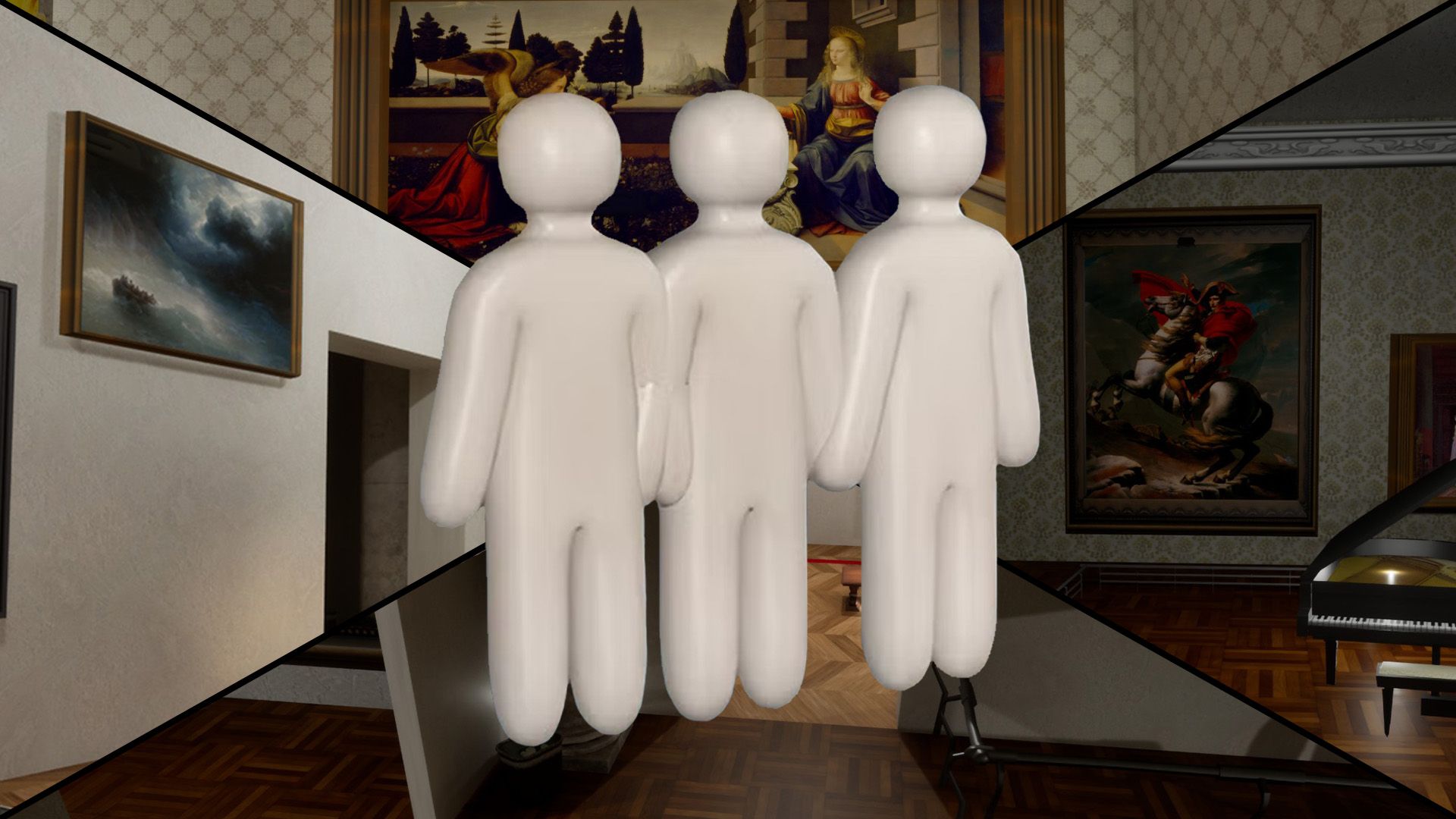
In-Game Object Exhibit
In-game Meccha objects displayed as museum exhibits — 4gamer; prop-mimic familiar props.
via 4gamer · 4gamer / Community
Similar Difficulty
Spots with a comparable guide rating on other maps
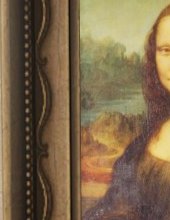
Mona Lisa Frame
Paint yourself into the Mona Lisa frame — Polygon's signature Art Gallery pick.
via DualShockers · DualShockers
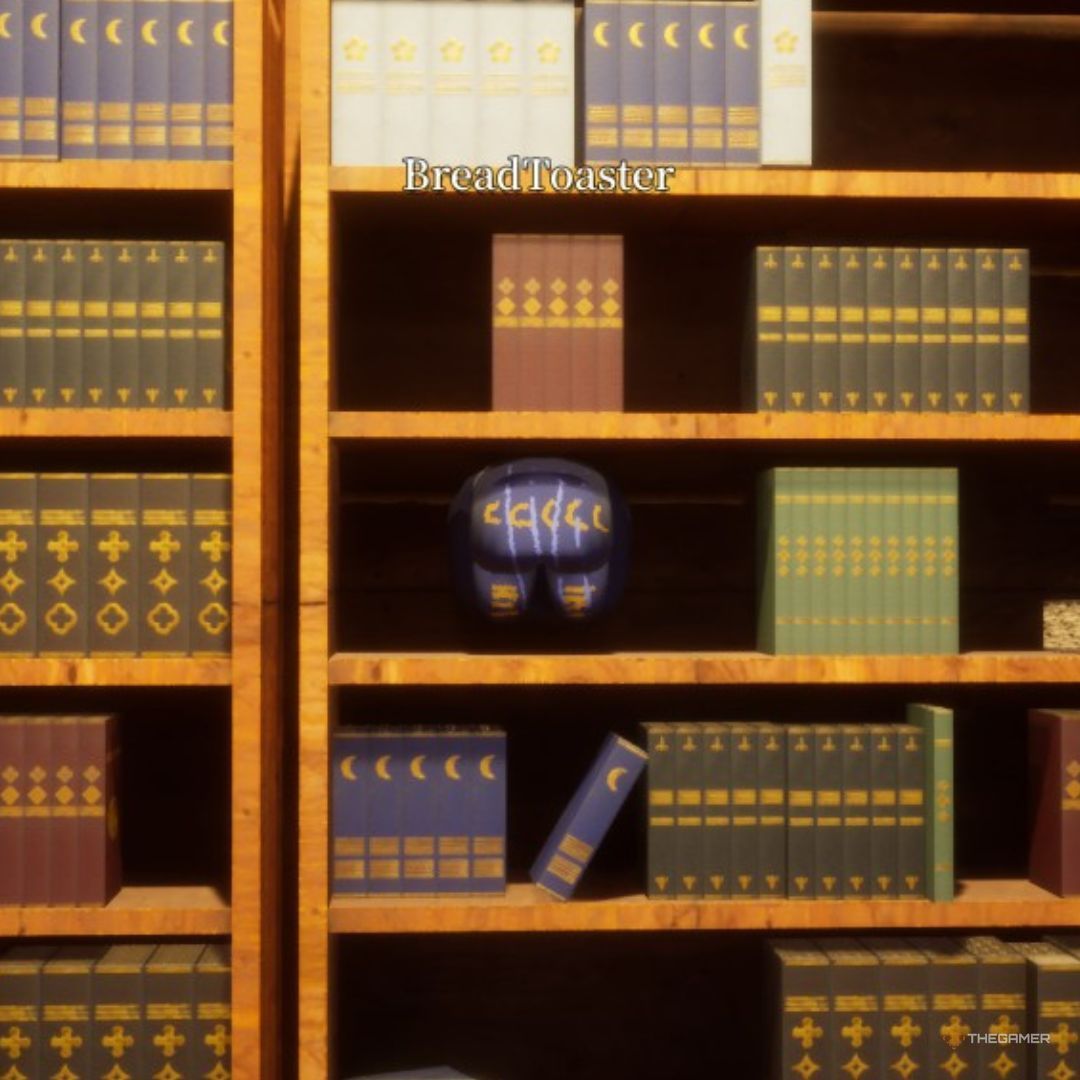
Library Shelf
Crouch between rear bookshelf rows disguised as book spines. One of the strongest verified Mansion spots.
via TheGamer · TheGamer Community
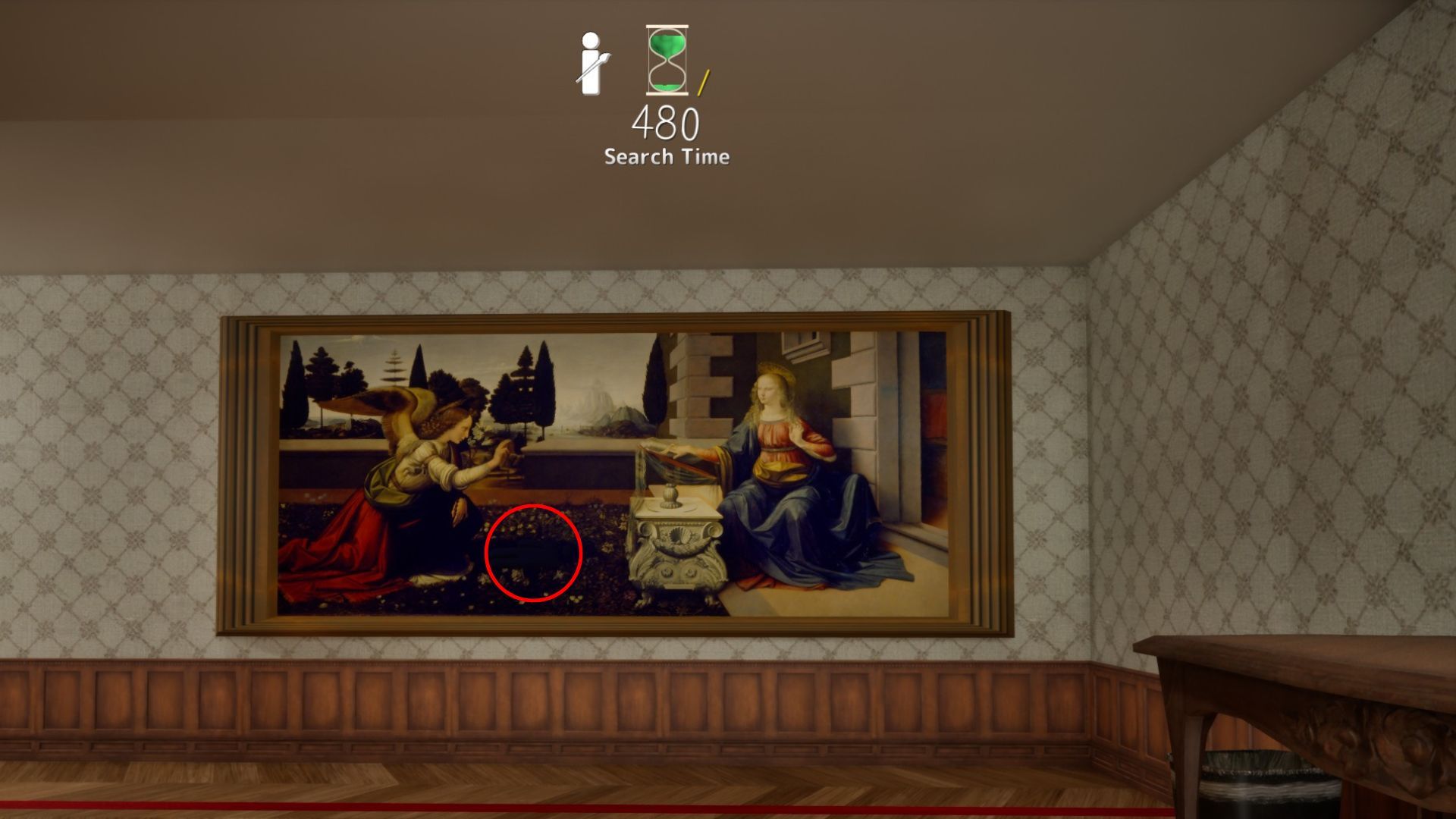
The Annunciation Shadow
The Annunciation shadow beside the winged figure — sideways pose in the dark strip.
via DualShockers · DualShockers
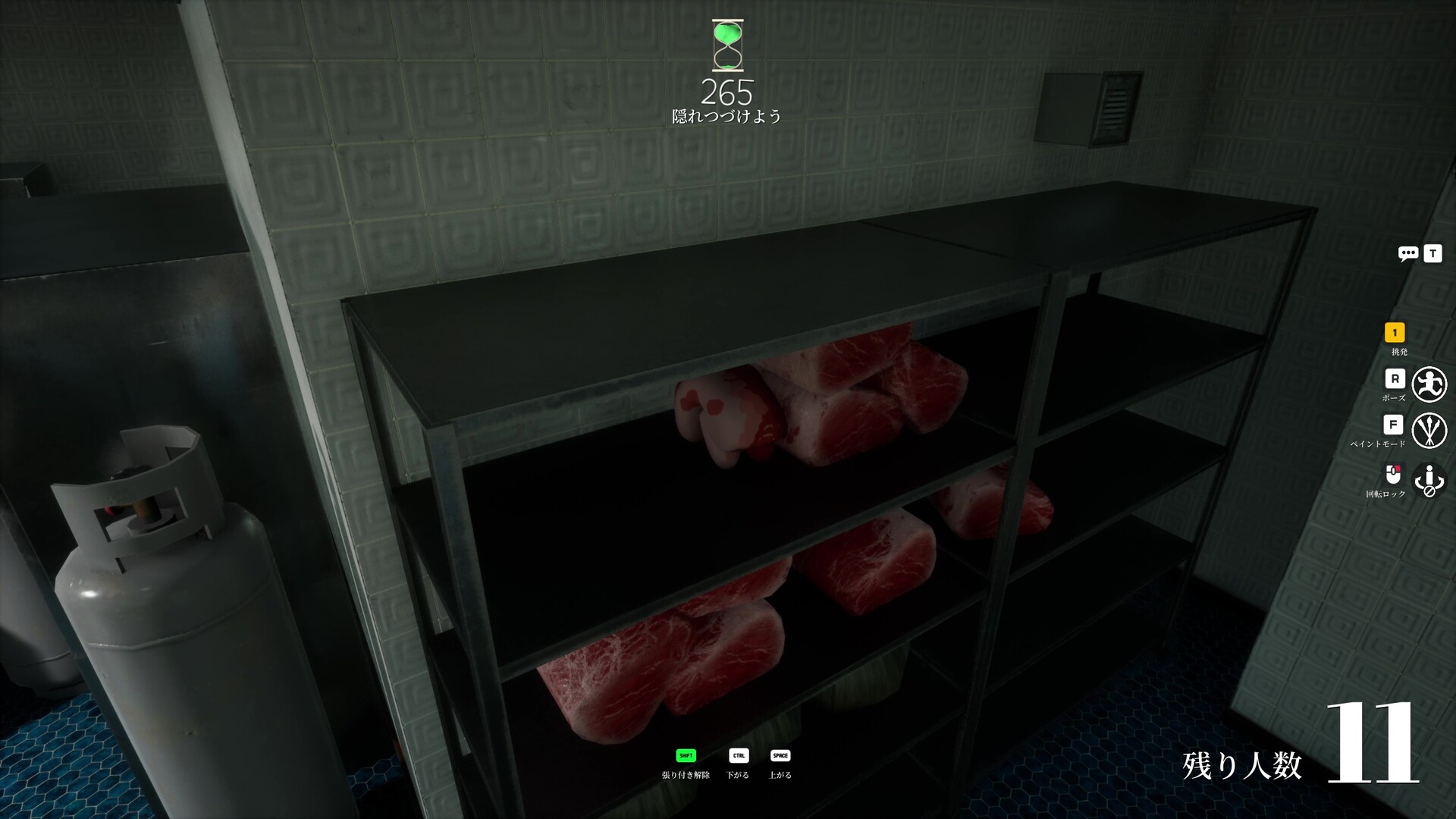
Meat Shelf Disguise
Meat shelf disguise with shelf shadow and prop repetition.
via meccha-chameleon.net · meccha-chameleon.net
Easy Spots to Learn First
High guide-rated spots recommended for building fundamentals
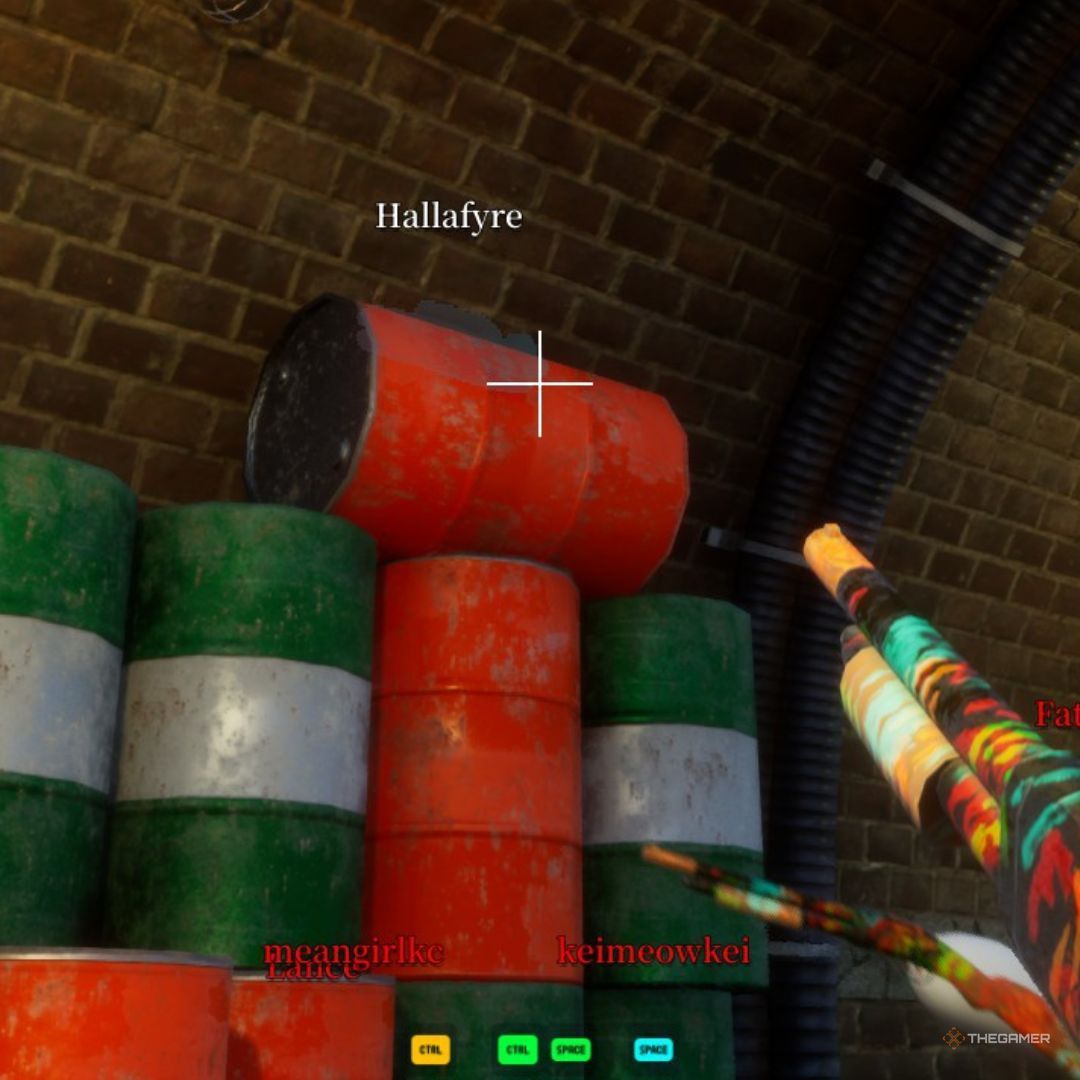
Dark Ceiling Pipe
Behind an overhead pipe in the darkest section. Community top-tier hide.
via TheGamer · TheGamer Community
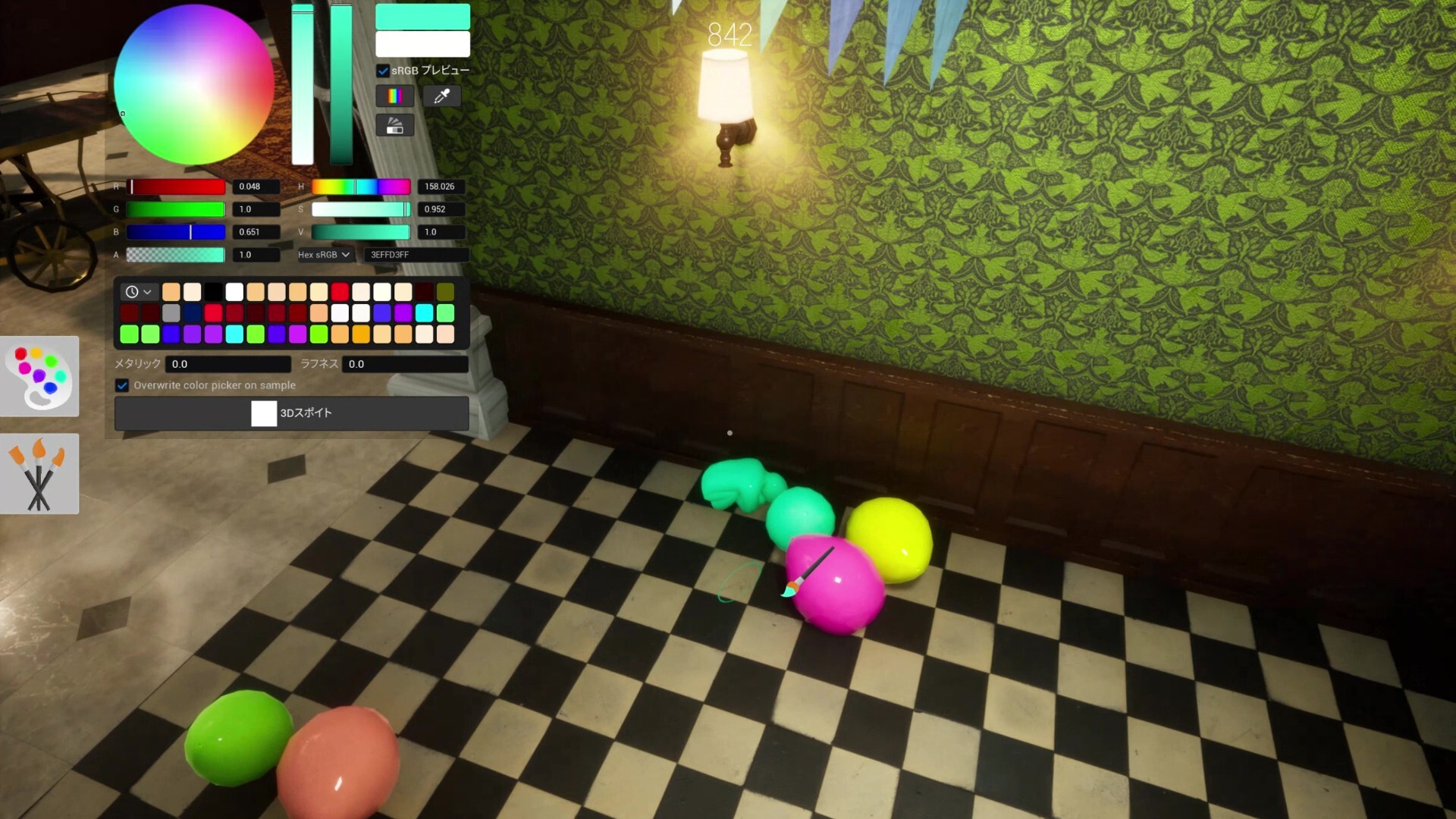
Shelf Back Row
Deepest rear shelf row. Top community survival rate on this map.
via meccha-chameleon.net · meccha-chameleon.net
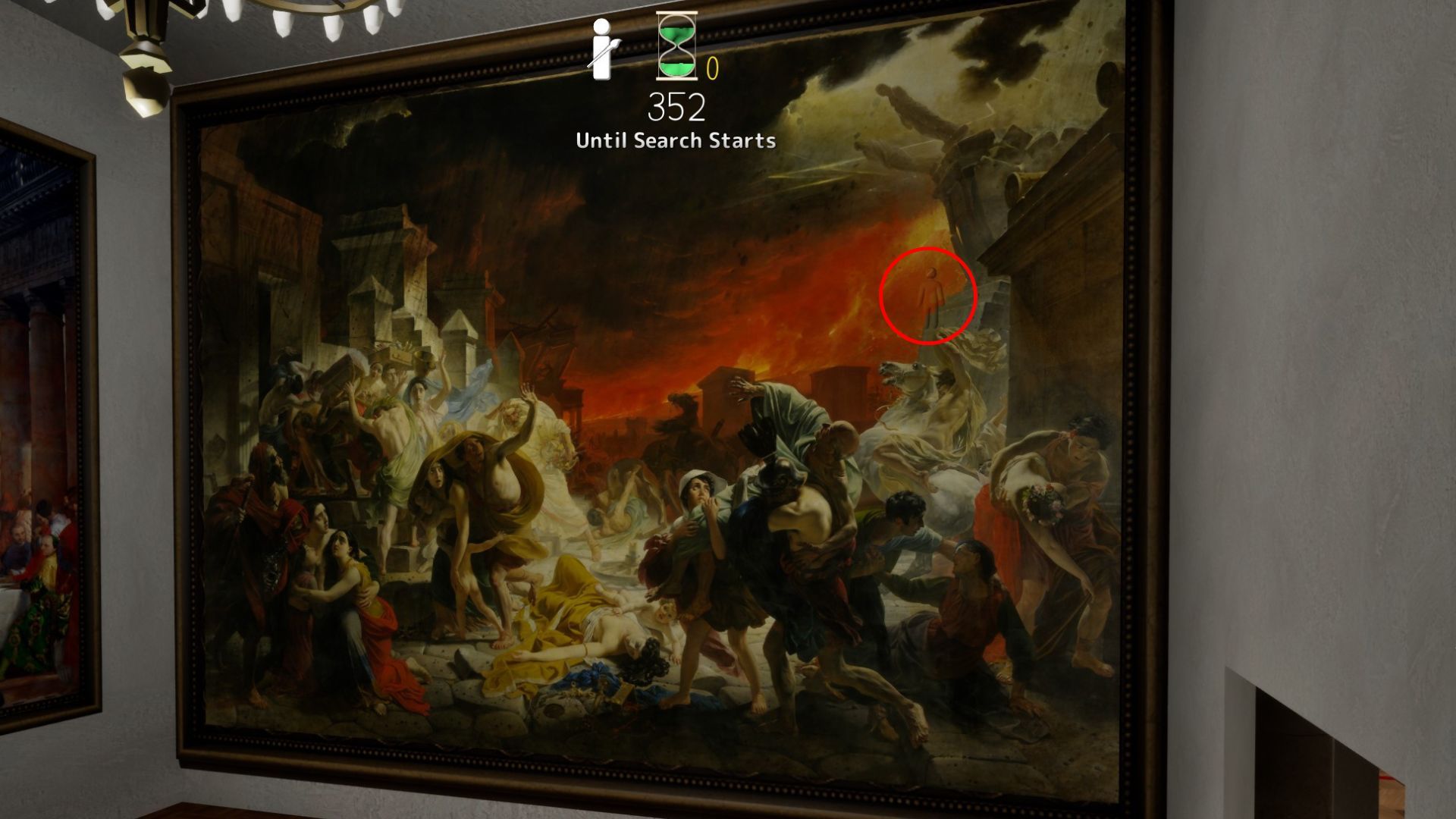
Last Day in Pompeii
Last Day in Pompeii — furthest room; top-left shadow, fire stone, or crowd zones fit multiple hiders.
via DualShockers · DualShockers
Mona Lisa Frame
Paint yourself into the Mona Lisa frame — Polygon's signature Art Gallery pick.
via DualShockers · DualShockers
Hard Spots & Challenges
Low-rated or impossible-tier spots for advanced players

Map-Edge Out of Bounds (Patched)
Deep Sea map-edge / out-of-bounds perch — patched in fix3.7.2 (Steam News titled fix7.3.2).
via Steam News · Steam News
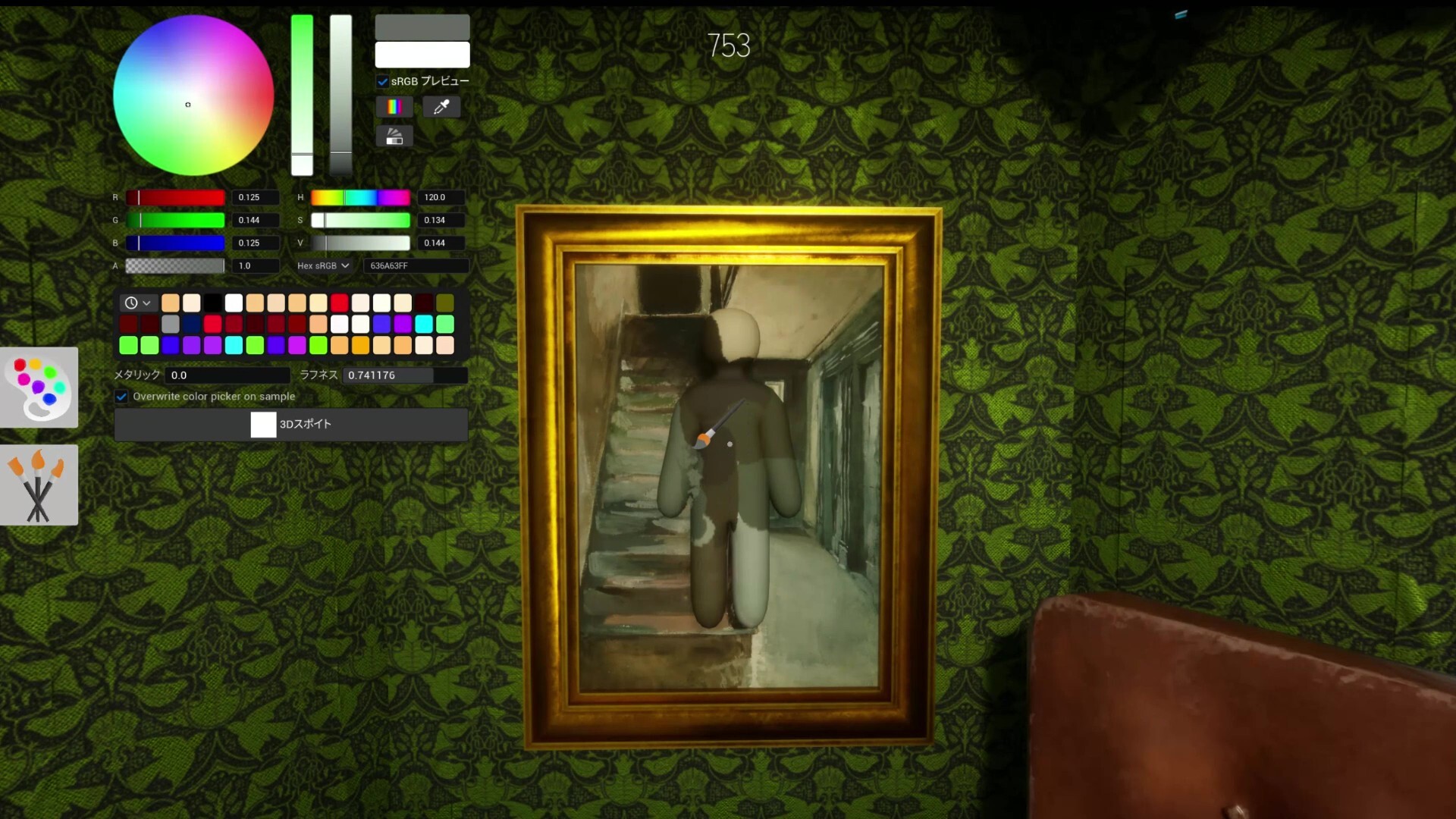
White Elbow Syndrome
Not a spot — a lesson. Unpainted elbow gaps expose more than bad positions.
via Mobalytics · Mobalytics
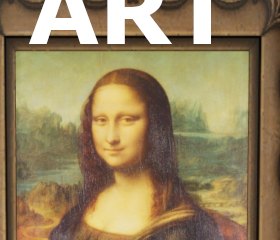
Spotlight Front
Spotlight-lit gallery front — value mismatch on pale walls; experimental warning pin.
via skypenguin.net · Community
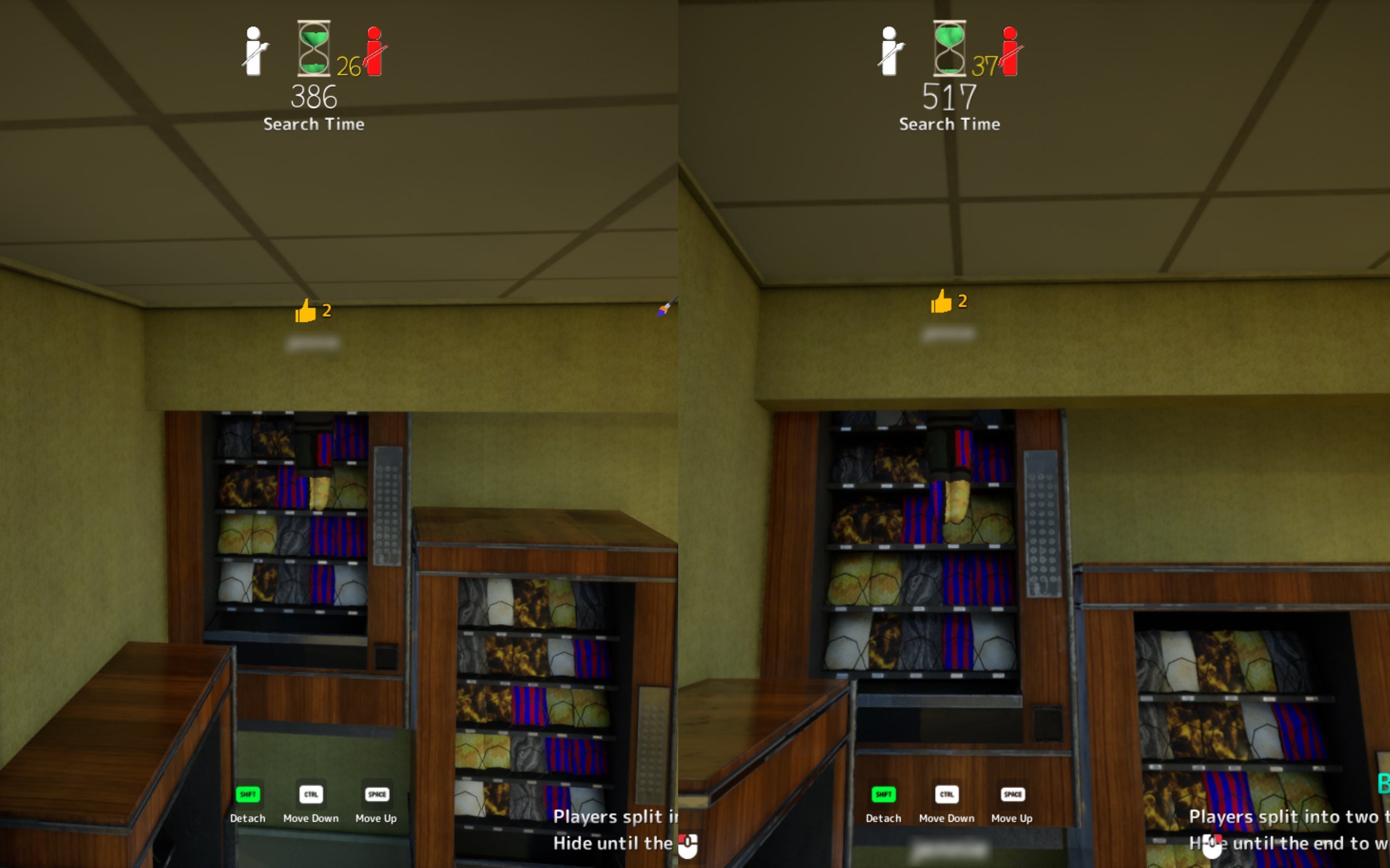
Ceiling Light
Attach near fluorescent fixture. High risk — seekers may look up late.
via TheGamer · TheGamer Community
More Top-Rated Picks
Same category on different maps
Dark Ceiling Pipe
Behind an overhead pipe in the darkest section. Community top-tier hide.
via TheGamer · TheGamer Community
Shelf Back Row
Deepest rear shelf row. Top community survival rate on this map.
via meccha-chameleon.net · meccha-chameleon.net
Last Day in Pompeii
Last Day in Pompeii — furthest room; top-left shadow, fire stone, or crowd zones fit multiple hiders.
via DualShockers · DualShockers
Mona Lisa Frame
Paint yourself into the Mona Lisa frame — Polygon's signature Art Gallery pick.
via DualShockers · DualShockers