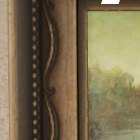
Between-Frame Gap
Recommended by experienced players · sourced from published guides, not live match stats
Location Description
Gap between two frames — skypenguin/DualShockers analog: small gaps beat giant-canvas fronts.
Why It Works
Between-Frame Gap on Art Museum works because gap between two frames — skypenguin/dualshockers analog: small gaps beat giant-canvas fronts. Guide rating 77/100 — difficulty tier from skypenguin.net, not live match statistics. Published guides (Denfaminicogamer — Kyoto / Art Museum) emphasize pose discipline: Compact canvas and plinth poses; avoid open gallery floors and giant-canvas fronts. Map context from Art Museum: Do not confuse this official map with Workshop ART GALLERY (Popunia) or Workshop Art Museum (id 3752392092). Color plan: Torso base samples Primary surface at Between-Frame Gap (F → paint menu, Space eyedropper); Shadow side samples Nearby shadow or darker patch at lock position; Limb / head edges samples Surface adjacent to limbs at lock height. Guide rating 77/100 reflects difficulty tier from skypenguin.net — a curated estimate from published walkthroughs, not aggregated match statistics. The core advantage is silhouette breaking: seekers scan for human-shaped lumps and value mismatches before they analyze hue. Between-Frame Gap gives you clutter, depth, or verticality that buys time when paint and pose are locked in prep.
Best Colors
TheGamer, IGN, and mecchachameleongame.wiki all recommend the in-game Eyedropper (Space) on the exact surface you touch — not fixed hex/RGB codes. Lighting and patches change effective values; the table below lists which surface to sample per body part and how to apply it.
- Torso base: Primary surface at Between-Frame Gap (F → paint menu, Space eyedropper) — Eyedrop the canvas you touch; darker regions hide better than bright highlights (skypenguin.net analog).
- Shadow side: Nearby shadow or darker patch at lock position — HSV Value one step down — never sample a similar surface across the room
- Limb / head edges: Surface adjacent to limbs at lock height — 360° white-gap check before prep ends (SlashSkill #1 day-one mistake)
When To Use
- When this applies: v4.1.0 official 美術館 — dedicated still pending; all spots experimental.
- When this applies: Do not confuse with Workshop ART GALLERY (Popunia).
- When you can eyedrop the canvas you touch — museum analog from skypenguin.net / DualShockers
- Darker paintings and smaller frames before giant canvases get first-cleared
- When community-tested positions match your lobby size and seeker skill
When NOT To Use
- Open gallery floor as a long camp — spotlight sightlines punish imperfect paint
- Same giant-canvas perch three rounds — workshop analog says large paintings read human at range
- Confusing this official map with Workshop ART GALLERY (Popunia) callouts
- When seekers in your lobby already slow-check this zone twice in one session — rotate
Pro Tips
skypenguin/DualShockers museum analog: smaller gaps and lesser paintings beat giant-canvas fronts. Wedge between two frames; dual-sample gold trim + wall. Experimental until official still confirms spacing.
How to Win Here
- v4.1.0 official 美術館 — dedicated still pending; all spots experimental.
- Do not confuse with Workshop ART GALLERY (Popunia).
- Smaller lesser-known paintings often beat giant canvases at range (DualShockers analog).
- note.com chair-leg / plinth-underside pins: seekers scan canvases first.
- Pro tip from our database: skypenguin/DualShockers museum analog: smaller gaps and lesser paintings beat giant-canvas fronts. Wedge between two frames; dual-sample gold trim + wall. Experimental until official still confirms spacing.
- Source: skypenguin.net — re-verify in a private lobby after major patches.
Color & Paint Plan
Body-part breakdown from published guides — sample with in-game Eyedropper (F → Space), then fine-tune HSV / metallic / roughness per surface.
| Body part | Sample from | Technique |
|---|---|---|
| Torso base | Primary surface at Between-Frame Gap (F → paint menu, Space eyedropper) | Eyedrop the canvas you touch; darker regions hide better than bright highlights (skypenguin.net analog). |
| Shadow side | Nearby shadow or darker patch at lock position | HSV Value one step down — never sample a similar surface across the room |
| Limb / head edges | Surface adjacent to limbs at lock height | 360° white-gap check before prep ends (SlashSkill #1 day-one mistake) |
Pose
Compact canvas and plinth poses; avoid open gallery floors and giant-canvas fronts.
Metallic & roughness
- · Match metallic / roughness to surface (SlashSkill: sheen mismatch exposes faster than hue error)
- · Matte wall → low metallic; metal pipe/barrel → medium–high metallic
Common Mistakes
- Copying the spot without the exact pose shown in community screenshots
- Sampling from a nearby surface instead of the pixel your body touches (SlashSkill eyedropper rule)
- Panicking and running when a seeker walks past instead of holding still
- Using default camera height habits — seekers eventually look up (Sewer pipe meta)
Counter Strategy
For seekers hunting this zone — sourced from map guides and community checklists
- Seeker timing: Guide rating 77/100 — difficulty tier from skypenguin.net, not live match statistics.
- Clear canvas blends and darker paintings on first pass — museum analog from skypenguin.net
- Scan plinths and gilded frames at crouch height before assuming halls are empty
- Giant canvas fronts: look for human-shaped silhouettes at range
Guide Sources
Guide Notes
- v4.1.0 official 美術館 — dedicated still pending; all spots experimental.
- Do not confuse with Workshop ART GALLERY (Popunia).
- Primary tip from skypenguin.net: skypenguin/DualShockers museum analog: smaller gaps and lesser paintings beat giant-canvas fronts. Wedge between two frames; dual-sample gold trim + wall. Experimental until official still confirms spacing.
- Denfaminicogamer — Kyoto / Art Museum — https://news.denfaminicogamer.jp/news/2608283n
- skypenguin.net — museum / ARTGALLERY analog — https://skypenguin.net/2026/06/25/post-155004/
- Verify in a private lobby after major patches.
Image & Data Sources
Screenshot matched to Art Museum where possible; some entries use map overview assets when a spot-specific image is unavailable. Spot details via skypenguin.net. Guide ratings are curated estimates from published walkthroughs — not live match statistics. Game imagery © lemorion_1224 / Steam.
Similar Spots
Keep exploring — related spots to improve your win rate
Other Art Museum hiding spots ranked by guide rating
Gallery Bench Legs
Gallery bench-leg hide — note.com chair-leg tactic on official 美術館; sample wood plus floor shadow.
via note.com · note.com / GameWith
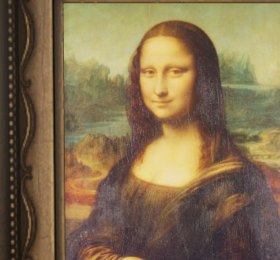
Canvas Blend
Canvas blend on official Art Museum — eyedrop the painting you touch; experimental pending official still.
via skypenguin.net · Community
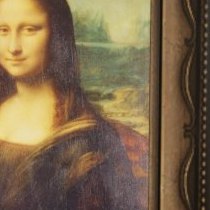
World-Famous Painting Wall
World-famous painting wall on official 美術館 — 4gamer; eyedrop the canvas, not Workshop ART GALLERY.
via 4gamer · 4gamer / Community
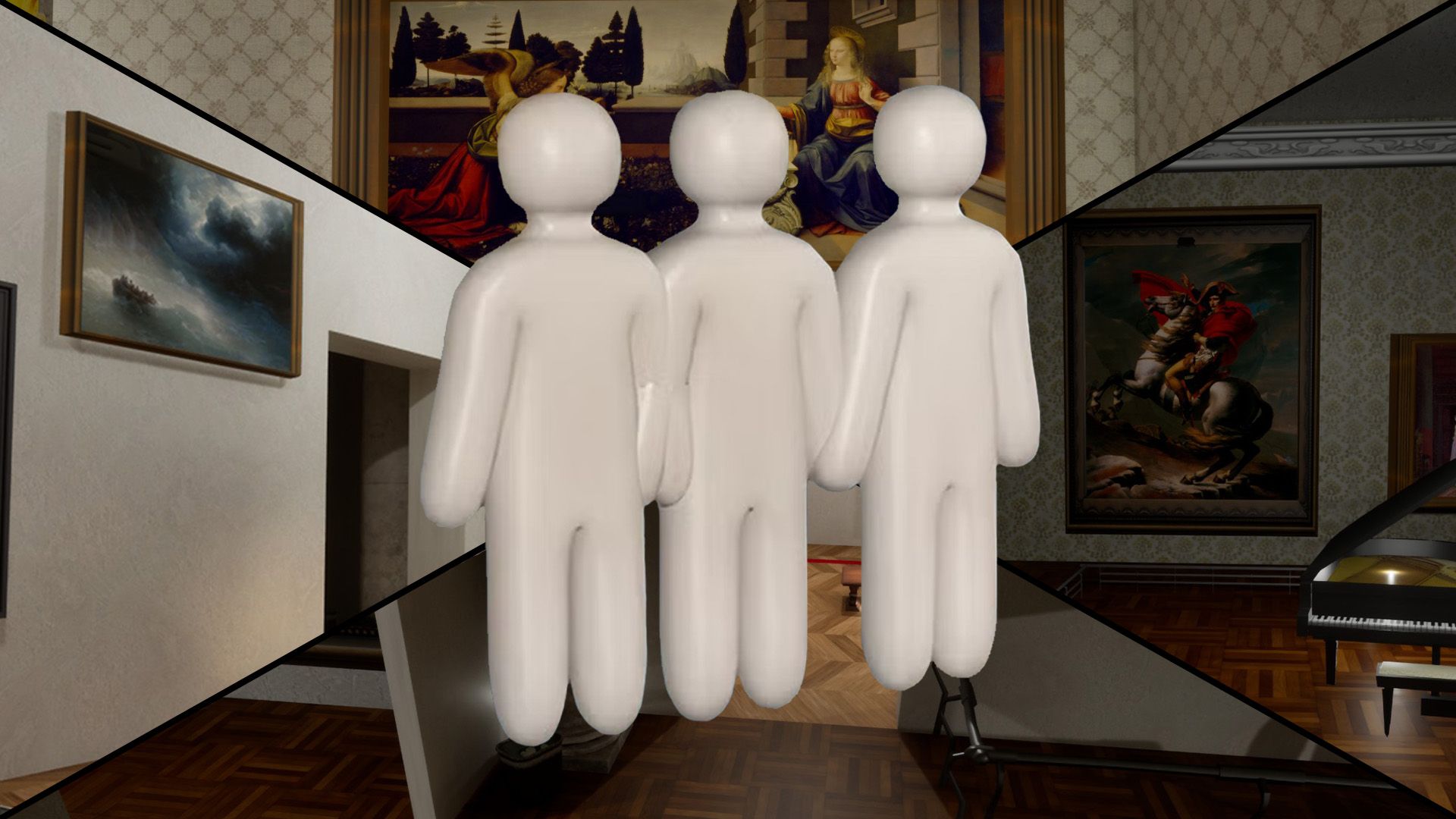
In-Game Object Exhibit
In-game Meccha objects displayed as museum exhibits — 4gamer; prop-mimic familiar props.
via 4gamer · 4gamer / Community
Similar Difficulty
Spots with a comparable guide rating on other maps
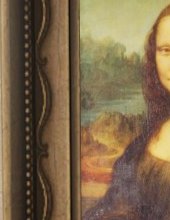
Mona Lisa Frame
Paint yourself into the Mona Lisa frame — Polygon's signature Art Gallery pick.
via DualShockers · DualShockers
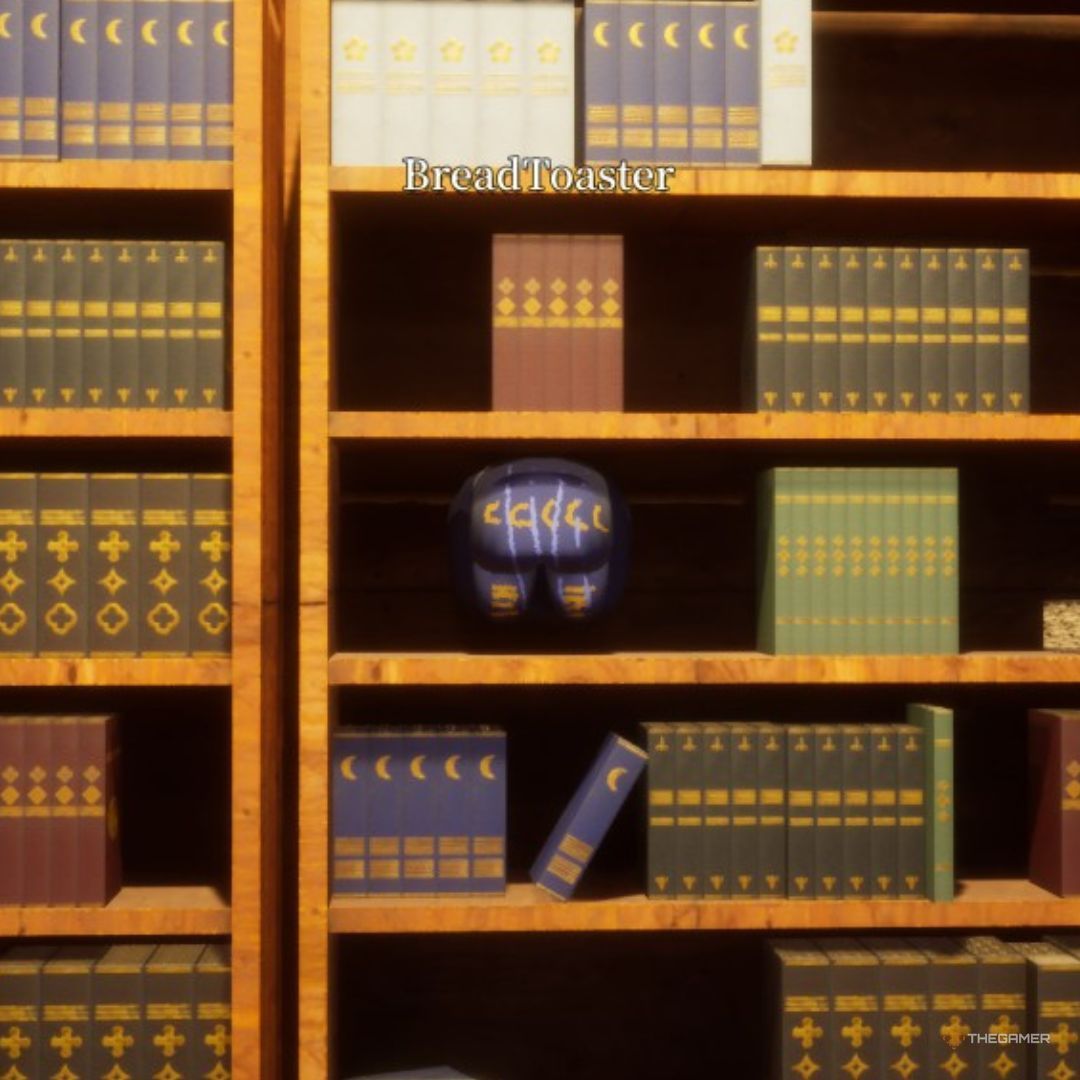
Library Shelf
Crouch between rear bookshelf rows disguised as book spines. One of the strongest verified Mansion spots.
via TheGamer · TheGamer Community
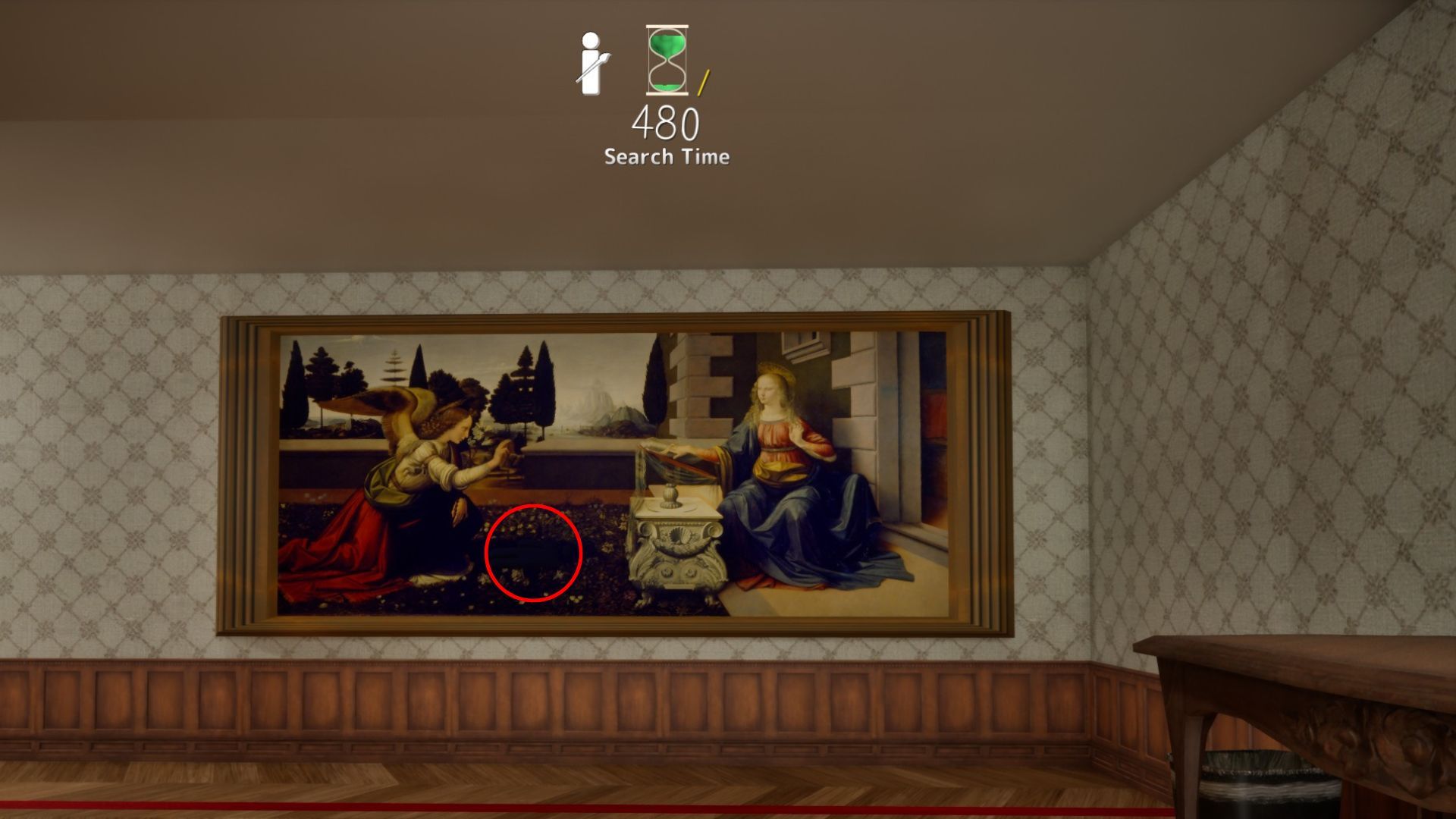
The Annunciation Shadow
The Annunciation shadow beside the winged figure — sideways pose in the dark strip.
via DualShockers · DualShockers
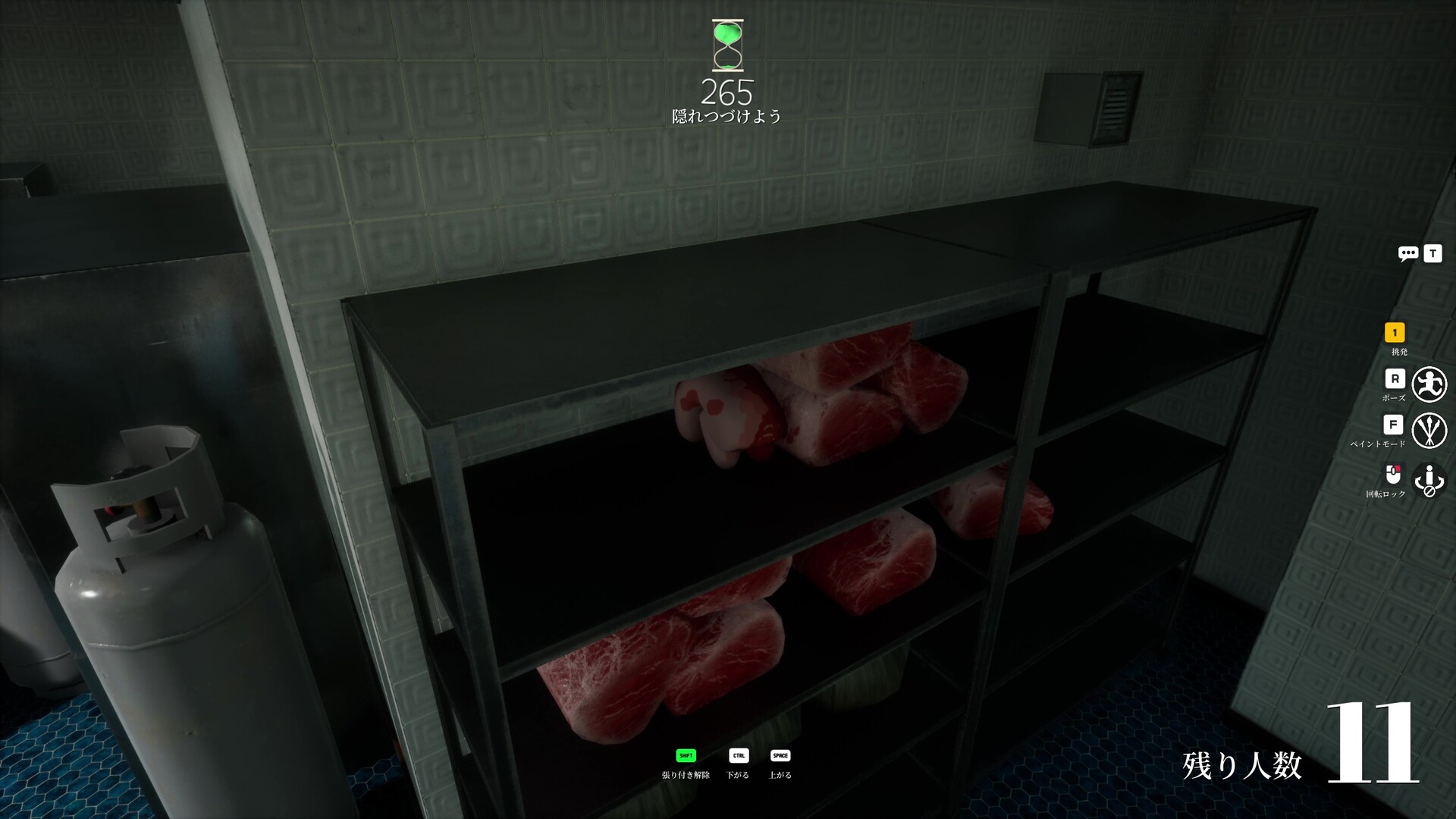
Meat Shelf Disguise
Meat shelf disguise with shelf shadow and prop repetition.
via meccha-chameleon.net · meccha-chameleon.net
Easy Spots to Learn First
High guide-rated spots recommended for building fundamentals
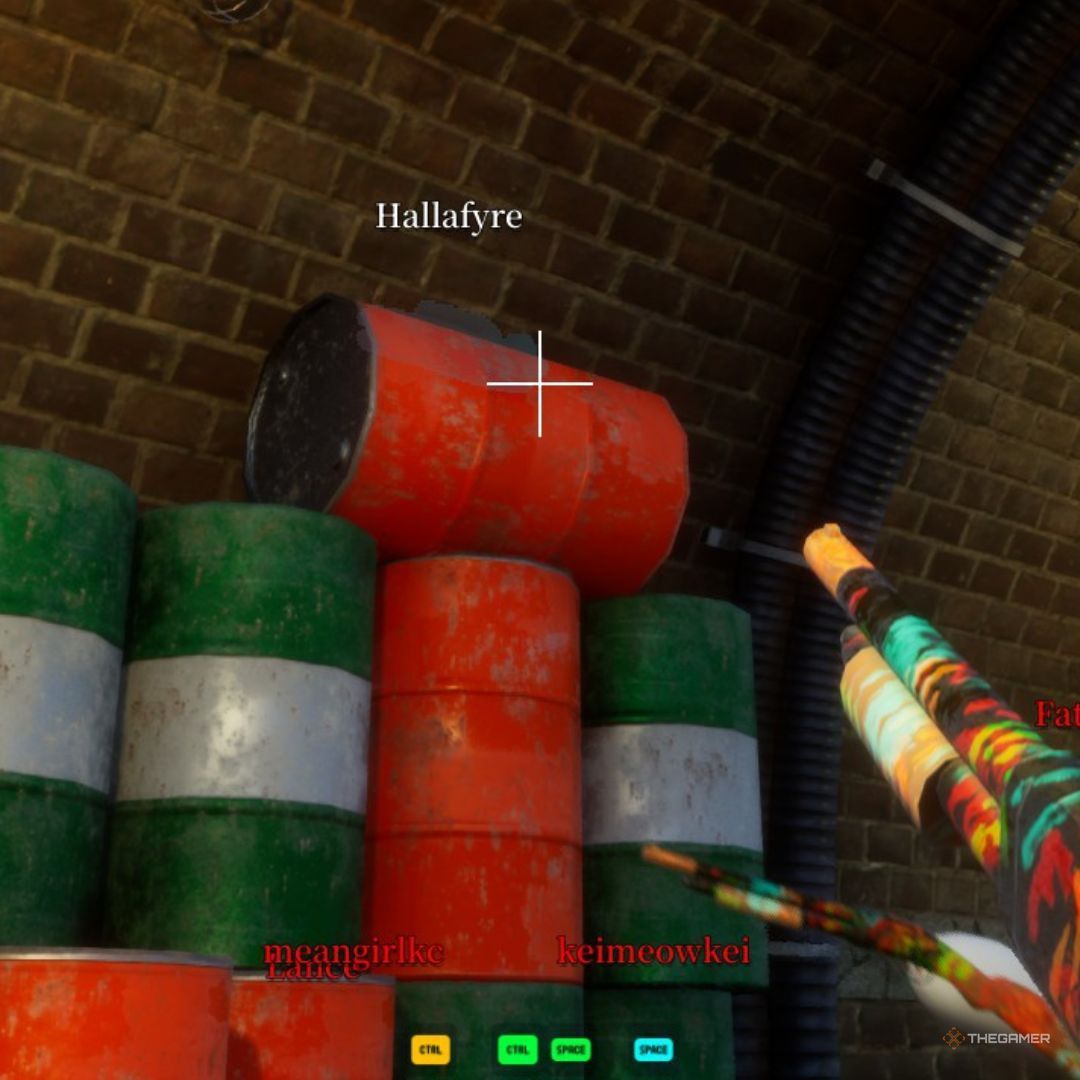
Dark Ceiling Pipe
Behind an overhead pipe in the darkest section. Community top-tier hide.
via TheGamer · TheGamer Community
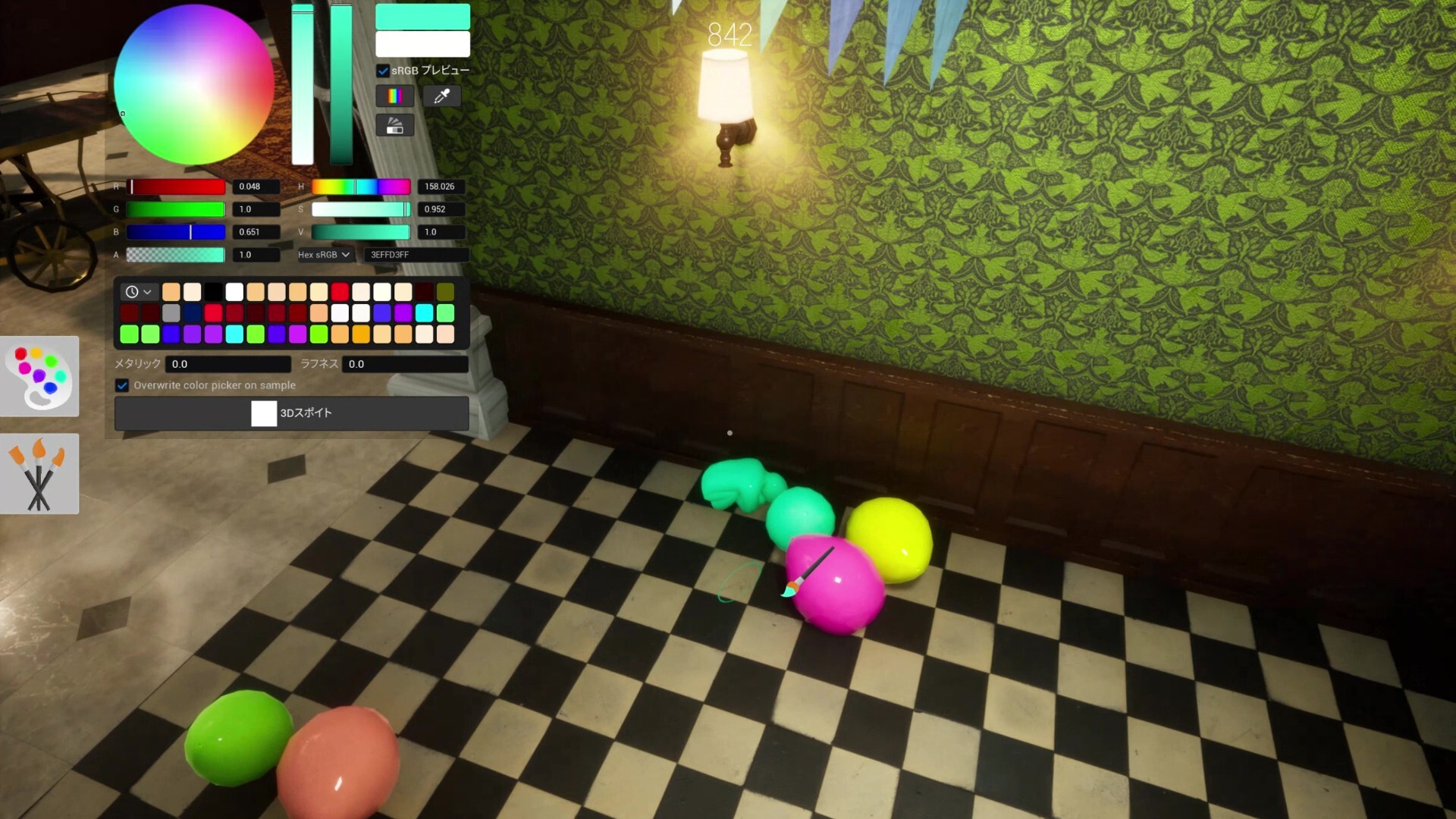
Shelf Back Row
Deepest rear shelf row. Top community survival rate on this map.
via meccha-chameleon.net · meccha-chameleon.net
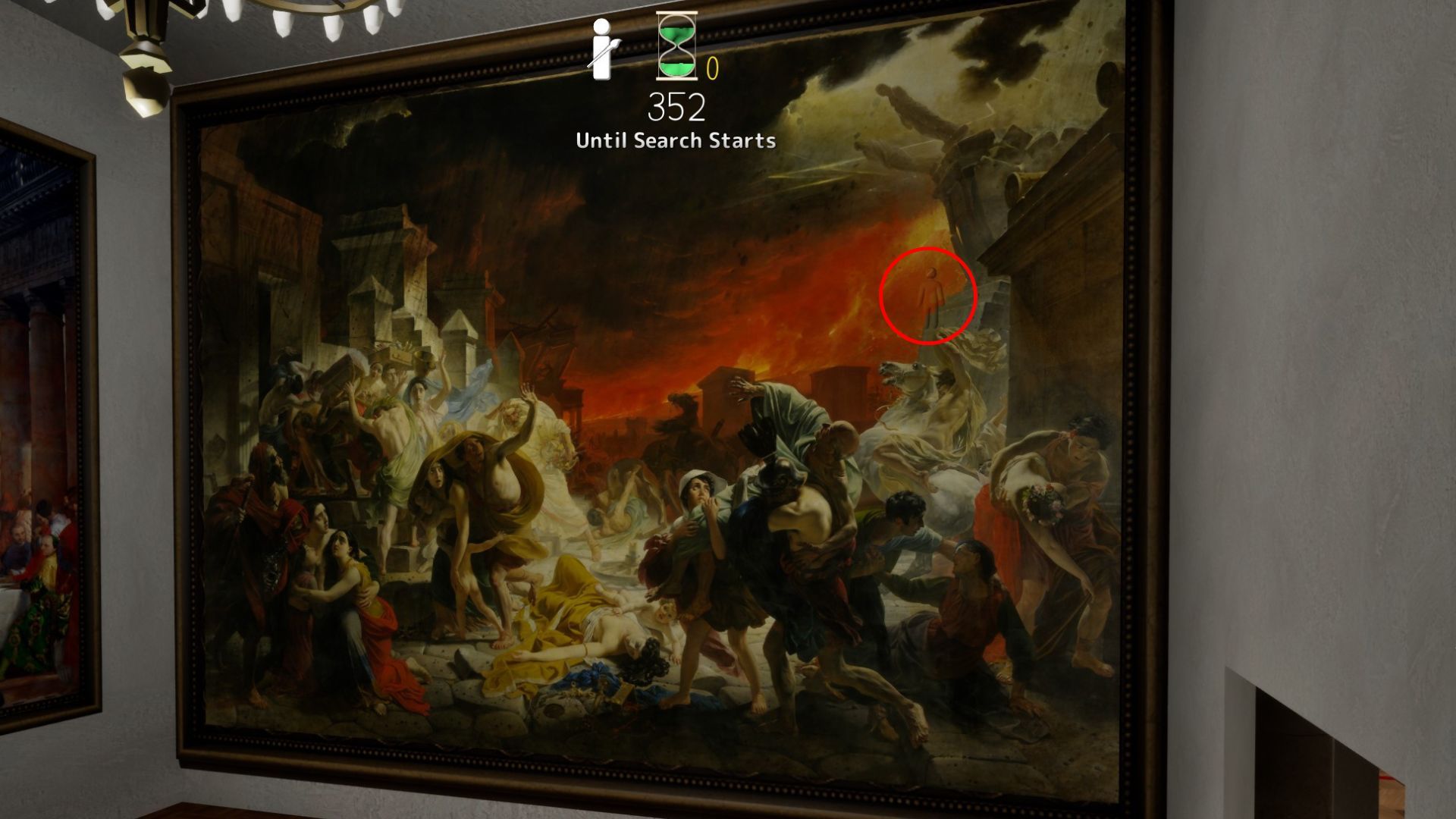
Last Day in Pompeii
Last Day in Pompeii — furthest room; top-left shadow, fire stone, or crowd zones fit multiple hiders.
via DualShockers · DualShockers
Mona Lisa Frame
Paint yourself into the Mona Lisa frame — Polygon's signature Art Gallery pick.
via DualShockers · DualShockers
Hard Spots & Challenges
Low-rated or impossible-tier spots for advanced players

Map-Edge Out of Bounds (Patched)
Deep Sea map-edge / out-of-bounds perch — patched in fix3.7.2 (Steam News titled fix7.3.2).
via Steam News · Steam News
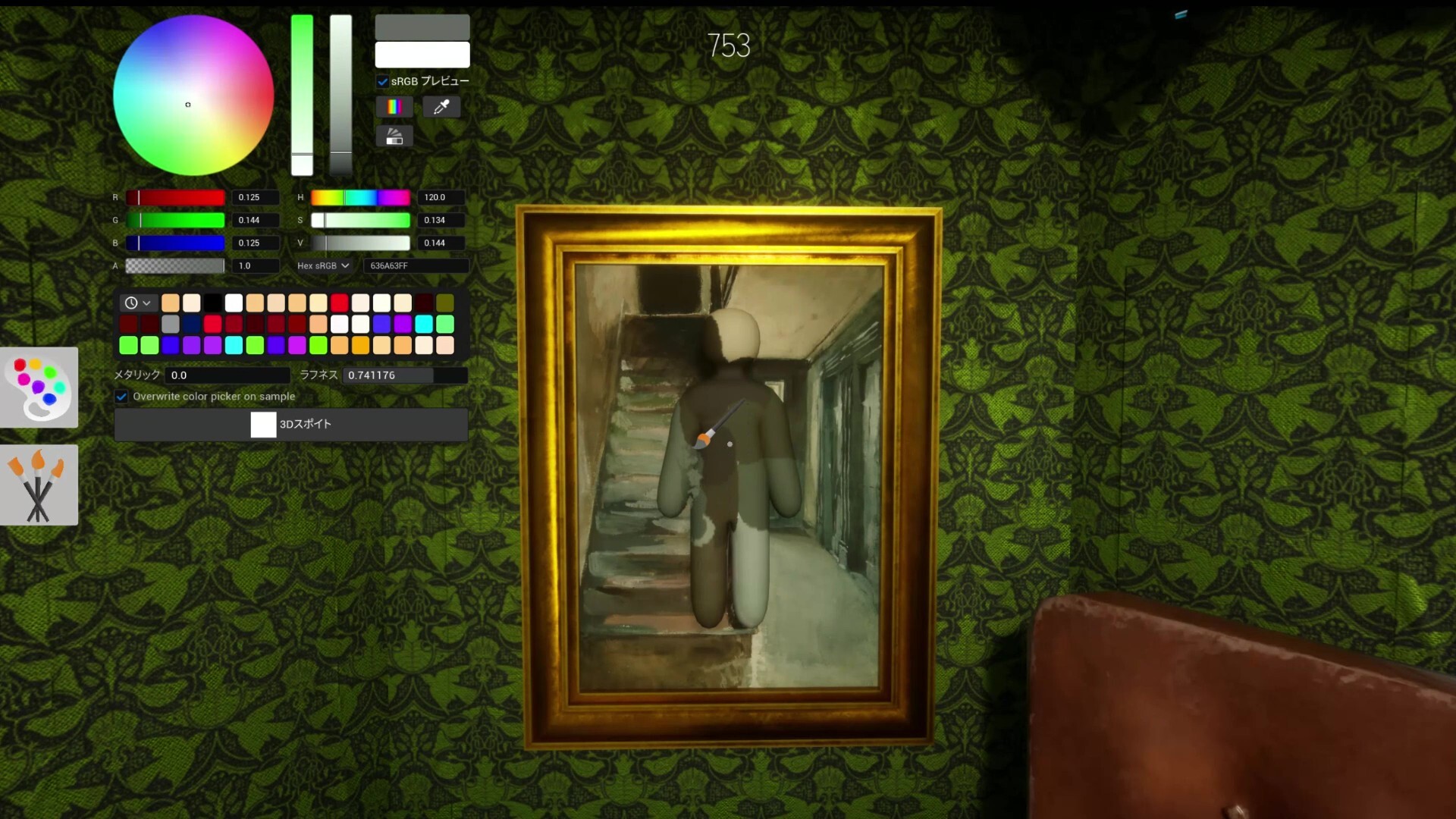
White Elbow Syndrome
Not a spot — a lesson. Unpainted elbow gaps expose more than bad positions.
via Mobalytics · Mobalytics
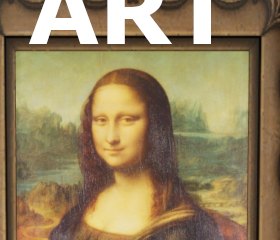
Spotlight Front
Spotlight-lit gallery front — value mismatch on pale walls; experimental warning pin.
via skypenguin.net · Community
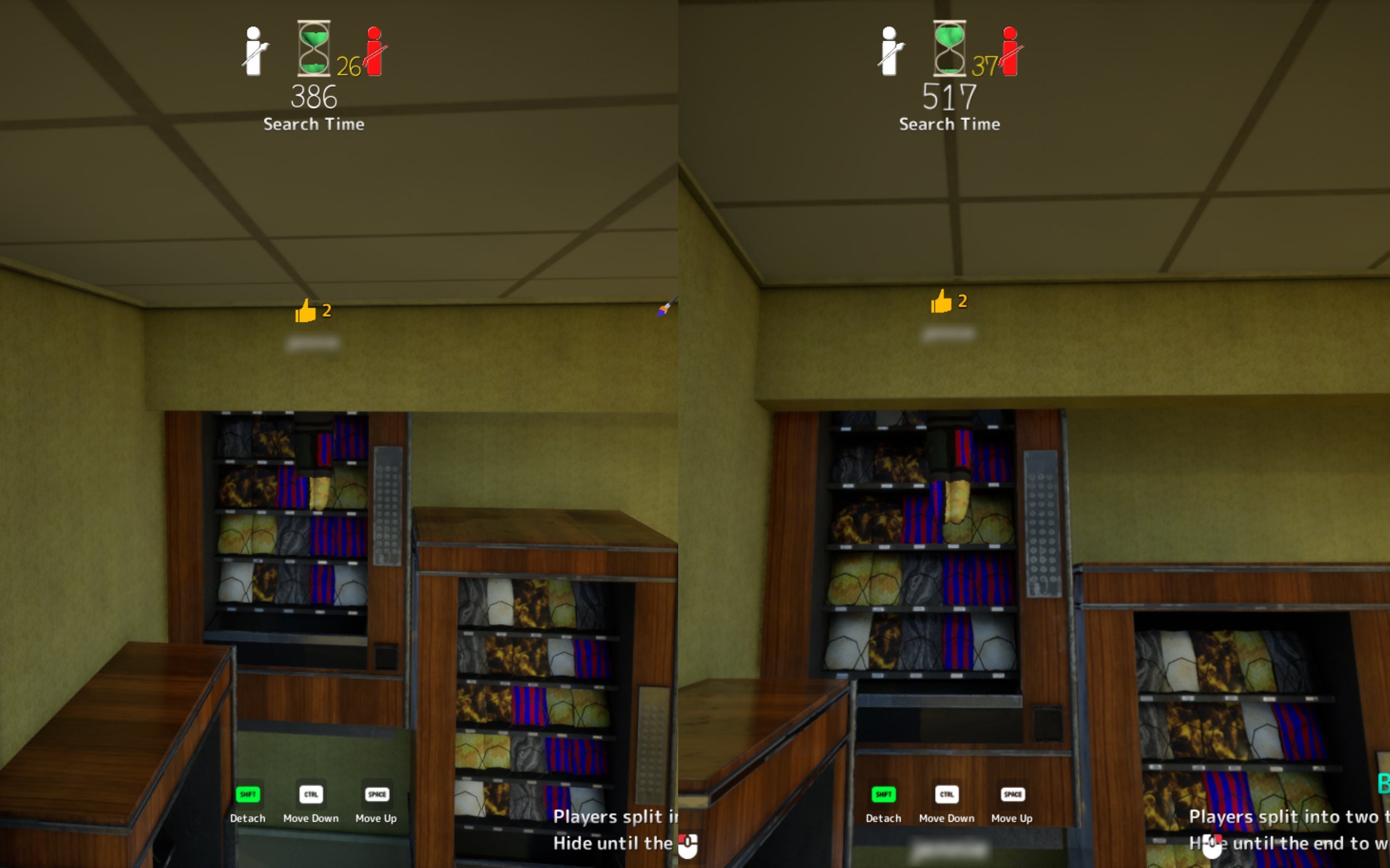
Ceiling Light
Attach near fluorescent fixture. High risk — seekers may look up late.
via TheGamer · TheGamer Community
More Community Picks
Same category on different maps
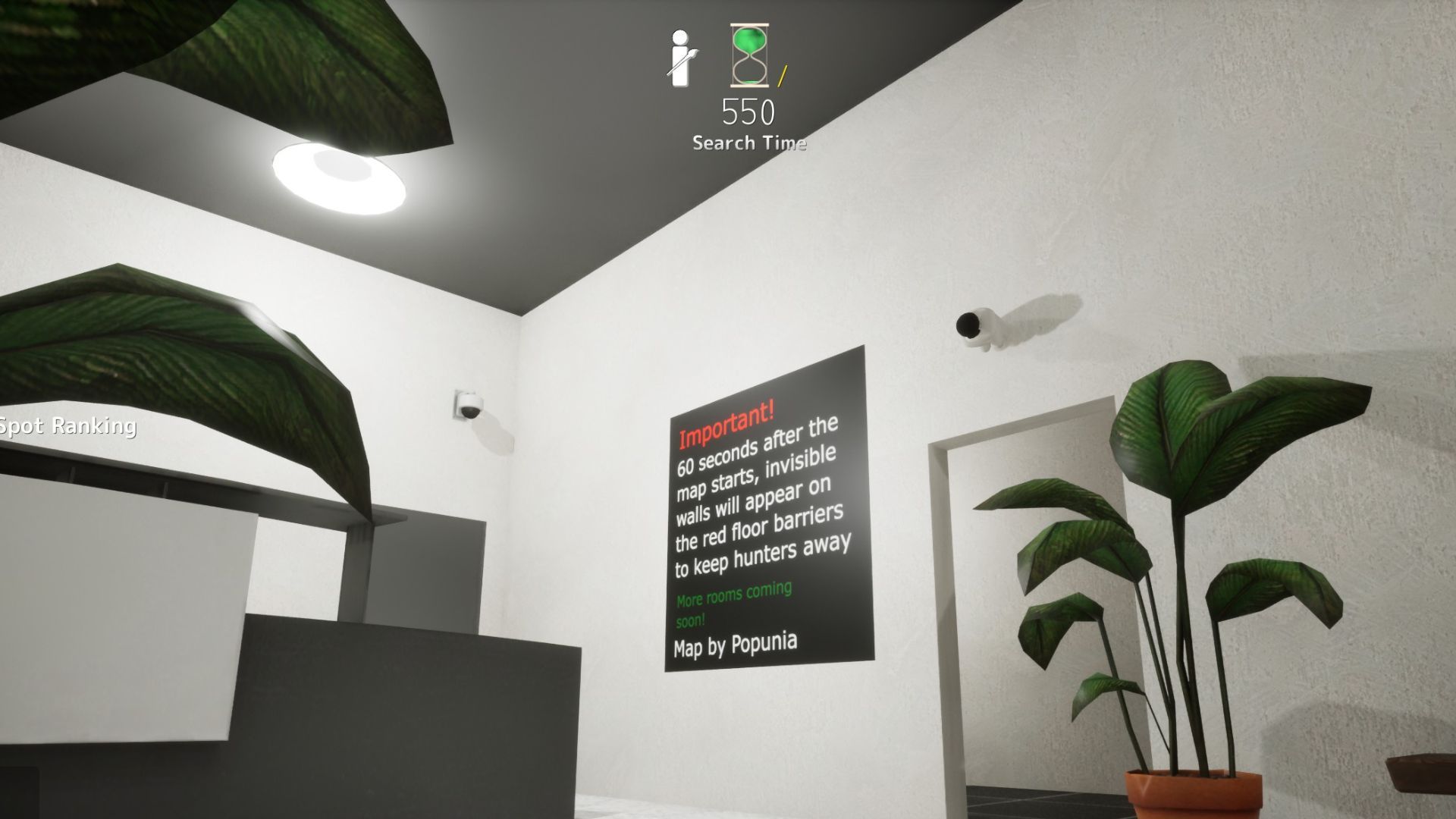
Security Camera (Spawn Door)
Security camera above spawn door — paint wall color on body, black on head. Hunters scan paintings, not fixtures.
via DualShockers · DualShockers
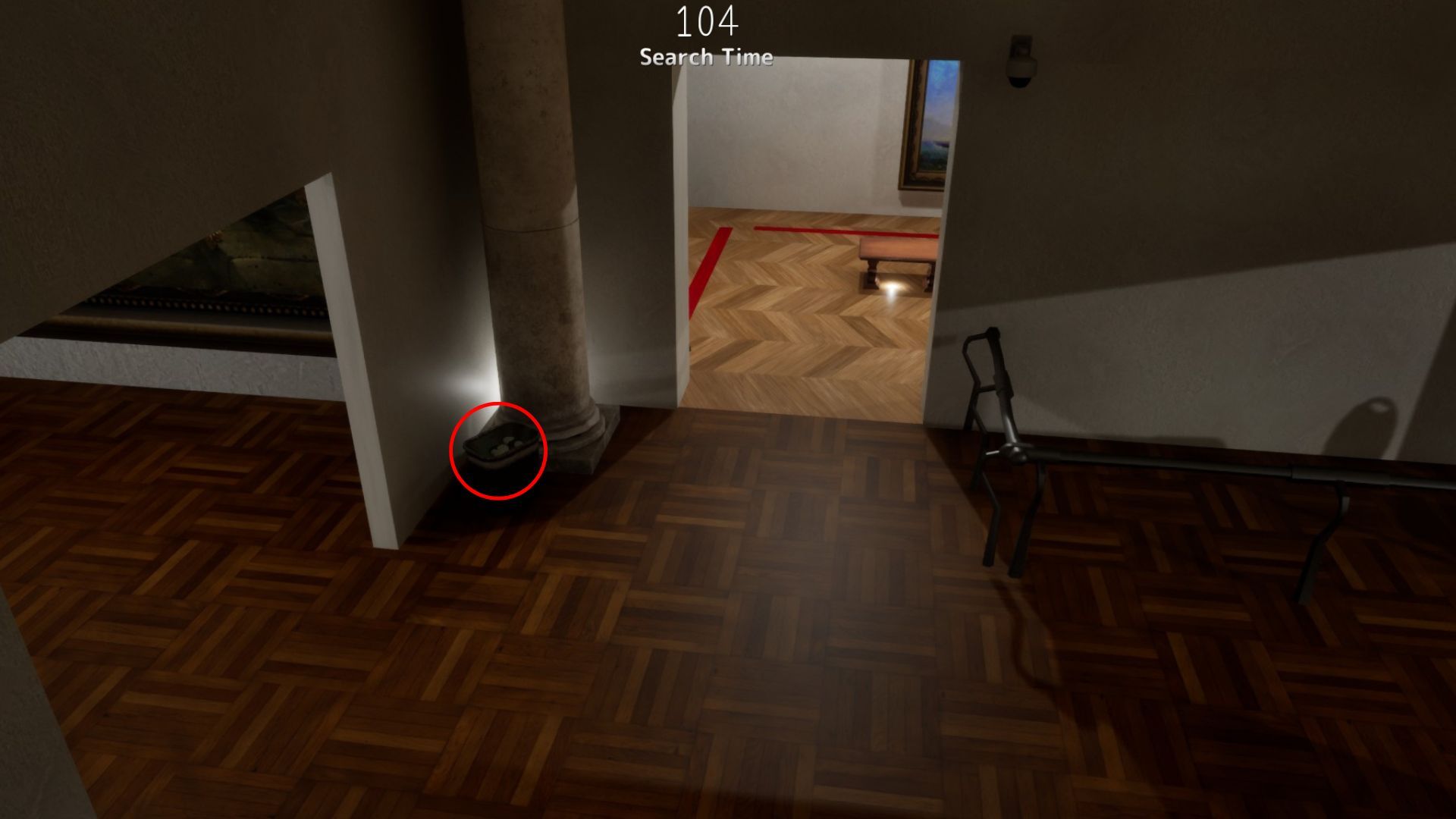
Garbage Can
Garbage can hide — curl inside with bag-color paint; overlooked while hunters rush paintings.
via DualShockers · DualShockers
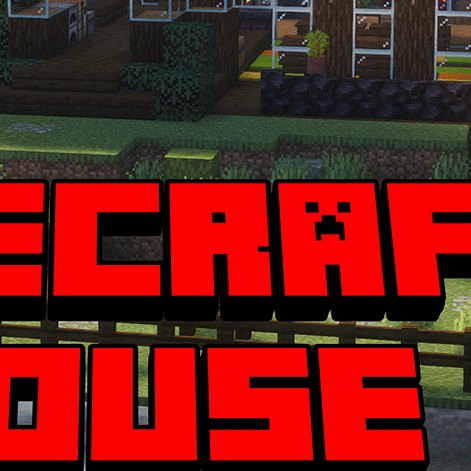
Yard Torch & Flower
Survival house yard torch and flower prop mimic — Polygon verified outside hide.
via Polygon · Polygon Community
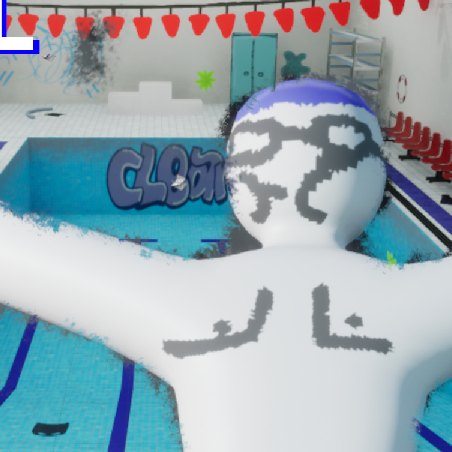
Pool Deck Chair Stack
Pool deck chair stack by the diving board — sample deck white, not pool tile blue.
via GameRant · GameRant Community