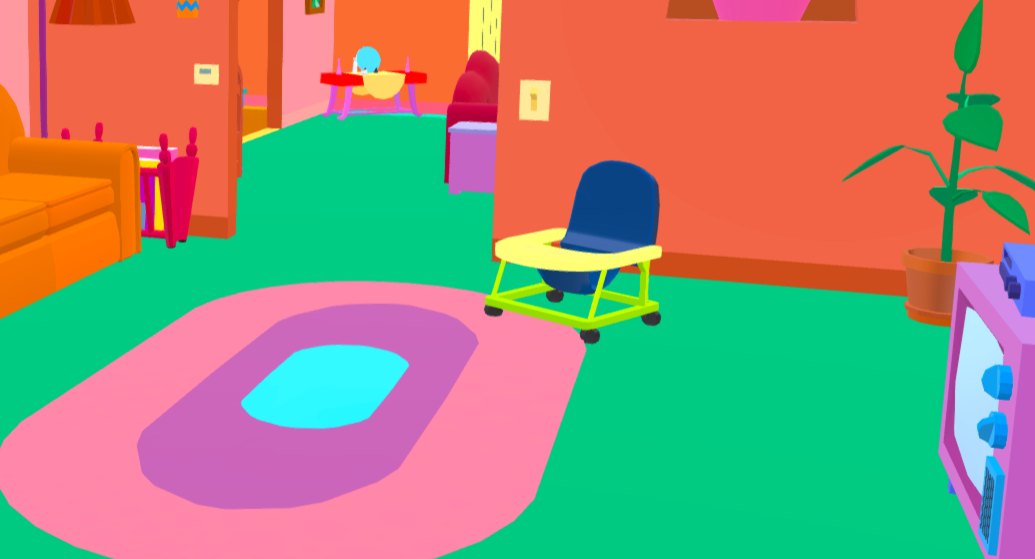
Kitchen Prop Cluster
Recommended by experienced players · sourced from published guides, not live match stats
Location Description
Kitchen prop cluster despite bold Simpsons palette — local sampling wins.
Why It Works
Kitchen Prop Cluster on Simpsons Family House works because kitchen prop cluster despite bold simpsons palette — local sampling wins. Guide rating 74/100 — difficulty tier from Screen Hype, not live match statistics. Published guides (mecchachameleongame.wiki Paint System) emphasize pose discipline: Kitchen clutter breaks outline despite loud colors Color plan: Torso base samples Primary surface at Kitchen Prop Cluster (F → paint menu, Space eyedropper); Shadow side samples Nearby shadow or darker patch at lock position; Limb / head edges samples Surface adjacent to limbs at lock height. Guide rating 74/100 reflects difficulty tier from Screen Hype — a curated estimate from published walkthroughs, not aggregated match statistics. The core advantage is silhouette breaking: seekers scan for human-shaped lumps and value mismatches before they analyze hue. Kitchen Prop Cluster gives you clutter, depth, or verticality that buys time when paint and pose are locked in prep.
Best Colors
TheGamer, IGN, and mecchachameleongame.wiki all recommend the in-game Eyedropper (Space) on the exact surface you touch — not fixed hex/RGB codes. Lighting and patches change effective values; the table below lists which surface to sample per body part and how to apply it.
- Torso base: Primary surface at Kitchen Prop Cluster (F → paint menu, Space eyedropper) — Block main tone, add one shadow tone on away-from-light side
- Shadow side: Nearby shadow or darker patch at lock position — HSV Value one step down — never sample a similar surface across the room
- Limb / head edges: Surface adjacent to limbs at lock height — 360° white-gap check before prep ends (SlashSkill #1 day-one mistake)
When To Use
- When this applies: Spot first, paint second (mecchachameleongame.wiki paint workflow).
- When this applies: Pro tip from our database: Kitchen clutter breaks outline despite loud colors. Simple shapes still read as props if sampled locally.
- Serious lobbies where you need a reliable round-one survive — best-category spots prioritize consistency over memes
When NOT To Use
- When seekers in your lobby already slow-check this zone twice in one session — rotate
Pro Tips
Kitchen clutter breaks outline despite loud colors. Simple shapes still read as props if sampled locally.
How to Win Here
- Spot first, paint second (mecchachameleongame.wiki paint workflow).
- Pro tip from our database: Kitchen clutter breaks outline despite loud colors. Simple shapes still read as props if sampled locally.
- Source: Screen Hype — re-verify in a private lobby after major patches.
Color & Paint Plan
Body-part breakdown from published guides — sample with in-game Eyedropper (F → Space), then fine-tune HSV / metallic / roughness per surface.
| Body part | Sample from | Technique |
|---|---|---|
| Torso base | Primary surface at Kitchen Prop Cluster (F → paint menu, Space eyedropper) | Block main tone, add one shadow tone on away-from-light side |
| Shadow side | Nearby shadow or darker patch at lock position | HSV Value one step down — never sample a similar surface across the room |
| Limb / head edges | Surface adjacent to limbs at lock height | 360° white-gap check before prep ends (SlashSkill #1 day-one mistake) |
Pose
Kitchen clutter breaks outline despite loud colors
Metallic & roughness
- · Match metallic / roughness to surface (SlashSkill: sheen mismatch exposes faster than hue error)
- · Matte wall → low metallic; metal pipe/barrel → medium–high metallic
Common Mistakes
- Standing too close to the edge where your outline breaks the geometry
- Using one flat eyedropper sample for the whole body — guides say lit + shadow sides need separate samples (mecchachameleongame.wiki paint-system)
- Moving the camera or adjusting pose after seekers enter the room
- Setting up during hunt phase instead of prep — SlashSkill: spend first third of prep on spot, then paint
Counter Strategy
For seekers hunting this zone — sourced from map guides and community checklists
- Seeker timing: Guide rating 74/100 — difficulty tier from Screen Hype, not live match statistics.
Guide Sources
Guide Notes
- Spot first, paint second (mecchachameleongame.wiki paint workflow).
- Pro tip from our database: Kitchen clutter breaks outline despite loud colors. Simple shapes still read as props if sampled locally.
- Primary tip from Screen Hype: Kitchen clutter breaks outline despite loud colors. Simple shapes still read as props if sampled locally.
- mecchachameleongame.wiki Paint System — https://mecchachameleongame.wiki/paint-system/
- SlashSkill Paint Tips — https://www.slashskill.com/meccha-chameleon-tips-how-to-win-as-hider-and-seeker-and-master-the-paint-tool/
- Verify in a private lobby after major patches.
Image & Data Sources
Screenshot matched to Simpsons Family House where possible; some entries use map overview assets when a spot-specific image is unavailable. Spot details via Screen Hype. Guide ratings are curated estimates from published walkthroughs — not live match statistics. Game imagery © lemorion_1224 / Steam.
Similar Spots
Keep exploring — related spots to improve your win rate
Other Simpsons Family House hiding spots ranked by guide rating
View all Simpsons Family House spots →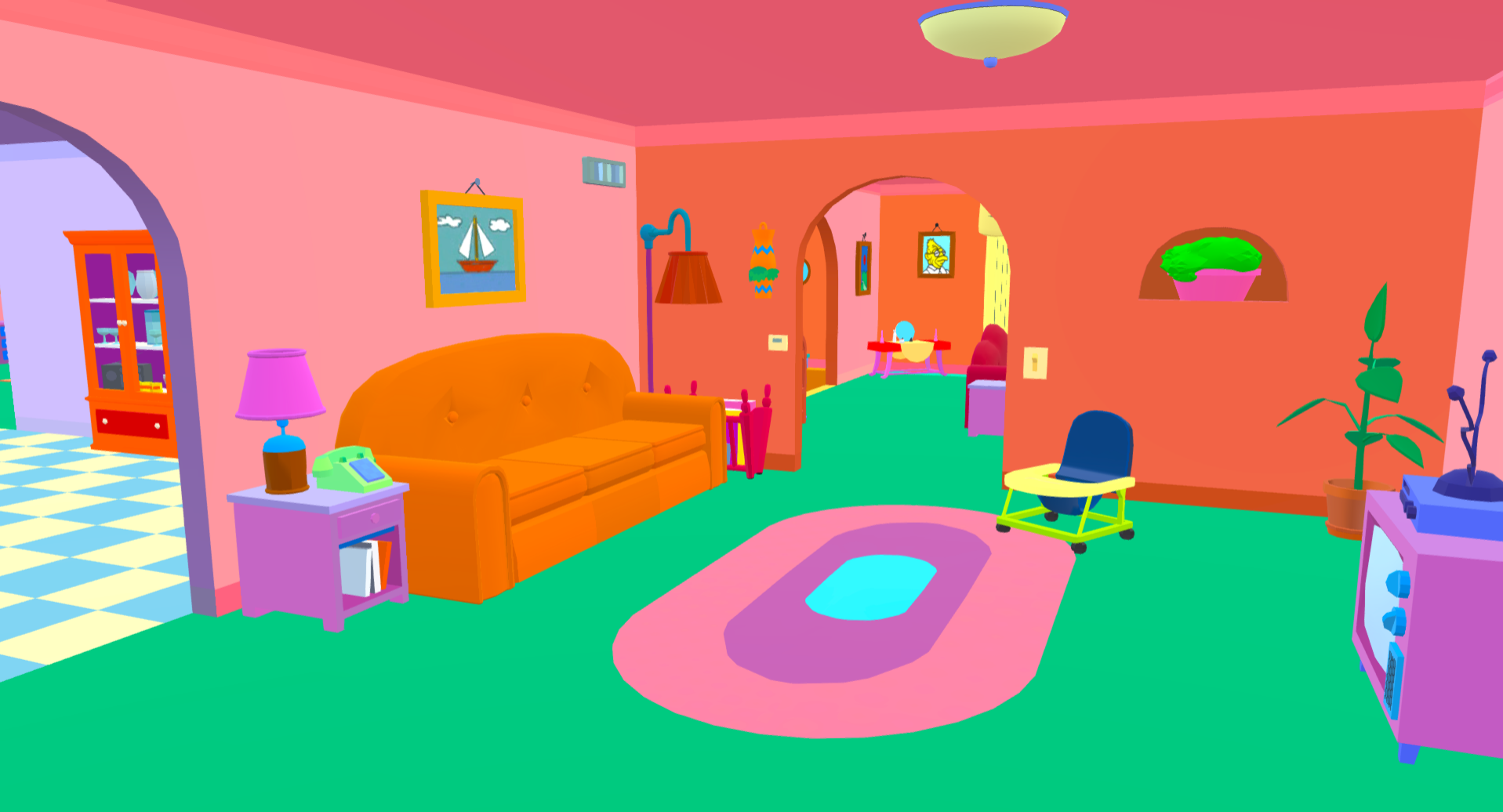
Similar Difficulty
Spots with a comparable guide rating on other maps
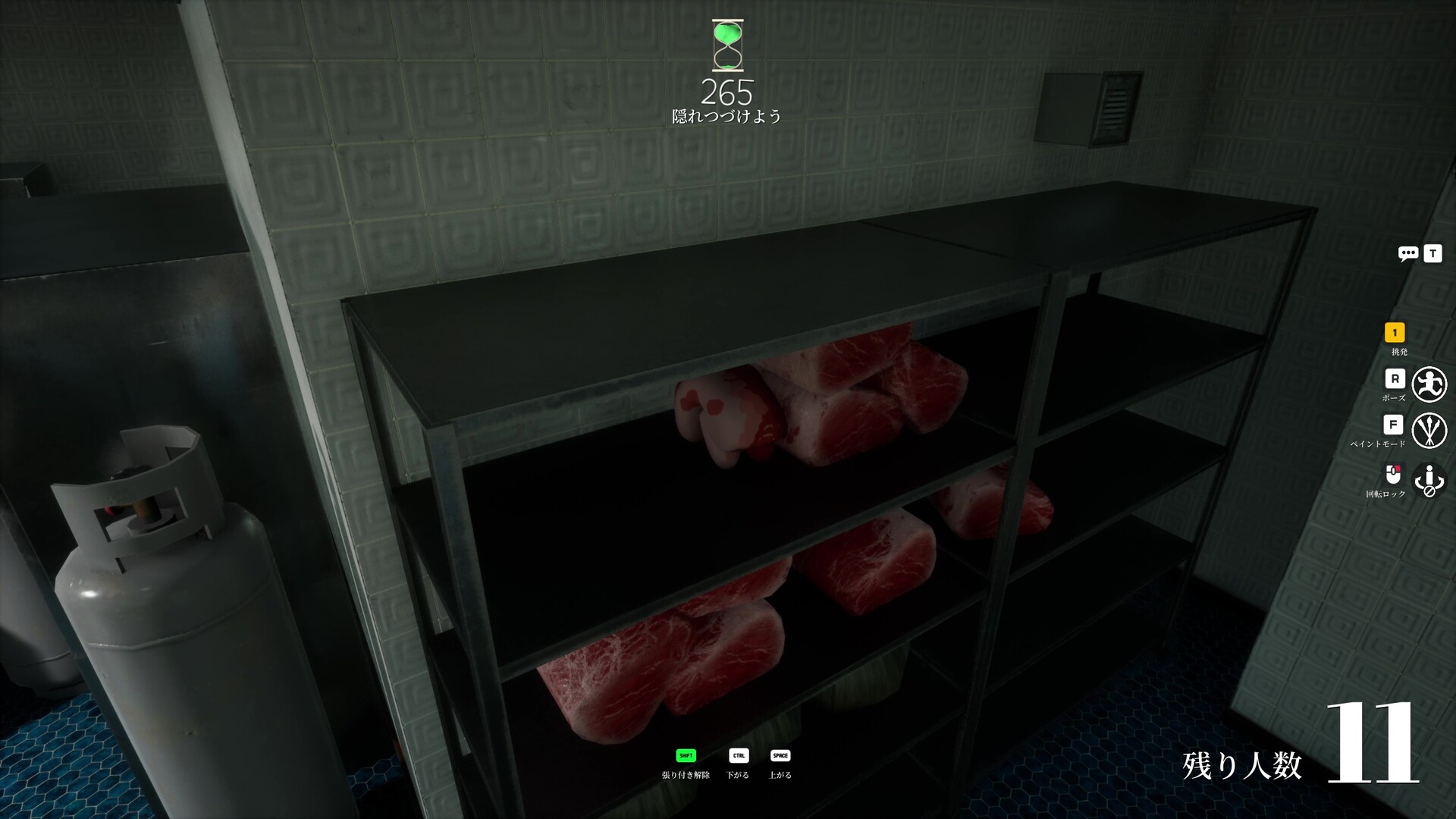
Meat Shelf Disguise
Meat shelf disguise with shelf shadow and prop repetition.
via meccha-chameleon.net · meccha-chameleon.net
Crafting Table Corner
Crafting table corner with dual-tone wood cover — GAMES.GG's top Minecraft workshop pick.
via GAMES.GG · GAMES.GG Community
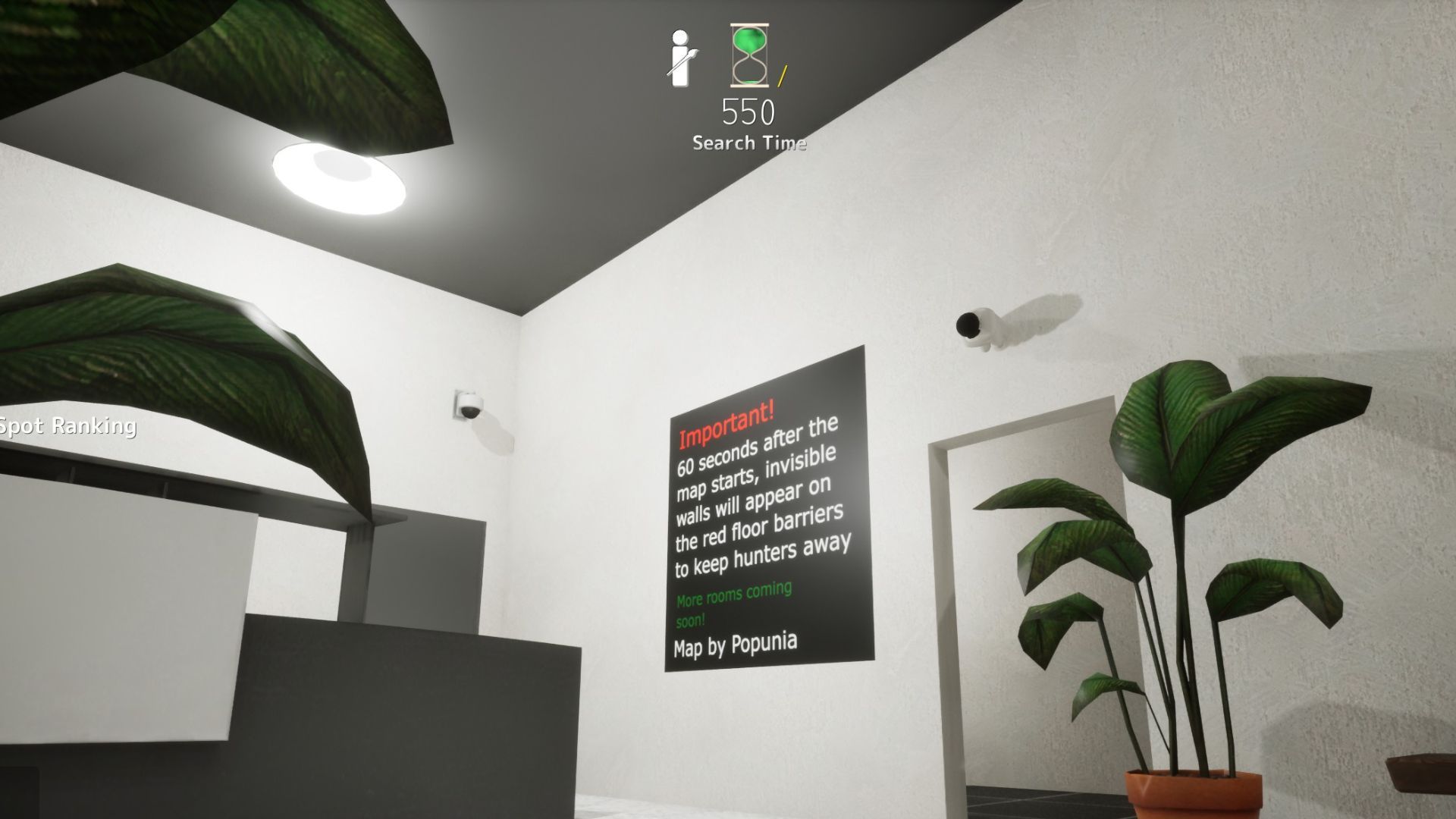
Security Camera (Spawn Door)
Security camera above spawn door — paint wall color on body, black on head. Hunters scan paintings, not fixtures.
via DualShockers · DualShockers
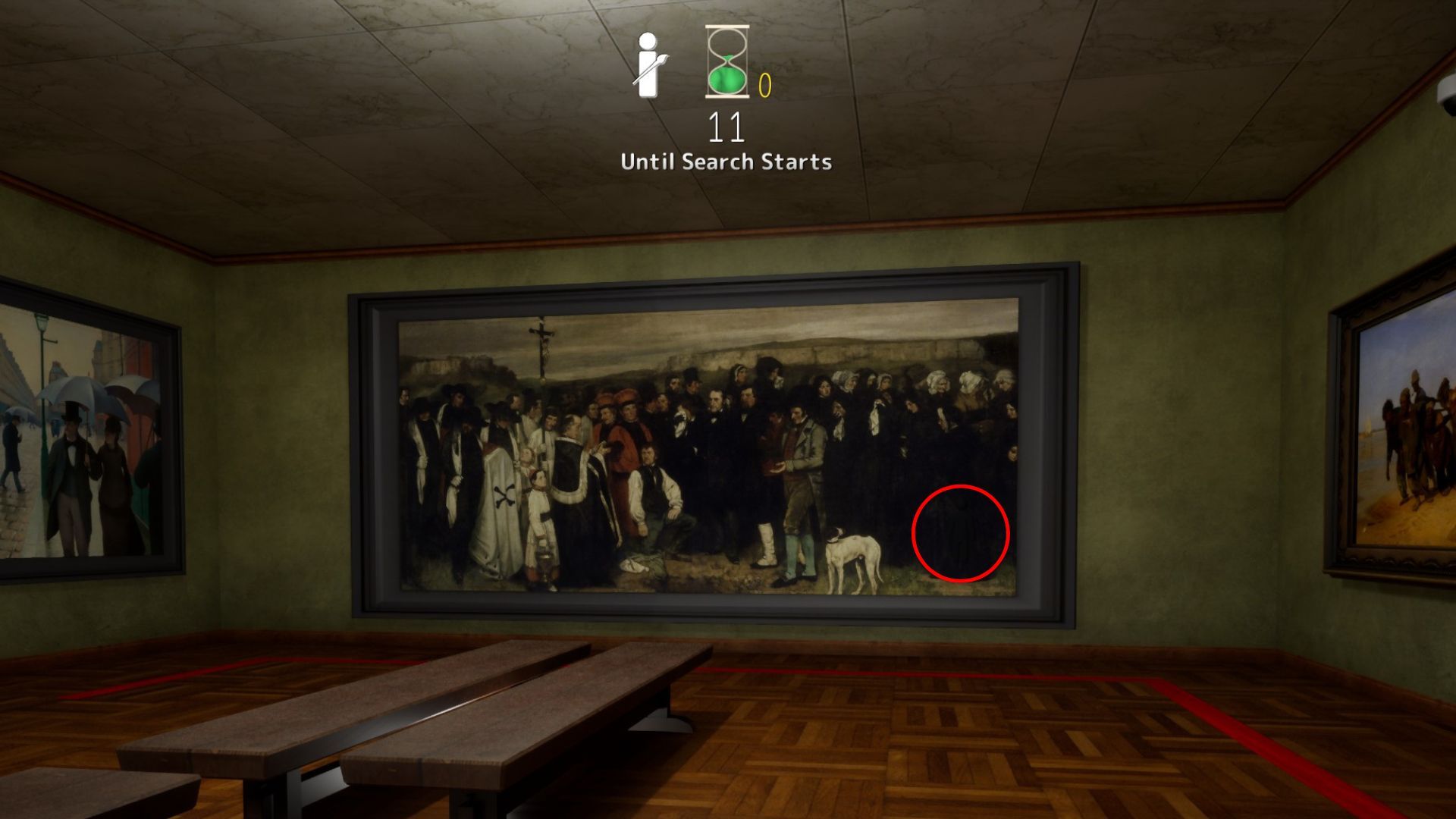
A Burial at Ornans
A Burial at Ornans in the dark spawn-side room — blend into mourners' black dresses from any distance.
via DualShockers · DualShockers
Easy Spots to Learn First
High guide-rated spots recommended for building fundamentals
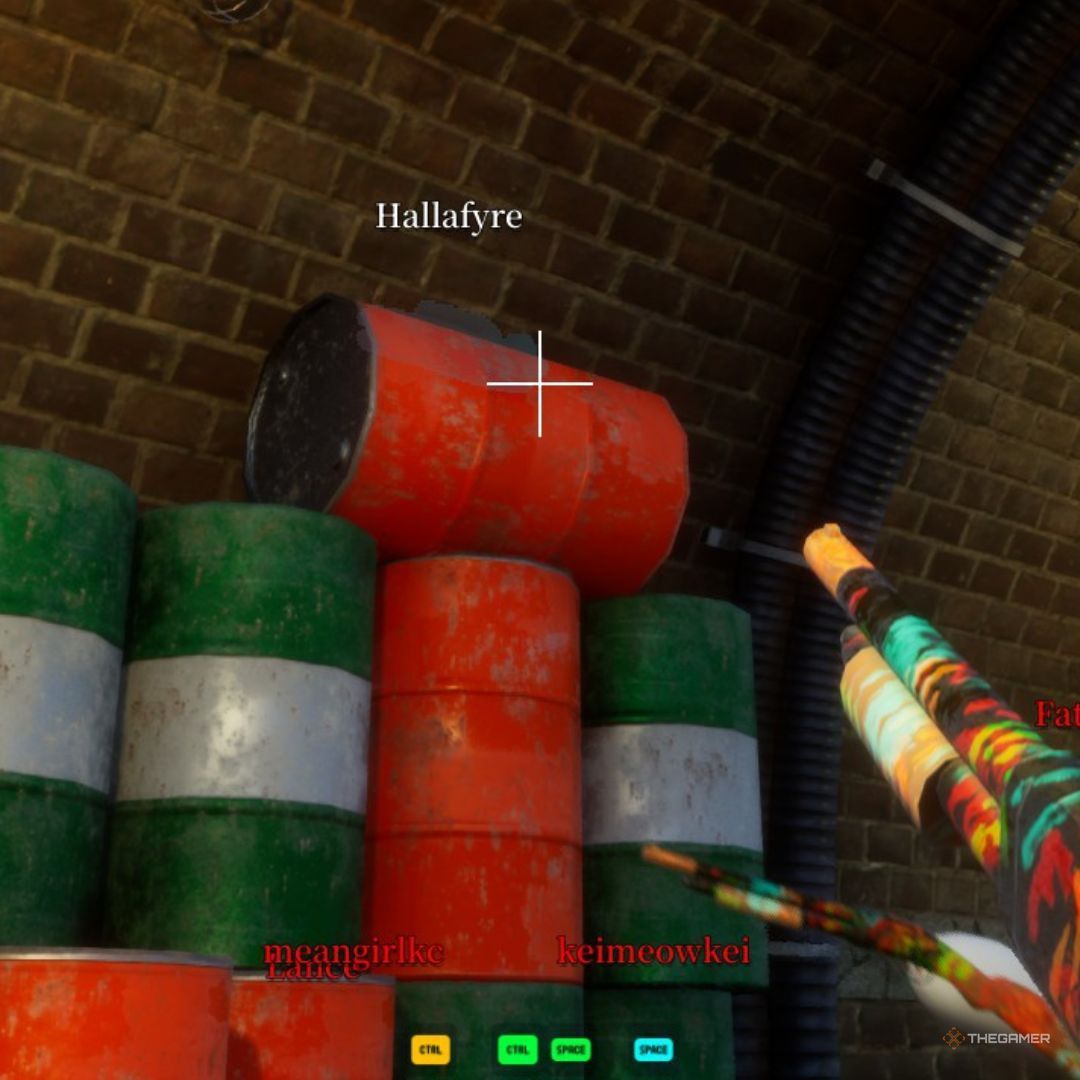
Dark Ceiling Pipe
Behind an overhead pipe in the darkest section. Community top-tier hide.
via TheGamer · TheGamer Community
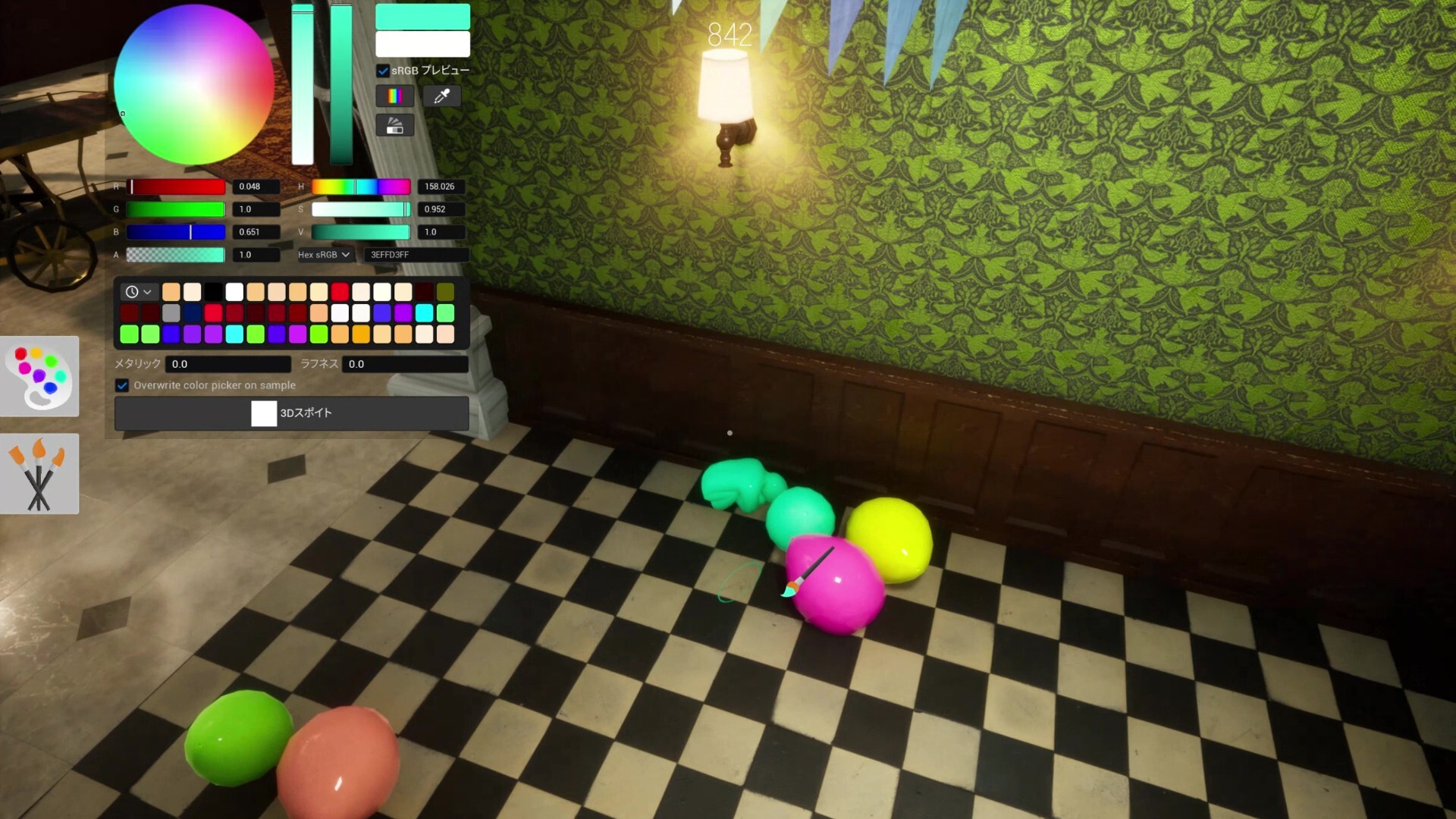
Shelf Back Row
Deepest rear shelf row. Top community survival rate on this map.
via meccha-chameleon.net · meccha-chameleon.net
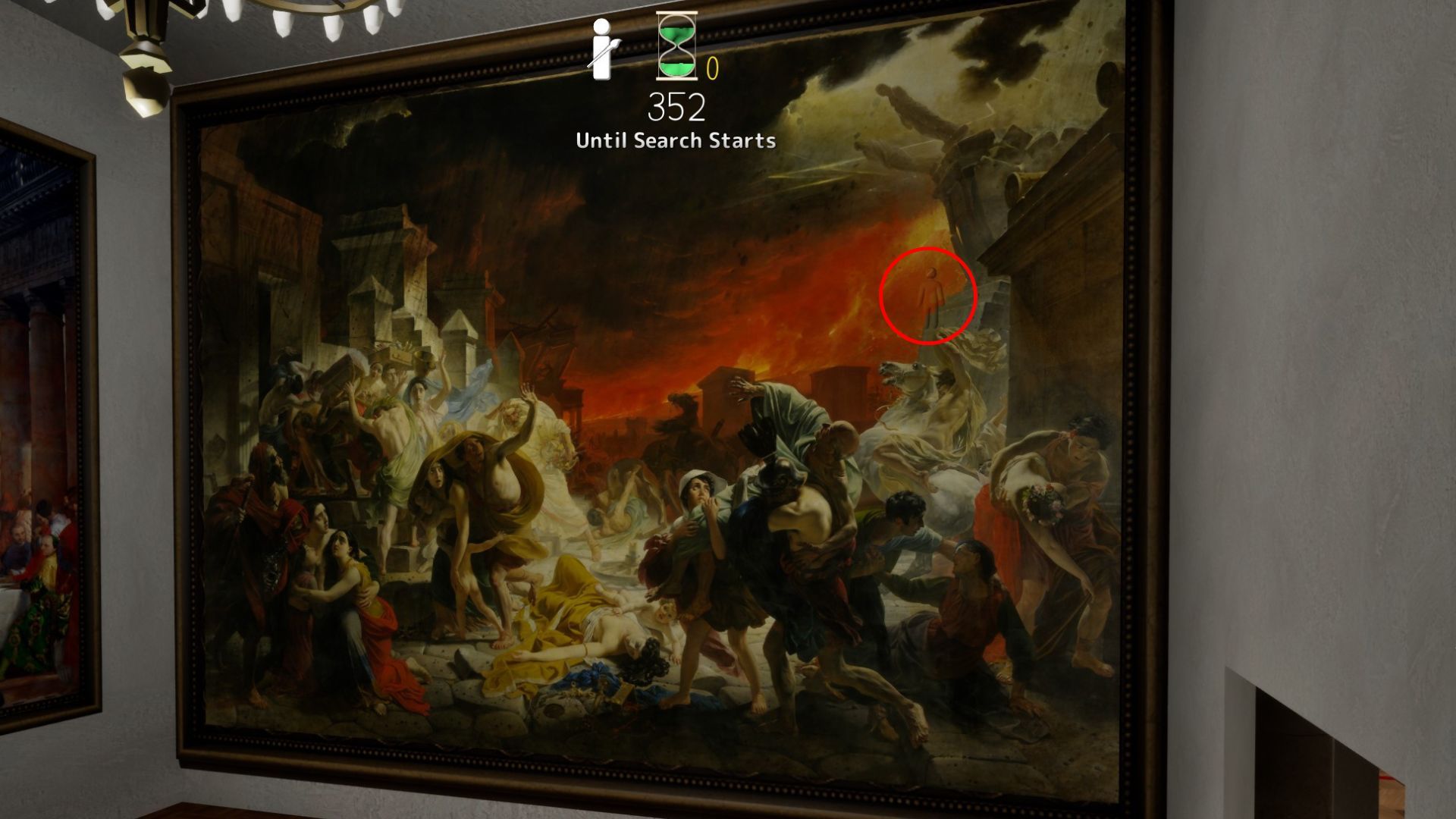
Last Day in Pompeii
Last Day in Pompeii — furthest room; top-left shadow, fire stone, or crowd zones fit multiple hiders.
via DualShockers · DualShockers
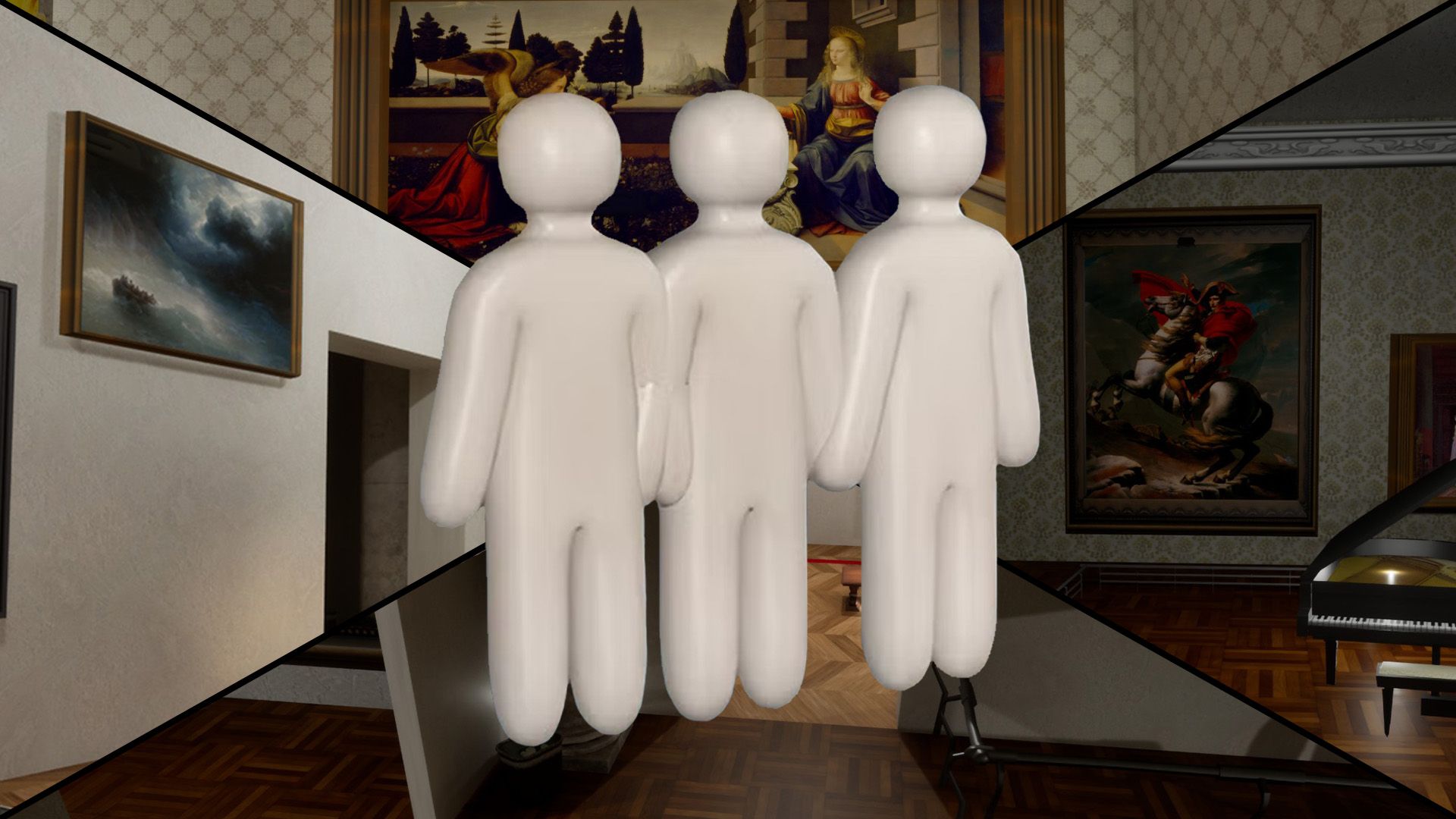
Mona Lisa Frame
Paint yourself into the Mona Lisa frame — Polygon's signature Art Gallery pick.
via DualShockers · DualShockers
Hard Spots & Challenges
Low-rated or impossible-tier spots for advanced players

Map-Edge Out of Bounds (Patched)
Deep Sea map-edge / out-of-bounds perch — patched in fix3.7.2 (Steam News titled fix7.3.2).
via Steam News · Steam News
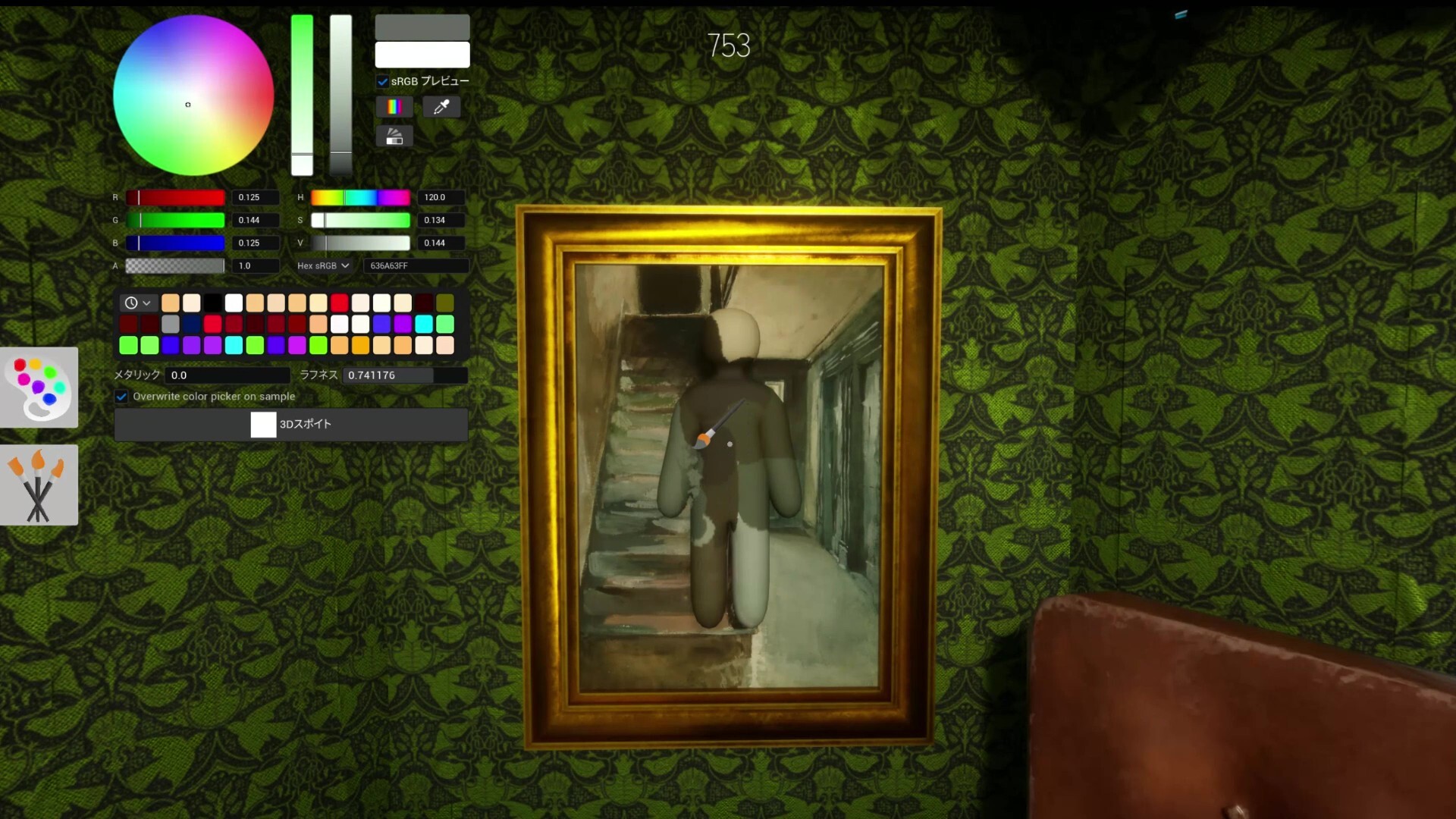
White Elbow Syndrome
Not a spot — a lesson. Unpainted elbow gaps expose more than bad positions.
via Mobalytics · Mobalytics

Spotlight Front
Spotlight-lit gallery front — value mismatch on pale walls; experimental warning pin.
via skypenguin.net · Community
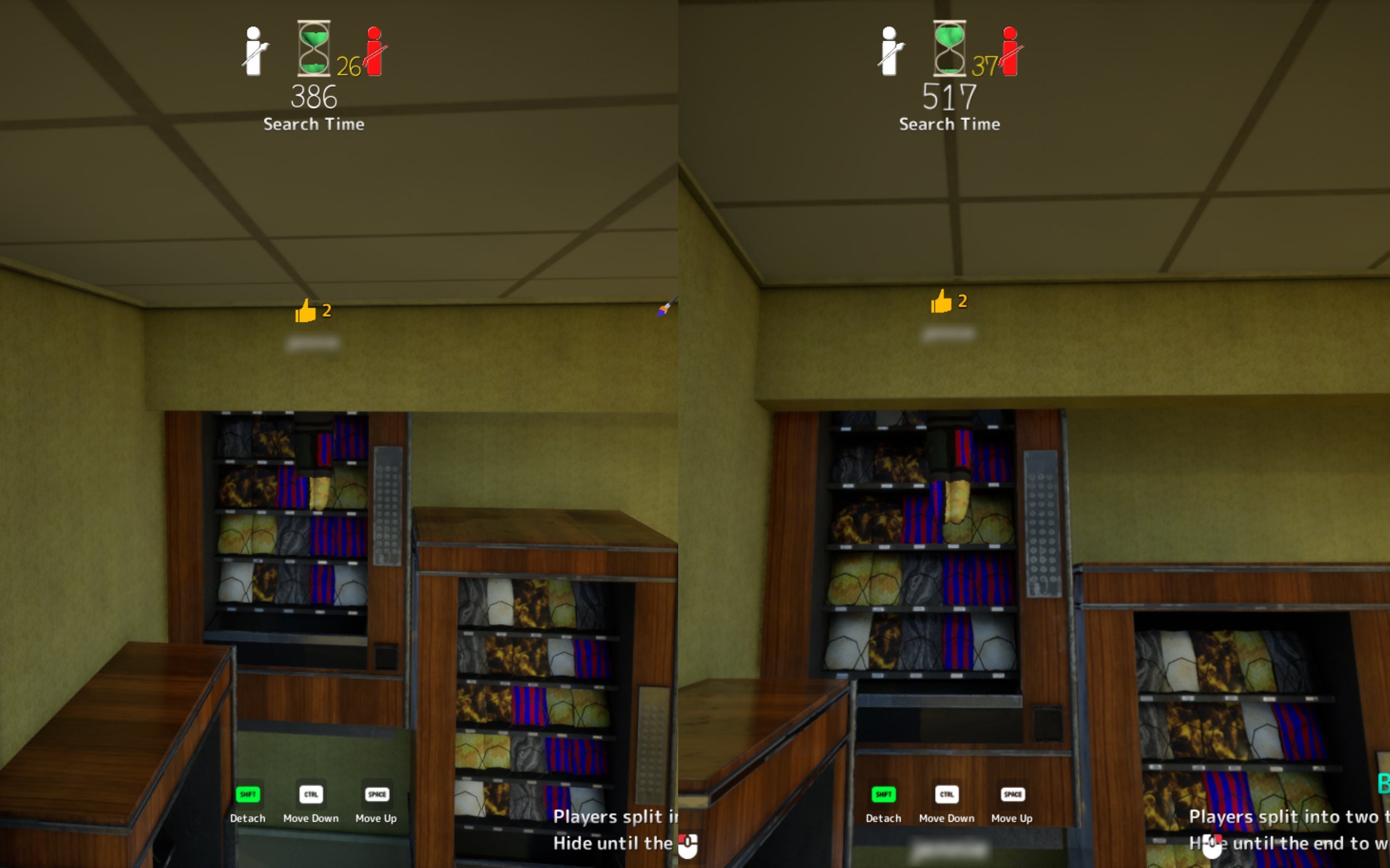
Ceiling Light
Attach near fluorescent fixture. High risk — seekers may look up late.
via TheGamer · TheGamer Community
More Top-Rated Picks
Same category on different maps
Dark Ceiling Pipe
Behind an overhead pipe in the darkest section. Community top-tier hide.
via TheGamer · TheGamer Community
Shelf Back Row
Deepest rear shelf row. Top community survival rate on this map.
via meccha-chameleon.net · meccha-chameleon.net
Last Day in Pompeii
Last Day in Pompeii — furthest room; top-left shadow, fire stone, or crowd zones fit multiple hiders.
via DualShockers · DualShockers
Mona Lisa Frame
Paint yourself into the Mona Lisa frame — Polygon's signature Art Gallery pick.
via DualShockers · DualShockers