Multiplayer, Rooms & Playing With Friends
Create or join servers, invite Steam friends, public vs private rooms, player limits, and fixes when you cannot enter a lobby.
How do I play MECCHA CHAMELEON online?
Launch from Steam or the Nintendo Switch 2 eShop, open the multiplayer menu, and either browse public lobbies (select a region tag) or Create Server to host. After v4.1.0 friends join with the 5-character in-game code — not by searching the room title. Public servers accept drop-in players when not marked private — streamers often use this for viewer participation. Mixed Steam + Switch 2 lobbies need the cross-play option from Hotfix 4.1.0.
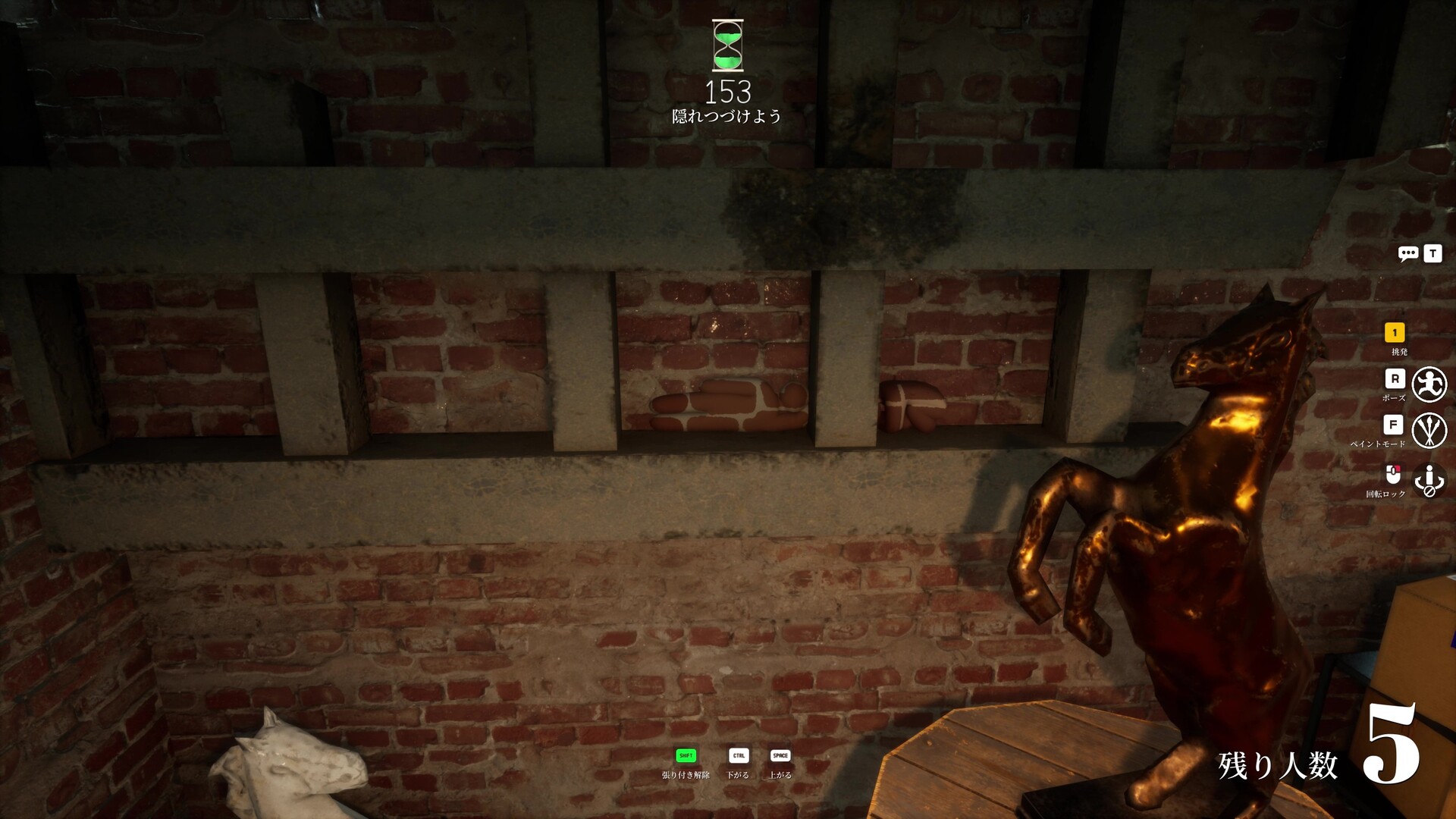
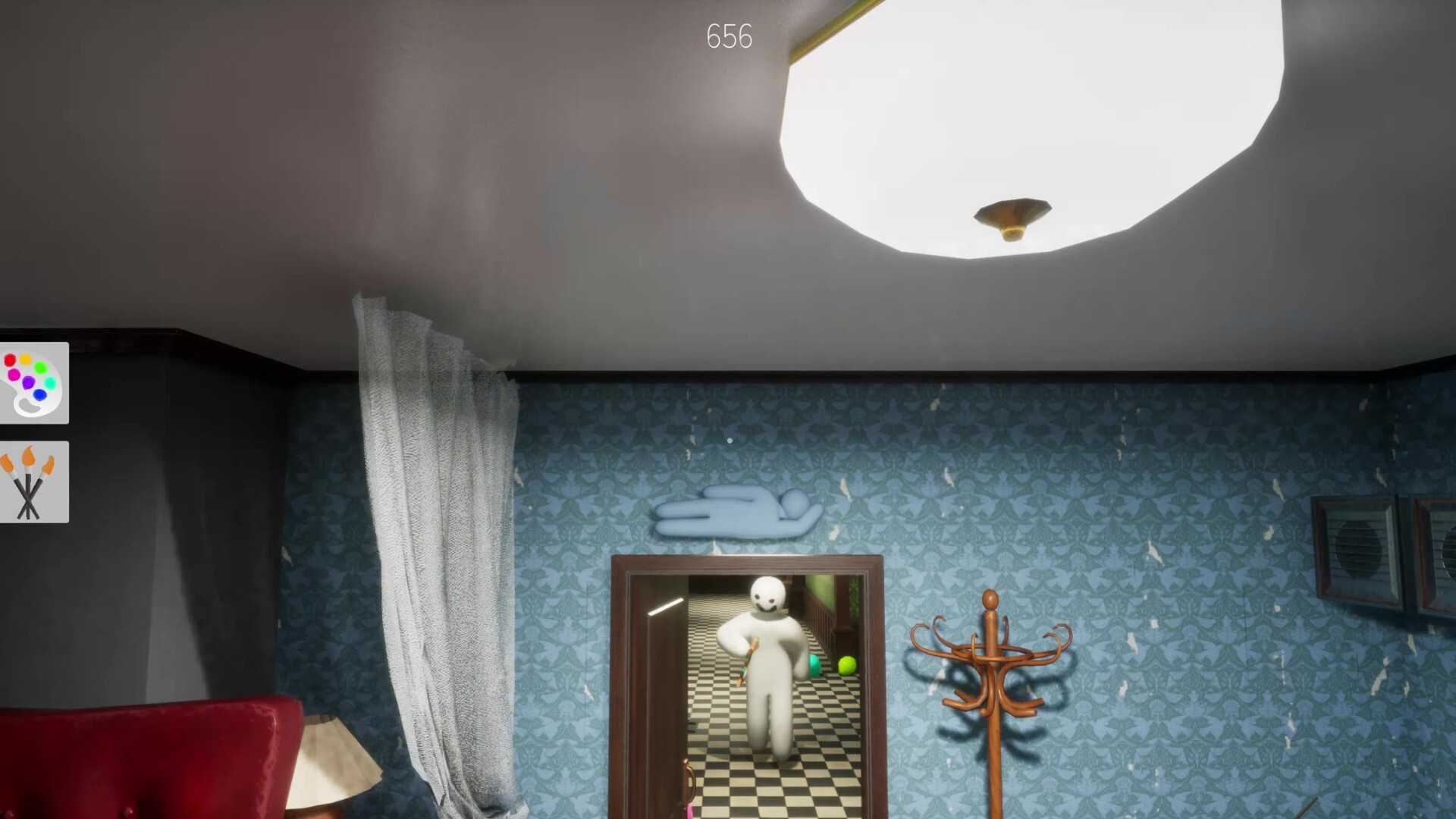
Each round splits into prep phase (hiders paint and pose) and hunt phase (seekers tag hiders before the timer ends). You need at least two players; the developer recommends 2–10 for stable sessions, though the client technically supports larger counts.
Workshop maps and official maps are chosen by the host before launch. Subscribe to custom maps on Steam Workshop before joining a lobby that uses them, or you may fail to load the stage.
How do I create a server and invite friends?
From the multiplayer menu, choose Create Server, optionally set a password, and pick a region tag. The host reads the 5-character alphanumeric join code in-game and shares it — the old searchable server-name browser is gone after v4.1.0.
The fastest invite path: press Esc → Friends List → invite Steam friends directly. They join without typing the code. If invites fail, share the join code instead.
Friends open Find Server, select the same region, and search the join code — not the room title, and not a 6-digit ID from older guides.
Pick one host for the night and avoid mid-session host migration unless connection tests fail. Stable hosts with wired Ethernet produce fewer disconnects than Wi‑Fi hosts juggling stream overlays.
Why can't I join my friend's room?
Version mismatch is the #1 cause. Close the game for everyone, restart Steam, wait for updates to finish, then have the host create a brand-new room and send fresh invites. Reusing stale rooms after a patch often fails even when invites look valid.
After v4.1.0 the old server-name browser is gone. The host reads the 5-character alphanumeric join code in-game; friends search that code — not the room title, and not a 6-digit ID from older guides.
If the host changed maps, passwords, or privacy settings, old invites break. Ask for a new invite rather than spam-clicking the previous one.
Workshop map missing: if the host picked a custom map you have not subscribed to, subscribe on Steam Workshop, restart the game, and retry.
Test with a two-player private room before blaming firewalls. Most casual join failures resolve with update + restart + new room — not router port forwarding.
Public server vs private room — what's the difference?
Public servers appear in Find Server when Search Public Servers is enabled and a region tag is selected. Anyone can join until the room fills — great for random chaos and stream audiences. After v4.1.0, in-progress rooms stay hidden by default.
Private rooms use passwords, friend-only invites, or the v4.1.0 5-character join code. Use these for learning sessions, testing new spots, or groups that do not want random seekers joining mid-prep.
After patch v4.1.0, in-progress games are hidden from public search by default (toggle in options). An empty-looking browser can mean no joinable rooms exist, not that multiplayer is broken. You must select a region tag.
Is MECCHA CHAMELEON cross-platform?
Yes — Steam PC and Nintendo Switch 2 can play together after the September 9, 2026 Switch 2 launch (Famitsu / Game*Spark). Enable the Hotfix 4.1.0 cross-play option, match 4.1.1+ on every client, and join with the 5-character code. Incoming voice is muted by default after 4.1.1.
Original Nintendo Switch, PlayStation, and Xbox still cannot join. Workshop / MOD maps stay PC-only until later this year (Game*Spark / Steam Community). If a Switch 2 host cannot fill past 10 players, that is the temporary 4.1.1 cap — have a PC player host.
Can I play MECCHA CHAMELEON solo?
No. The Steam store describes an online hide-and-seek game with public matches and streaming support — there is no single-player mode, no AI bots, and no offline play. Community FAQ aggregators and Wikipedia agree: you need real human players and an internet connection.
Minimum lobby is two players. The developer recommends 2–10 players per room for stable sessions. Bring friends, join public matchmaking, or hop into streamer viewer-participation rooms.
If you bought the game to practice alone, use a private lobby with one patient friend or join low-population public servers during peak hours.
How many players can join one room?
The developer recommends 2–10 players per room for the best experience. Technical support exists for higher counts (community guides mention up to 13–24), but seeker sweep quality and network stability drop as lobbies grow.
For learning paint mechanics, 3–6 players is ideal — enough seekers to pressure you, not so many that every room gets ceiling-checked instantly.
Streamer lobbies should invite in waves and hide room passwords on stream until rules are explained; late joiners during prep phase ruin hide setups.
Why do public lobbies feel broken or toxic?
Steam's top helpful reviews cite specific public-lobby problems: players in the lobby using mic or chat to leak hider positions to active hunters, late joiners seeing full-map player positions, and repeat offenders rejoining after kicks because no ban system exists at community report time.
Gamepressure's review summary also lists inappropriate usernames and drawn content in public rooms — expected in free-draw party games but worth knowing before queuing with kids.
Update v1.7.0 (June 22, 2026) added an in-game report feature per patch coverage — update clients and use report when available. Practical fix for most groups: password private lobbies with friends instead of random matchmaking.
How does the host kick AFK or disruptive players?
Steam thread "Add kick option for owner of the server" was answered by community members: press Esc or Tab to open the player list — a kick button appears next to player names for the host.
Kicks are session-level at community report time — kicked players can rejoin the same public server unless you change password or recreate the room. See Public Lobby Guide for password rotation after toxic kicks.
v1.7.0 added in-game reporting per patch coverage; use report for repeat offenders and combine with private passwords for friend groups. Vote-kick for non-hosts is still a frequent Steam review request, not a documented default feature.
Can hosts limit hunter shots / stop random spraying?
Steam Discussions thread "Unlimited Hunter firing should be LIMITED" argues random seeker tags hurt hiders; replies favor an optional setting rather than a forced global cap.
Community reports describe update v2.3.0 adding optional hunter ammo limits in Configure Map (blue lobby button → map configuration → ammo limit at bottom of left column).
Hosts enable limits for teaching lobbies; keep unlimited for chaos rooms. See our Hunter Ammo Limit guide for Prop Hunt comparisons and when to toggle the setting.
Which game mode should the host pick?
GameRant documents three host modes: Basic (fixed hunter/hider teams), Infection (found players become hunters), and Double (everyone hides then everyone hunts — most tags wins). mecchachameleon.io labels these Normal, Increasing Oni, and Double with the same role logic.
New groups learning paint: Basic/Normal in a private room. Large public lobbies that drag: Infection so seeker count rises as players are tagged. Balanced friend nights: Double so everyone gets both roles.
Hosts also configure Forced Taunt whistle intervals and optional map filters (Monochrome, Horror, Mosaic) in Configure Map — see our game modes guide for details.