Connection Errors, Disconnects & Room Fixes
Common connection and lobby issues in MECCHA CHAMELEON — version mismatch, auth token errors, lag, and what players report on Steam Discussions.
Friend can't join after EULA — we picked random language
Steam thread "Can't join friends server" reports both parties must agree to the current EULA before sharing a lobby — one friend restarting and accepting the prompt fixed the issue.
If someone accepted a non-English EULA at random during install and the popup never returns, verify game files in Steam or reinstall so the agreement screen reappears.
After EULA parity, still confirm same game version and create a fresh room — EULA blocks look like generic invite failures.
Game heats my PC / runs very hot — is that normal?
Steam General Discussions include reports of the game heating PCs heavily during launch week — UE5 hide-and-seek with full lobbies can spike GPU and CPU load similar to other Unreal titles.
Try the same settings from our lag guide: -dx11 launch option, lower Global Illumination, disable Motion Blur, cap FPS if your driver supports it, and ensure vents are clear.
If thermals throttle performance, reduce lobby size or resolution before blaming network — stutter from heat can feel like desync.
Can't join any lobby — what should I try first?
Version mismatch is the #1 cause per community fix guides and v1.1.0 patch notes: everyone closes the game, exits Steam fully, confirms no pending update, then the host creates a brand-new room.
If Steam invites fail, use the v4.1.0 5-character join code shown in-game instead of searching by room title — the old server-name browser is gone (Steam News / consolepcgaming).
Test with an official map before blaming workshop subscriptions — every player must subscribe to custom maps the host selects.
Invalid or missing authentication token at login
Steam General Discussions report this when Epic Online Services cannot validate your Steam identity. Most cited fixes: add -dx11 to Steam Launch Options, relink Steam on epicgames.com → Account Settings → Apps and Accounts, and set PenguinHotel.exe compatibility (disable Run as administrator, enable Disable fullscreen optimizations).
Network blockers matter — one thread reports success on mobile hotspot but failure on home Wi‑Fi; another fixed login by disabling Pi-hole DNS filtering temporarily.
Game is laggy or paint textures look blurry
Community testing reports blurry paint often fixes with a display reset: switch to Windowed, apply, wait, switch back to Fullscreen at native resolution.
Add -dx11 to Launch Options for stuttering and shader hitches. Turn Motion Blur off; lower Global Illumination to Medium. Confirm Windows display scaling is 100% if eyedropper feels misaligned.
I got disconnected mid-game — what now?
Note the exact error text if one appears — wording helps distinguish host drop vs your network blip vs version kick.
Restart Steam, verify the game updated, and rejoin through a fresh invite. Reconnecting to the same stale session often fails after host migration.
If disconnects repeat only on one host, switch host to a player on wired Ethernet with fewer background apps. Wi‑Fi hosts running OBS plus Discord plus Steam overlay cause more drops.
Check Steam server status and patch notes — launch-week patches sometimes require full client restart, not just reconnect.
Friends say version mismatch — how do we fix it?
Everyone closes the game completely, restarts Steam, waits for downloads to finish, then relaunches. Partial updates (Steam still syncing in background) cause invisible mismatch.
Host creates a new room after all players confirm the same build number in Settings or main menu footer if displayed.
Workshop-heavy lobbies: ensure custom map subscriptions updated too — map mismatch feels like version mismatch.
Server browser is empty — is multiplayer broken?
Not necessarily. After v4.1.0, in-progress games are hidden from public search by default (options toggle), and you must pick a region tag. An empty list can mean no joinable rooms, not dead multiplayer.
Friends should search the host's 5-character alphanumeric join code — not the room title. Older guides that say Find Server by unique name are outdated.
Toggle Search Public Servers, clear filters, retry after peak evening hours, or host your own public room for five minutes so friends can join by code.
Steam invite fails or friend joins wrong room
Host should recreate the room after any map or password change. Old invites point at dead session IDs.
Friend accepts invite from Steam overlay while game is at main menu — joining from desktop notification while in another lobby sometimes fails silently.
Share the 5-character join code plus optional password so friends confirm they landed in the right lobby before prep starts.
Lobby stuck loading or kicks when workshop map selected
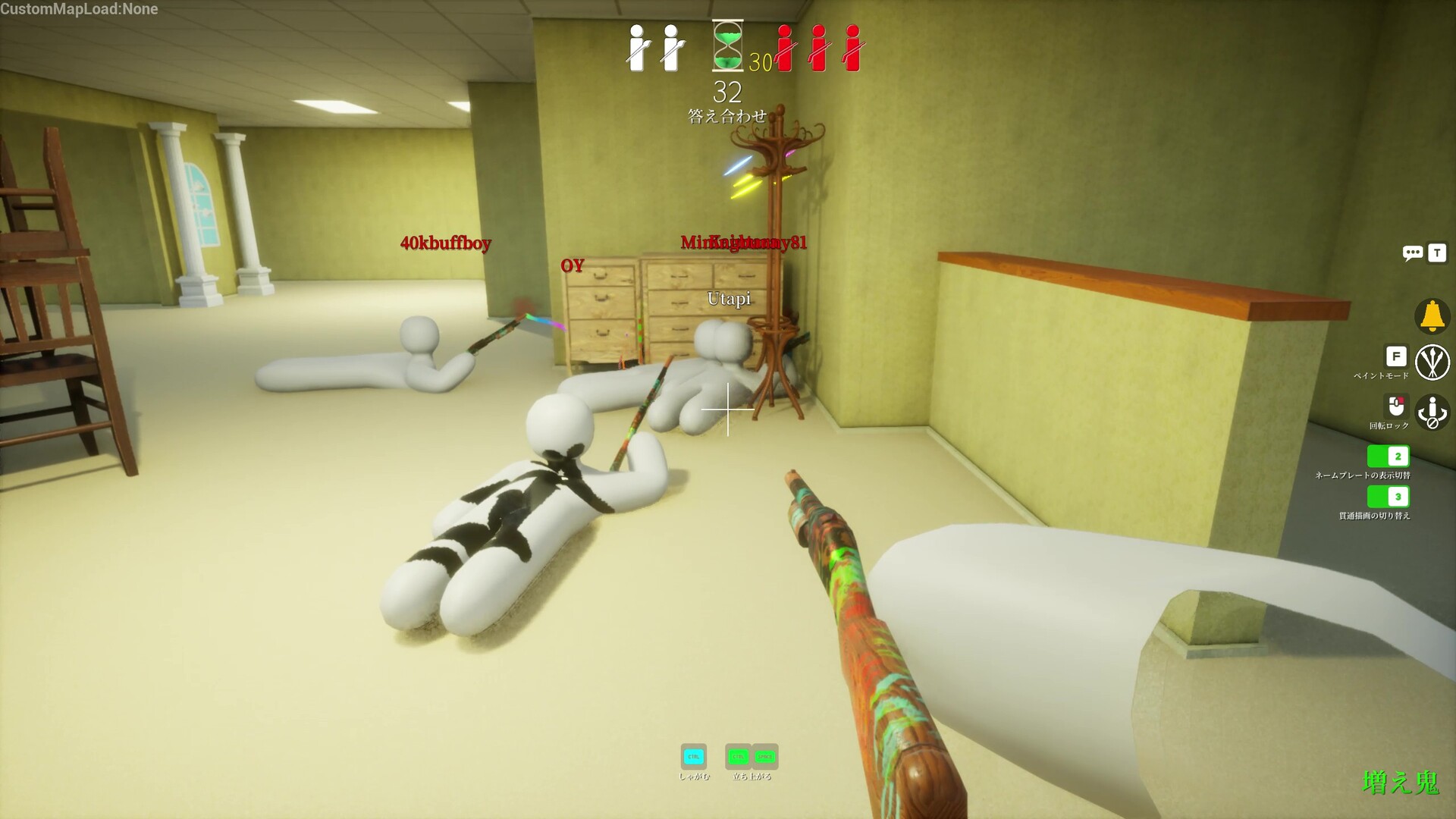
Every player must subscribe to the workshop map on Steam and restart the game so local files download.
Host should pick workshop maps everyone confirmed in Discord beforehand — surprise map swaps mid-invite chain cause failed loads.
If load fails repeatedly, switch to an official map (Mansion, Sewer) to verify connectivity, then re-add workshop once base multiplayer works.
Should I change firewall or router settings?
Only after simple checks fail: same version, Steam restart, new room, smaller private test, different host once.
Most casual room problems are stale sessions or version skew — not port forwarding. Deep network changes should be last resort.
Disable VPN for testing; VPN adds latency and sometimes blocks Steam P2P relay paths the game uses.
Whistle / taunt works in lobby but not on the map
Steam thread "TAUNT IS NOT WORKING!" (June 23, 2026) reports widespread issues where manual taunt/whistle worked in the lobby but failed during live matches — dozens of players confirmed the same build-day regression.
Community workaround at report time: hosts increased seeking time or disabled forced-taunt reliance until patches landed; verify your client version against friends before blaming individual keybinds.
After elimination, whistle reverts to spectator taunt only (allthings.how) — during hunt phase, confirm Esc → Settings → Controls still maps the whistle key (often 1) and that forced taunt host settings match your lobby rules.
Seeker sees a black void — hiders floating in empty space
Steam cheating threads note an alternative explanation for "ESP" behaviour: on custom maps the hunter's stage sometimes fails to load, leaving a black void while hider models appear scattered — cross-map tags then look like hacks but may be a load desync.
Fix path: every player subscribes to the workshop map, restarts the game after download completes, host tests with an official map (Mansion) first, then re-selects the custom map with a fresh room.
If only the host sees void while hiders play normally, host should verify files, lower graphics preset once, and recreate lobby — do not report players for cheating until load parity is confirmed.
Everyone is standing still but the round feels desynced
High packet loss shows as delayed tags, players teleporting, or prep timers not matching. Host on wired connection, others pause downloads during the match.
Lower lobby player count to test — 10+ players on a weak host exaggerates desync.
If only one player desyncs, they should check Wi‑Fi signal, close torrent clients, and retry wired.