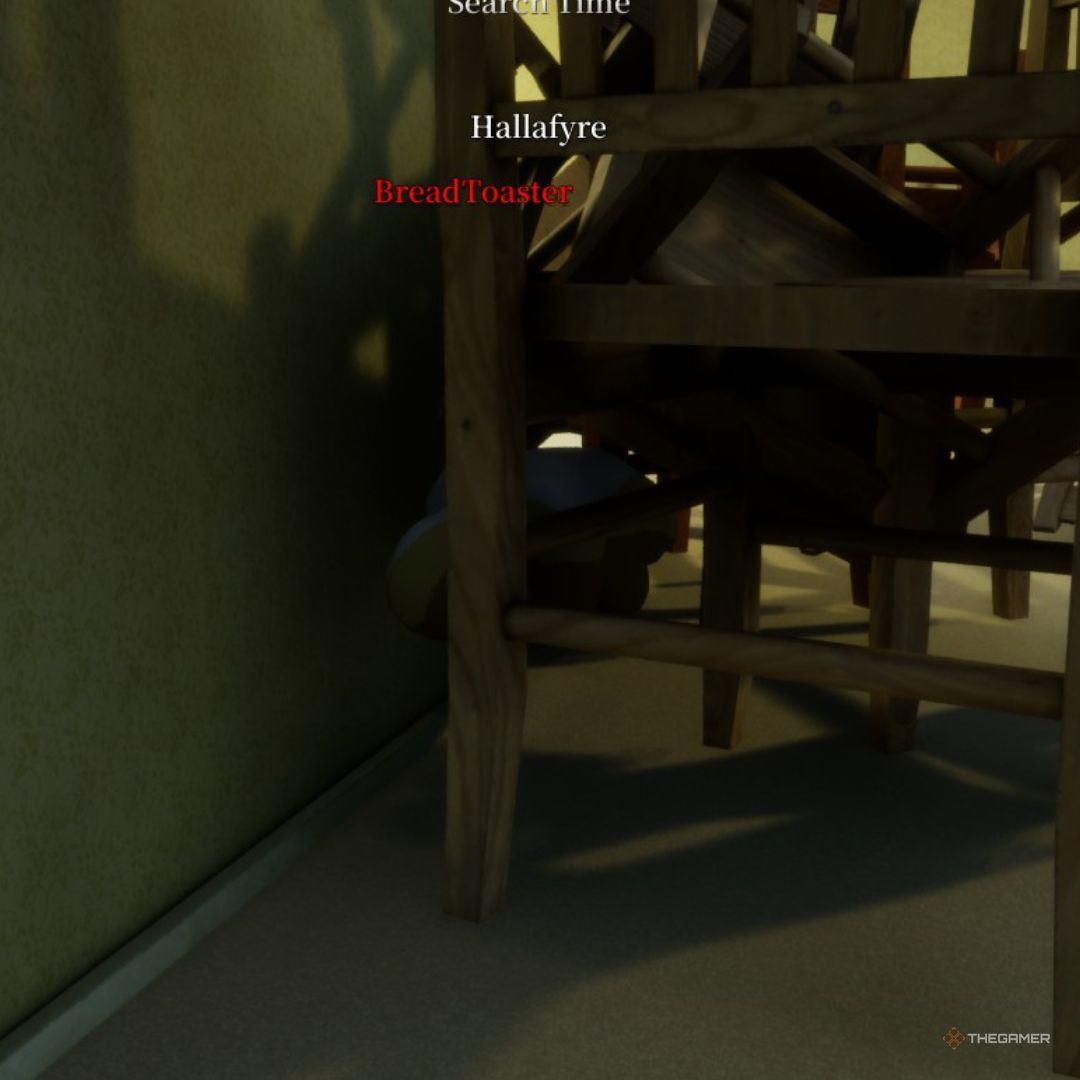
Exit Sign
Recommended by experienced players · sourced from published guides, not live match stats
Location Description
Disguise as EXIT sign. Funny but can fool hesitant seekers.
Why It Works
Exit Sign on Backrooms works because disguise as exit sign. funny but can fool hesitant seekers. Works on side walls with high sign density; center corridor contrasts easily. Published guides (mecchachameleongame.wiki Backrooms Guide) emphasize pose discipline: Rectangular pose essential. Map context from Backrooms: Wallpaper yellow has tiny value shifts — sample locally every room. Color plan: Sign body samples Sign green/red main blocks; Surrounding wall samples Wallpaper beside sign; Border samples Sign border. Guide rating 55/100 reflects difficulty tier from TheGamer — a curated estimate from published walkthroughs, not aggregated match statistics. The core advantage is silhouette breaking: seekers scan for human-shaped lumps and value mismatches before they analyze hue. Exit Sign gives you clutter, depth, or verticality that buys time when paint and pose are locked in prep.
Best Colors
TheGamer, IGN, and mecchachameleongame.wiki all recommend the in-game Eyedropper (Space) on the exact surface you touch — not fixed hex/RGB codes. Lighting and patches change effective values; the table below lists which surface to sample per body part and how to apply it.
- Sign body: Sign green/red main blocks — Sharp rectangular blocks
- Surrounding wall: Wallpaper beside sign — Outer edge alignment
- Border: Sign border — Straight lines
When To Use
- When this applies: Rectangular pose mimicking EXIT sign; sign color blocks + sharp borders.
- When this applies: Sample sign and surrounding wallpaper separately.
- Mid-round when seekers tunnel fluorescent corridors instead of checking furniture stacks (IGN Backrooms)
- Object-mimic spots when you can sample both prop and wallpaper in prep
- Casual or content lobbies where entertainment value matters — still sample local color or the joke fails
When NOT To Use
- Long fluorescent corridors as a home — rotation paths, not camps (mecchachameleongame.wiki)
- Wall-clip positions after v1.2.0 patch — legitimate spots only
- When you have not re-sampled wallpaper after crossing a doorway threshold
- Guide rating 55/100 — source material flags this as unreliable in competitive lobbies
Pro Tips
Sign color blocks and sharp borders. Rectangular pose essential.
How to Win Here
- Rectangular pose mimicking EXIT sign; sign color blocks + sharp borders.
- Sample sign and surrounding wallpaper separately.
- Funny spot — hesitant Seekers may walk past.
Color & Paint Plan
Body-part breakdown from published guides — sample with in-game Eyedropper (F → Space), then fine-tune HSV / metallic / roughness per surface.
| Body part | Sample from | Technique |
|---|---|---|
| Sign body | Sign green/red main blocks | Sharp rectangular blocks |
| Surrounding wall | Wallpaper beside sign | Outer edge alignment |
| Border | Sign border | Straight lines |
Pose
Rectangular pose essential.
Metallic & roughness
- · Sign face semi-gloss
- · Wall matte
Common Mistakes
- Overacting the prop mimic — exaggerated poses read as player movement
- Copying meme spots without sampling the joke prop's exact local color
- Laughing on voice chat while seekers are in the same room
- Staying visible from side angles where the disguise only works head-on
Counter Strategy
For seekers hunting this zone — sourced from map guides and community checklists
- Seeker timing: Works on side walls with high sign density; center corridor contrasts easily.
- Crouch-inspect vending fronts and chair stacks — human-width spacing breaks grid illusions (meccha-chameleon.wiki)
- Re-check doorways — hiders who forget to re-sample leave value mismatches at thresholds
- Office corners: fit-check wedges before leaving the room
Guide Sources
Guide Notes
- Rectangular pose mimicking EXIT sign; sign color blocks + sharp borders.
- Sample sign and surrounding wallpaper separately.
- Primary tip from TheGamer: Sign color blocks and sharp borders. Rectangular pose essential.
- mecchachameleongame.wiki Backrooms Guide — https://mecchachameleongame.wiki/maps/backrooms/
- Verify in a private lobby after major patches.
Image & Data Sources
Screenshot matched to Backrooms where possible; some entries use map overview assets when a spot-specific image is unavailable. Spot details via TheGamer. Guide ratings are curated estimates from published walkthroughs — not live match statistics. Game imagery © lemorion_1224 / Steam.
Similar Spots
Keep exploring — related spots to improve your win rate
Other Backrooms hiding spots ranked by guide rating
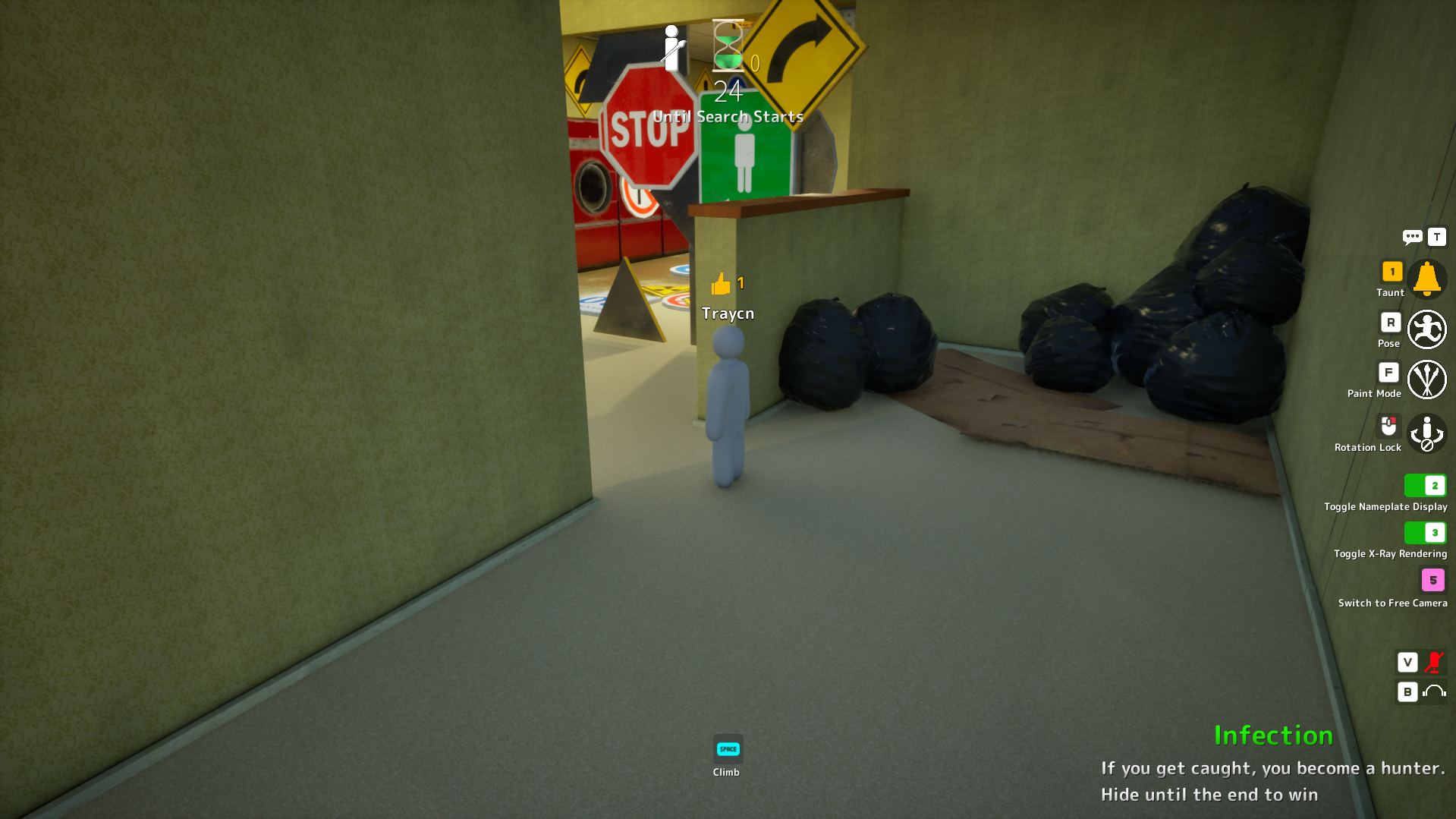
Yellow Wall Nook
Level 0 corner nook with yellow wallpaper. Stillness is everything.
via meccha-chameleon.wiki · Community
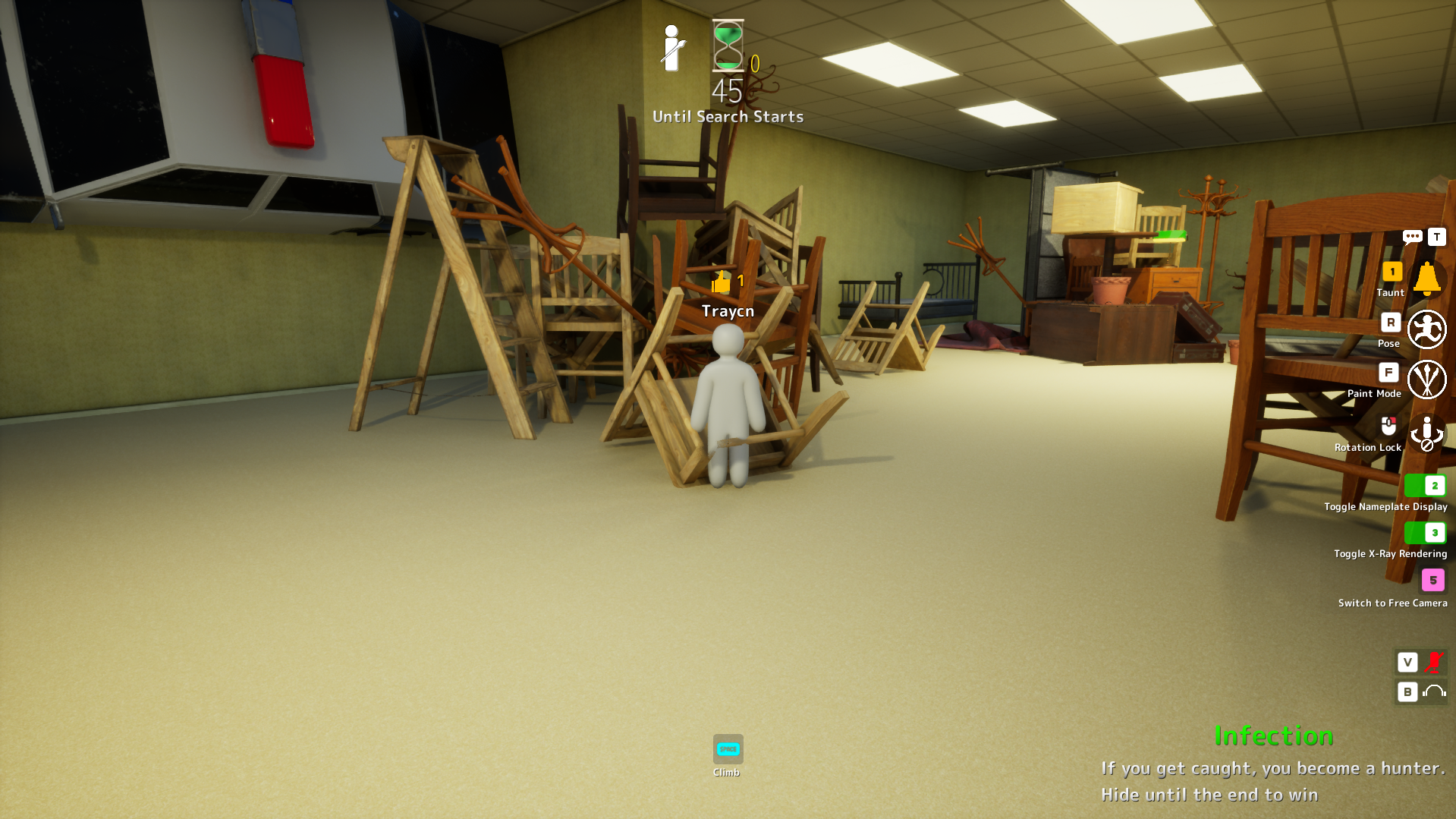
Chair Stack
Under chair stacks with compact pose. Strong Backrooms community pick.
via TheGamer · TheGamer Community
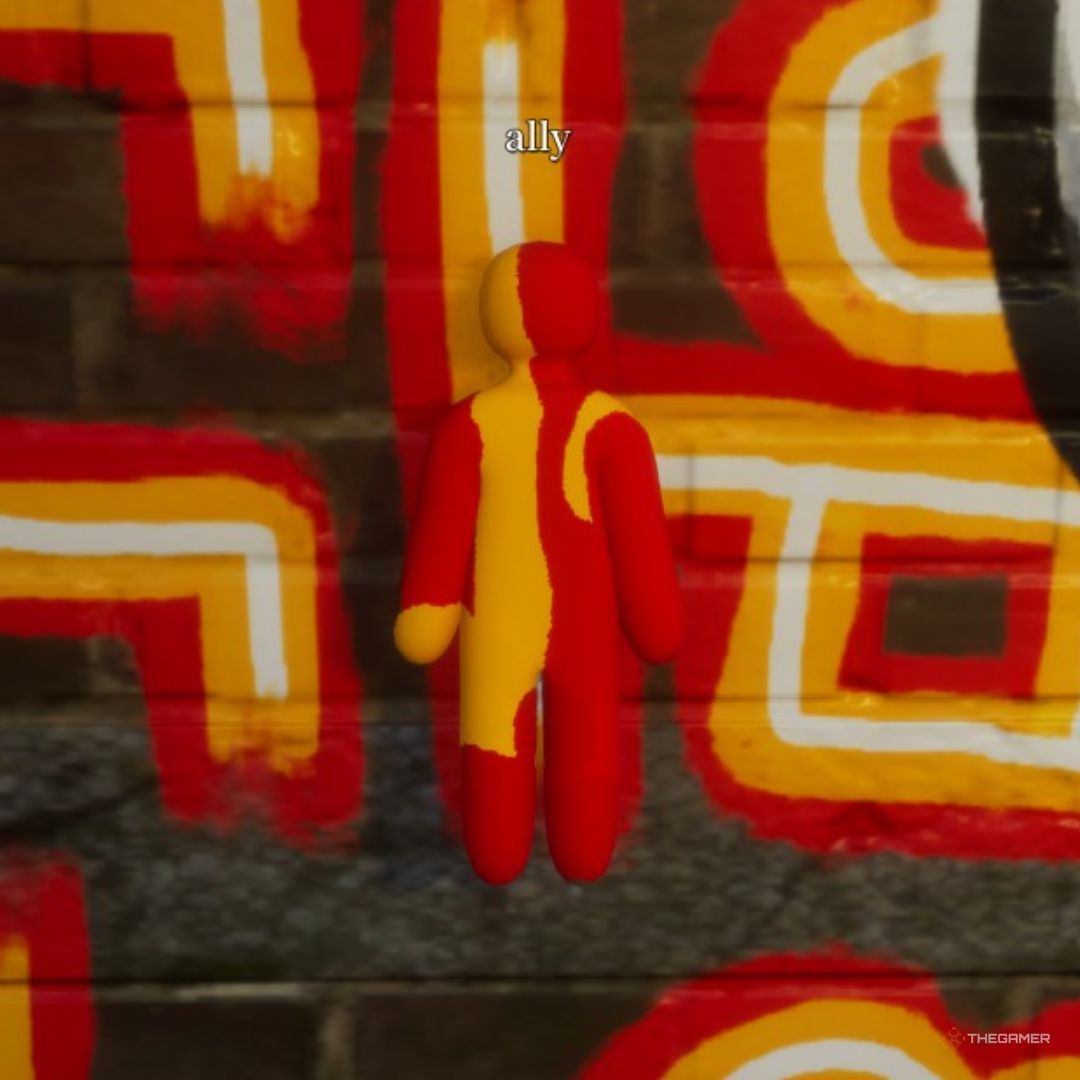
Bikes on Wall
Blend into wall-mounted bike cluster. Re-verify after v1.2.0 patches.
via TheGamer · TheGamer Community
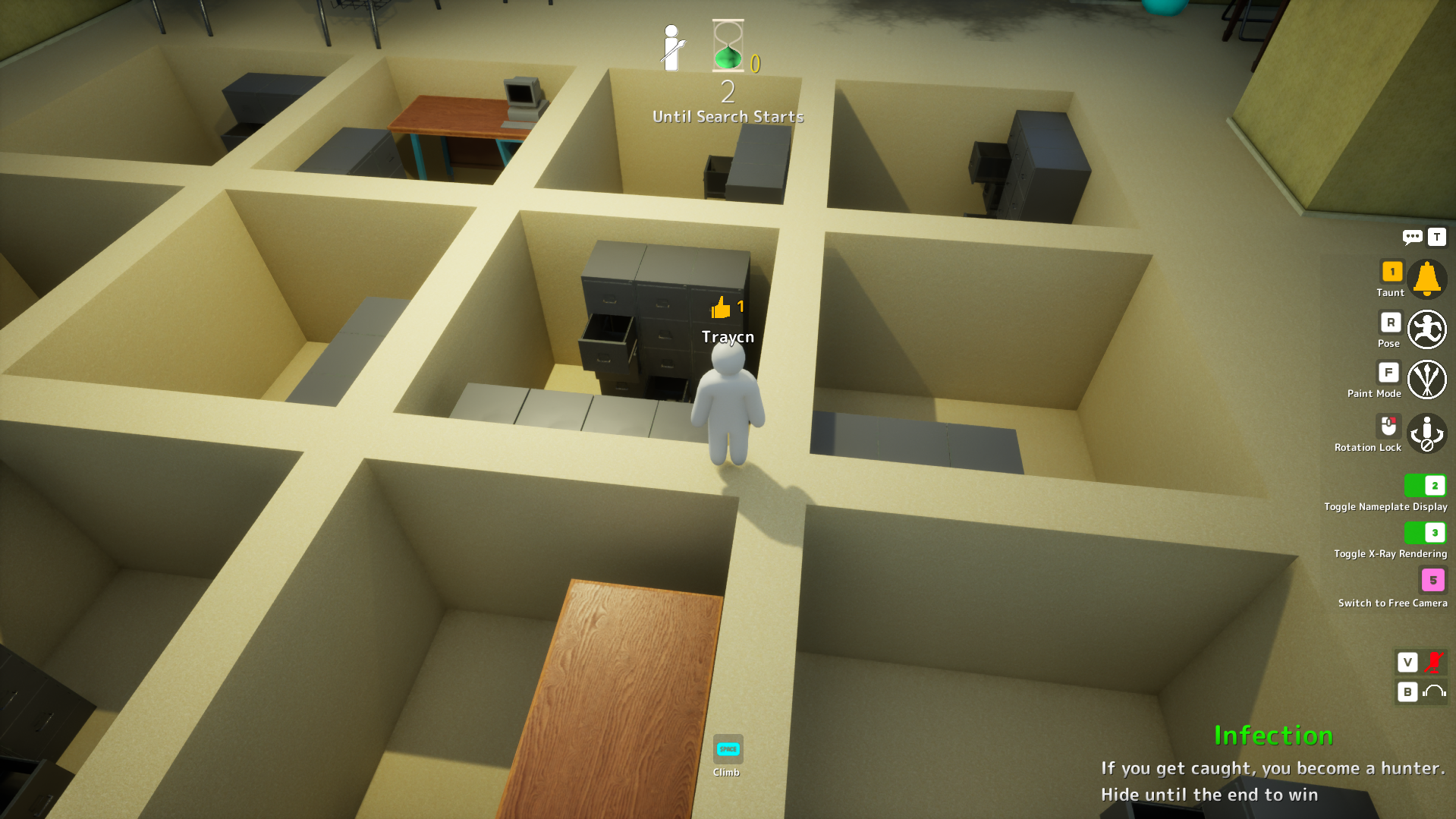
Office Space Corner
Cramped office corner — hard to spot if you wedge in cleanly.
via IGN · IGN
Similar Difficulty
Spots with a comparable guide rating on other maps
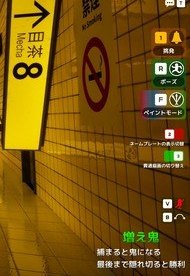
Fluorescent Strip Attach
Ceiling fluorescent strip attach — sample housing plus nearby tile values.
via Community · Community
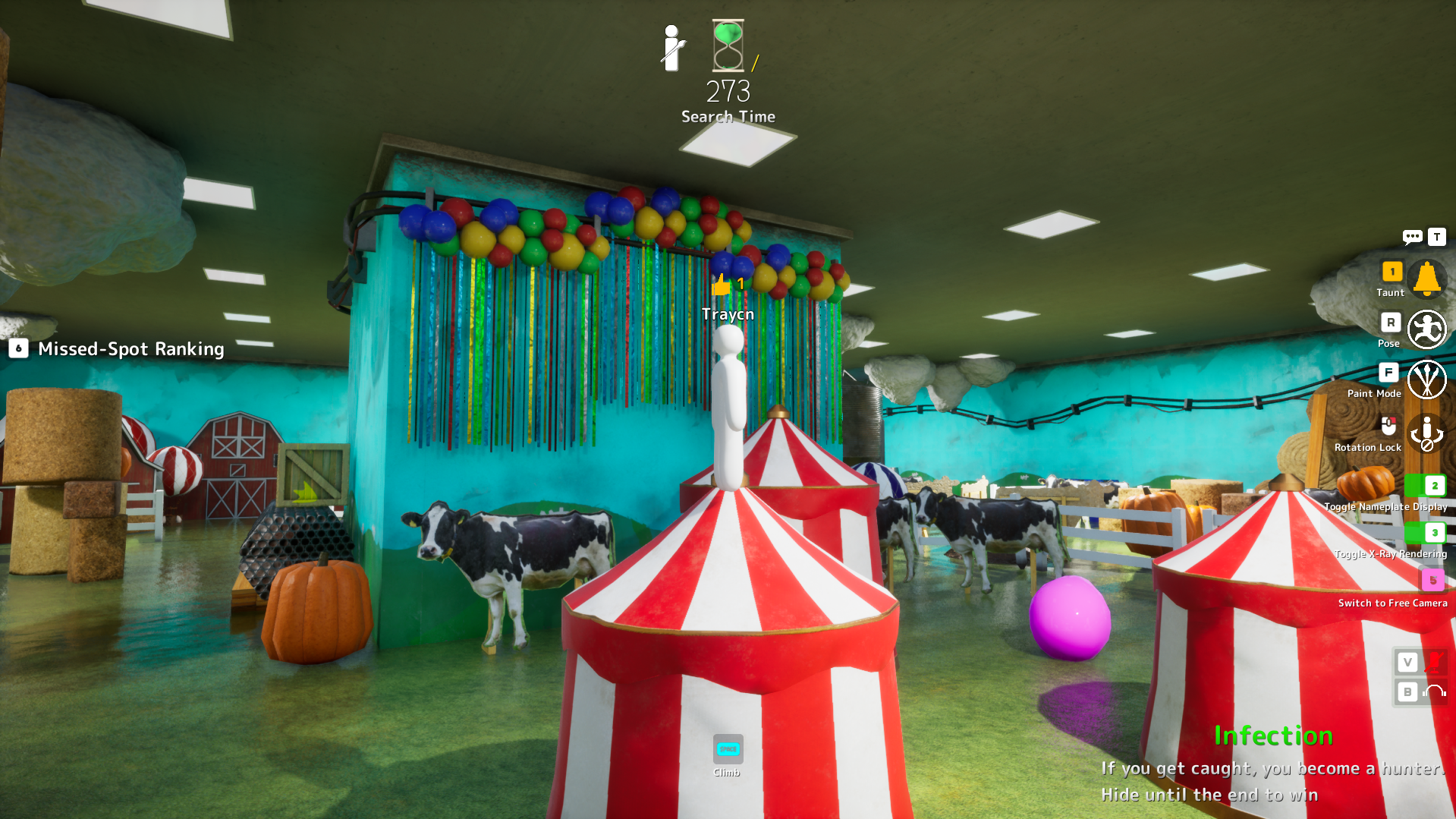
Balloon Banner Back Wall
Party hall balloon banner at the tallest point. Too low triggers buried warning.
via GameRant · GameRant Community
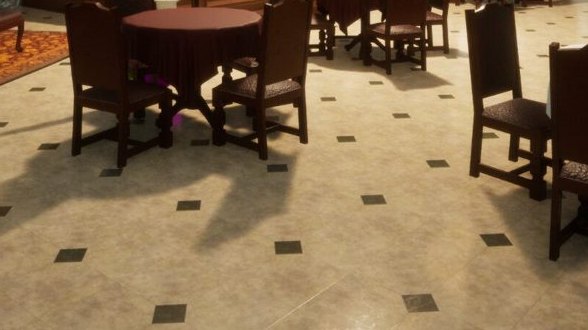
Drain Grate Shadow
Drain grate shadow nicknamed the "sewer roach spot" by the community.
via Community · Community
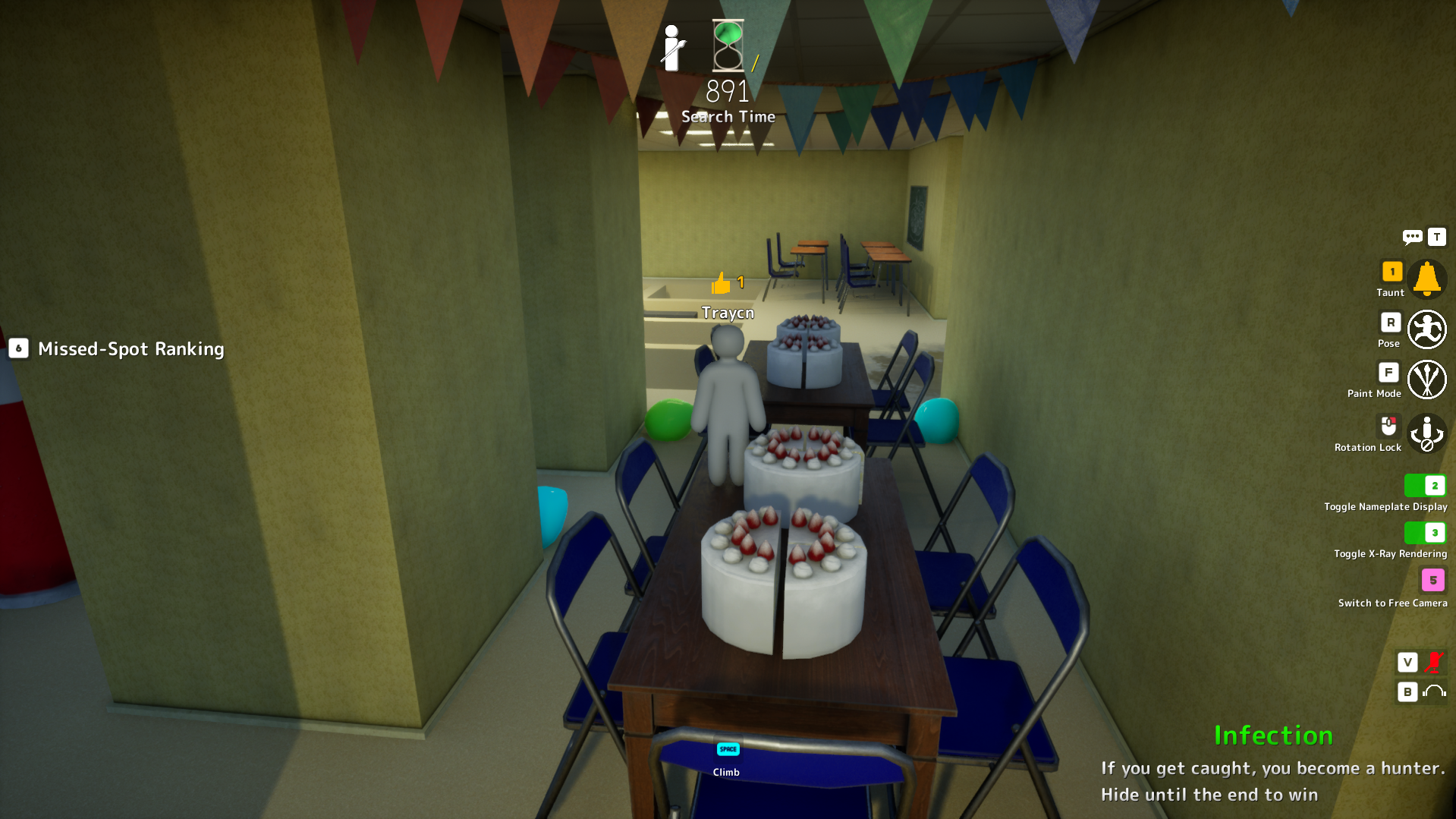
Birthday Party Hallway
Birthday party hallway with cakes and balloons for visual noise.
via IGN · IGN
Easy Spots to Learn First
High guide-rated spots recommended for building fundamentals
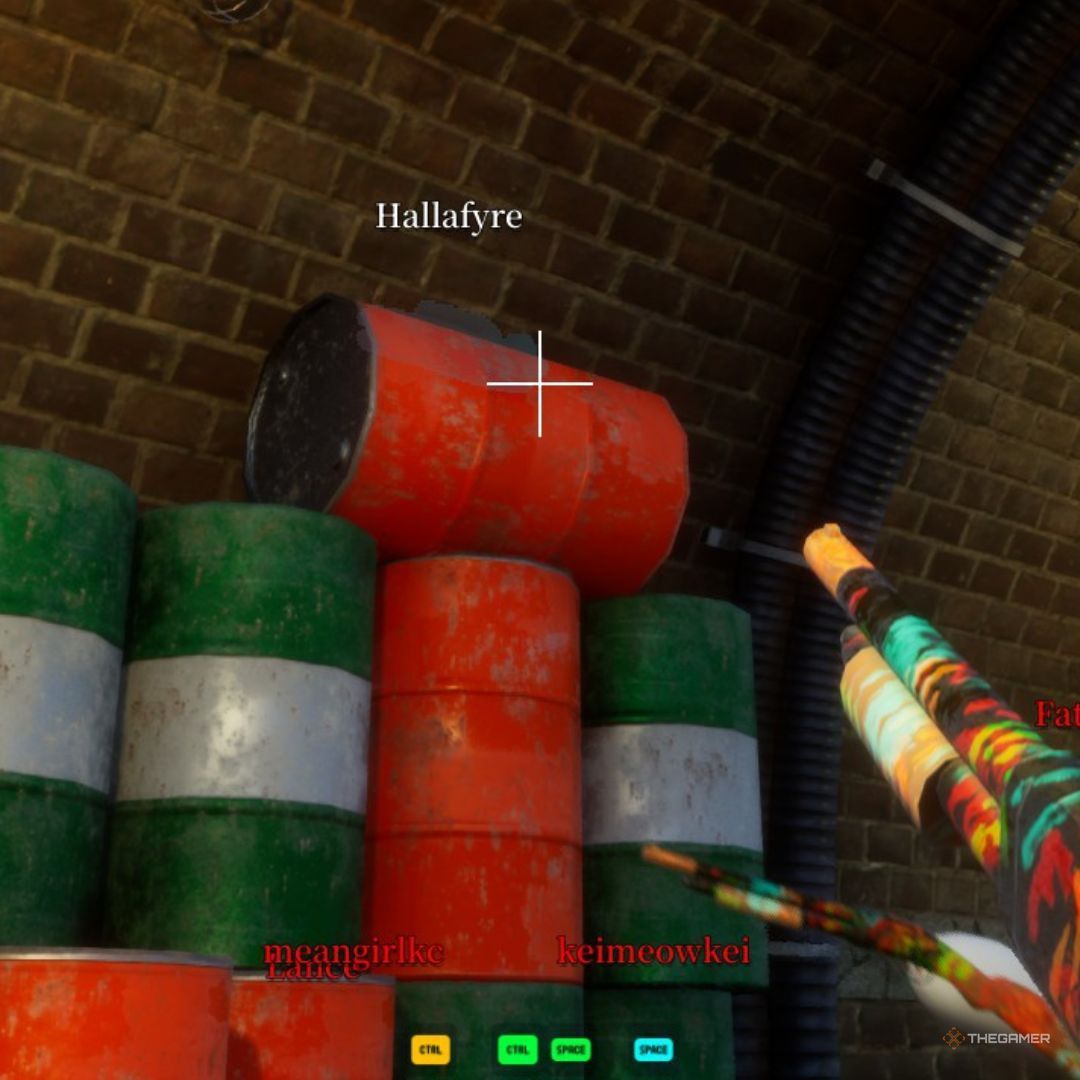
Dark Ceiling Pipe
Behind an overhead pipe in the darkest section. Community top-tier hide.
via TheGamer · TheGamer Community
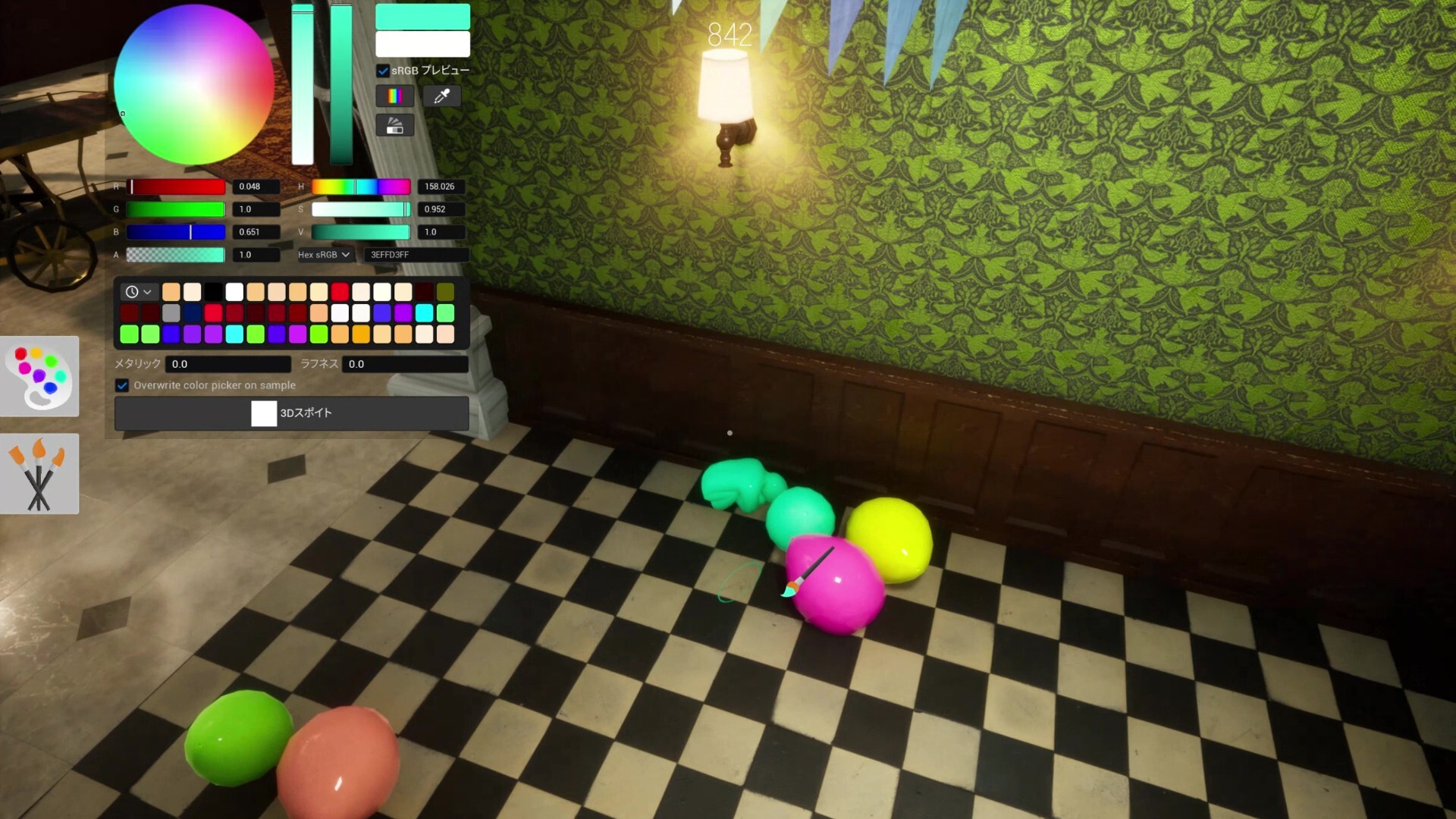
Shelf Back Row
Deepest rear shelf row. Top community survival rate on this map.
via meccha-chameleon.net · meccha-chameleon.net
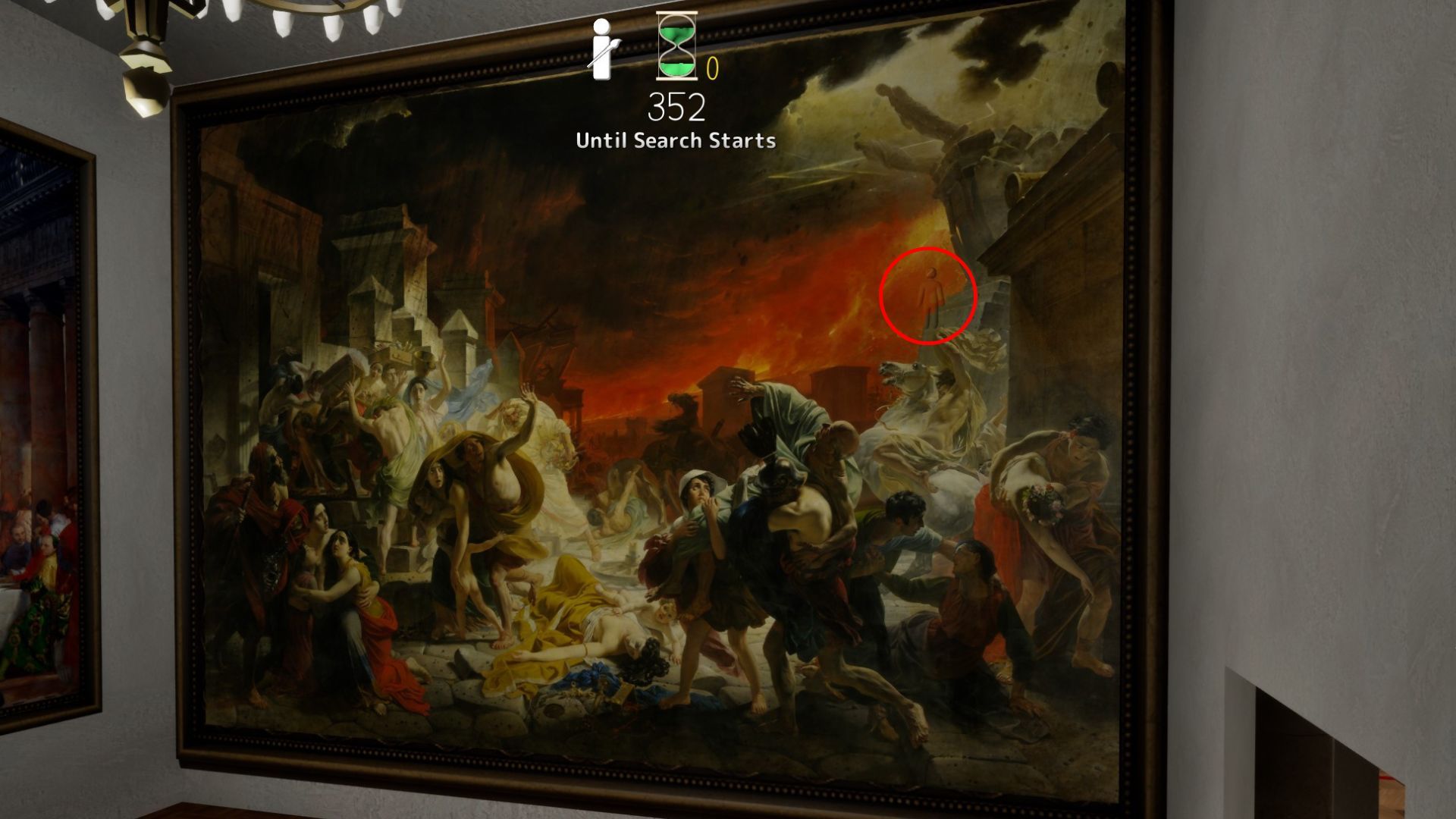
Last Day in Pompeii
Last Day in Pompeii — furthest room; top-left shadow, fire stone, or crowd zones fit multiple hiders.
via DualShockers · DualShockers
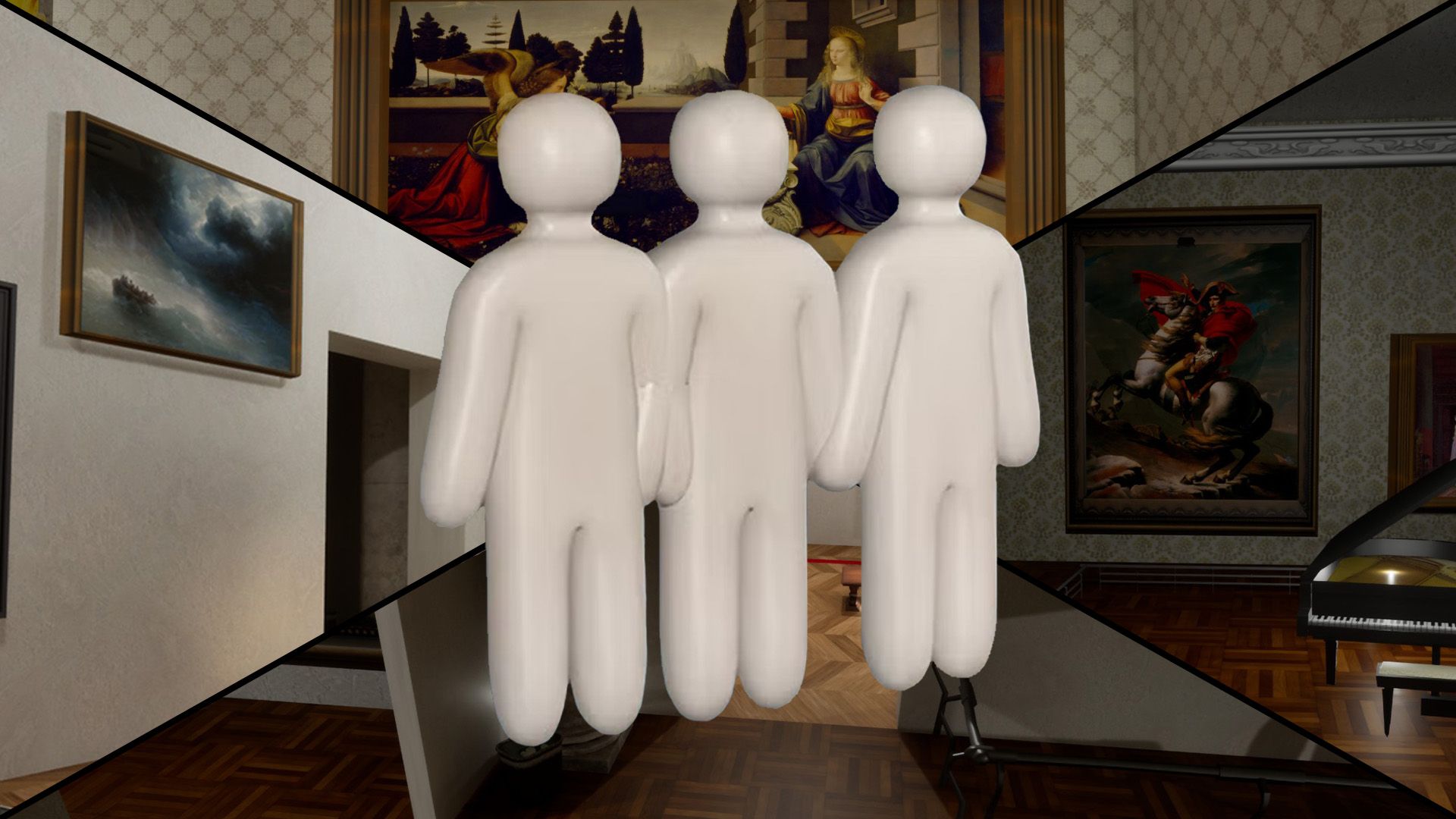
Mona Lisa Frame
Paint yourself into the Mona Lisa frame — Polygon's signature Art Gallery pick.
via DualShockers · DualShockers
Hard Spots & Challenges
Low-rated or impossible-tier spots for advanced players

Map-Edge Out of Bounds (Patched)
Deep Sea map-edge / out-of-bounds perch — patched in fix3.7.2 (Steam News titled fix7.3.2).
via Steam News · Steam News
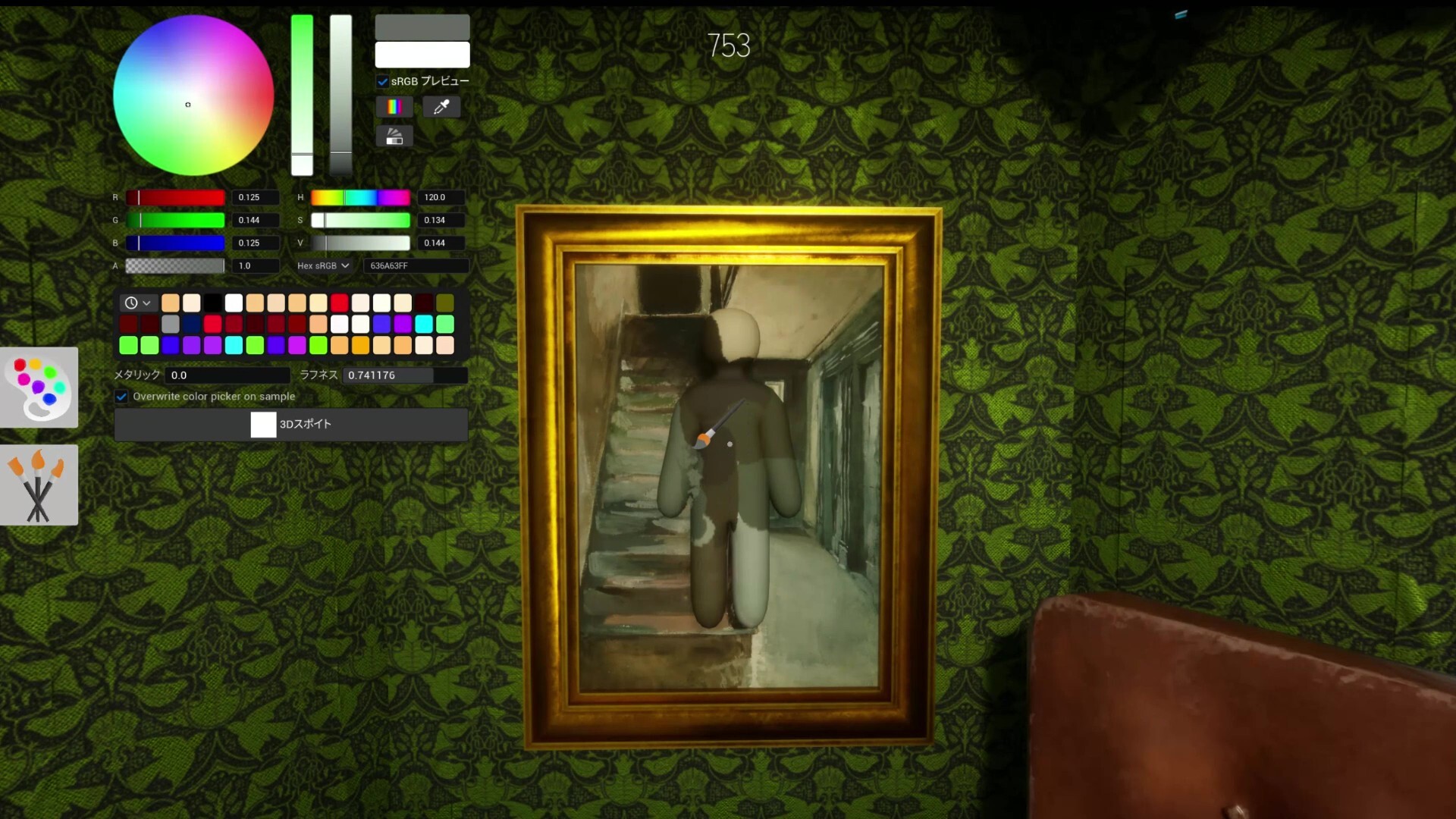
White Elbow Syndrome
Not a spot — a lesson. Unpainted elbow gaps expose more than bad positions.
via Mobalytics · Mobalytics

Spotlight Front
Spotlight-lit gallery front — value mismatch on pale walls; experimental warning pin.
via skypenguin.net · Community
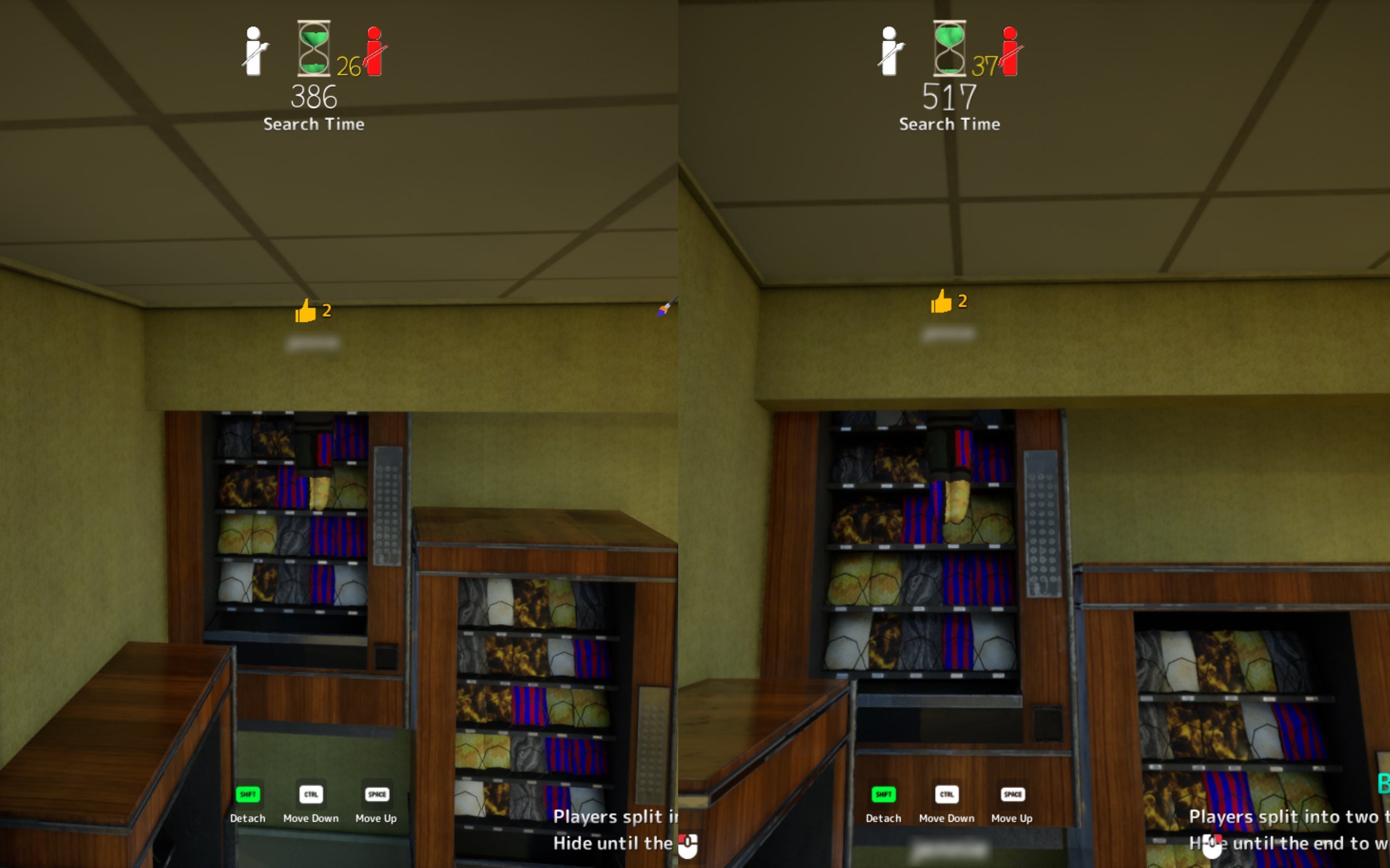
Ceiling Light
Attach near fluorescent fixture. High risk — seekers may look up late.
via TheGamer · TheGamer Community
More Funny Picks
Same category on different maps
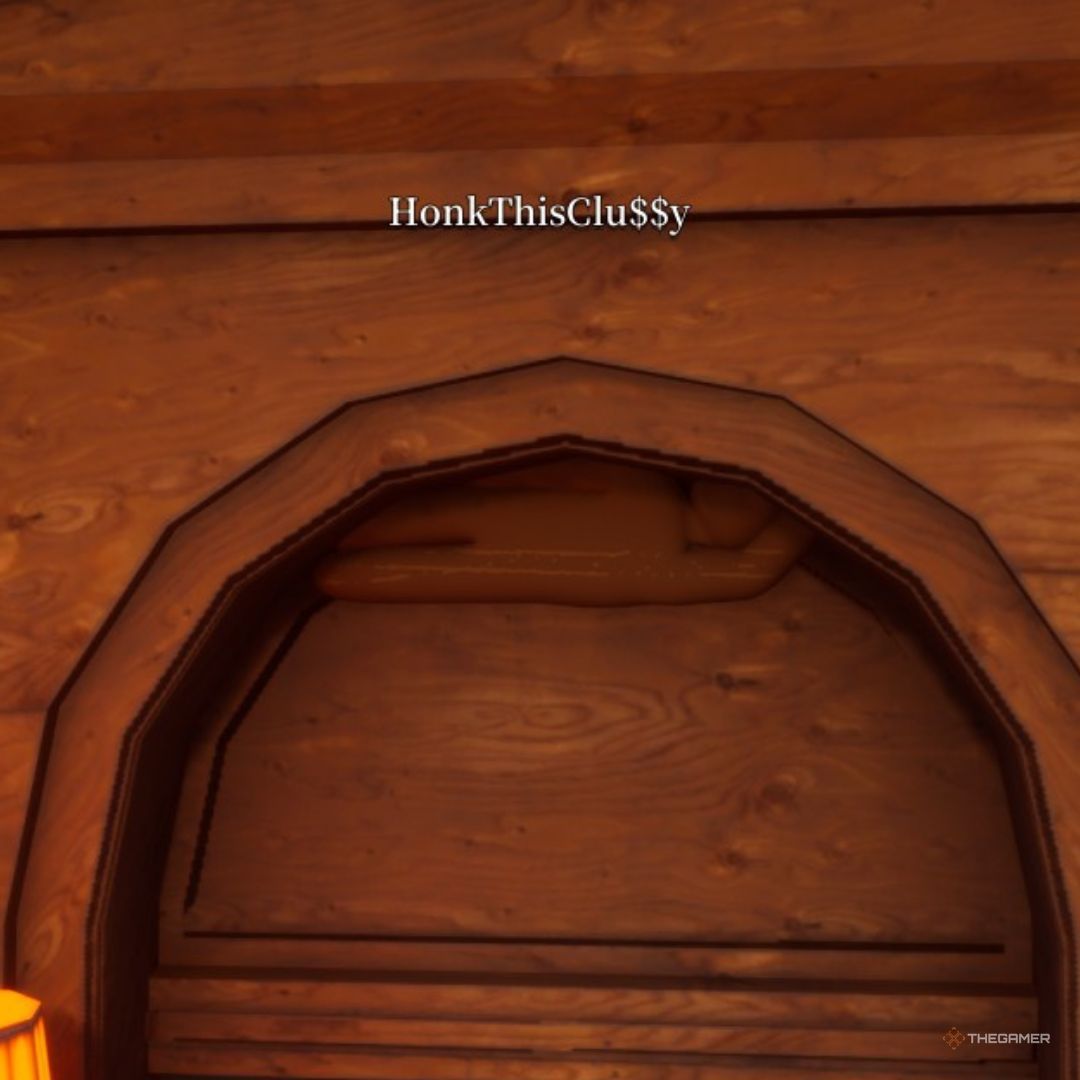
Industrial Pipe Crawl
Under industrial pipes — community "plumber chameleon" meme spot.
via Community · Community
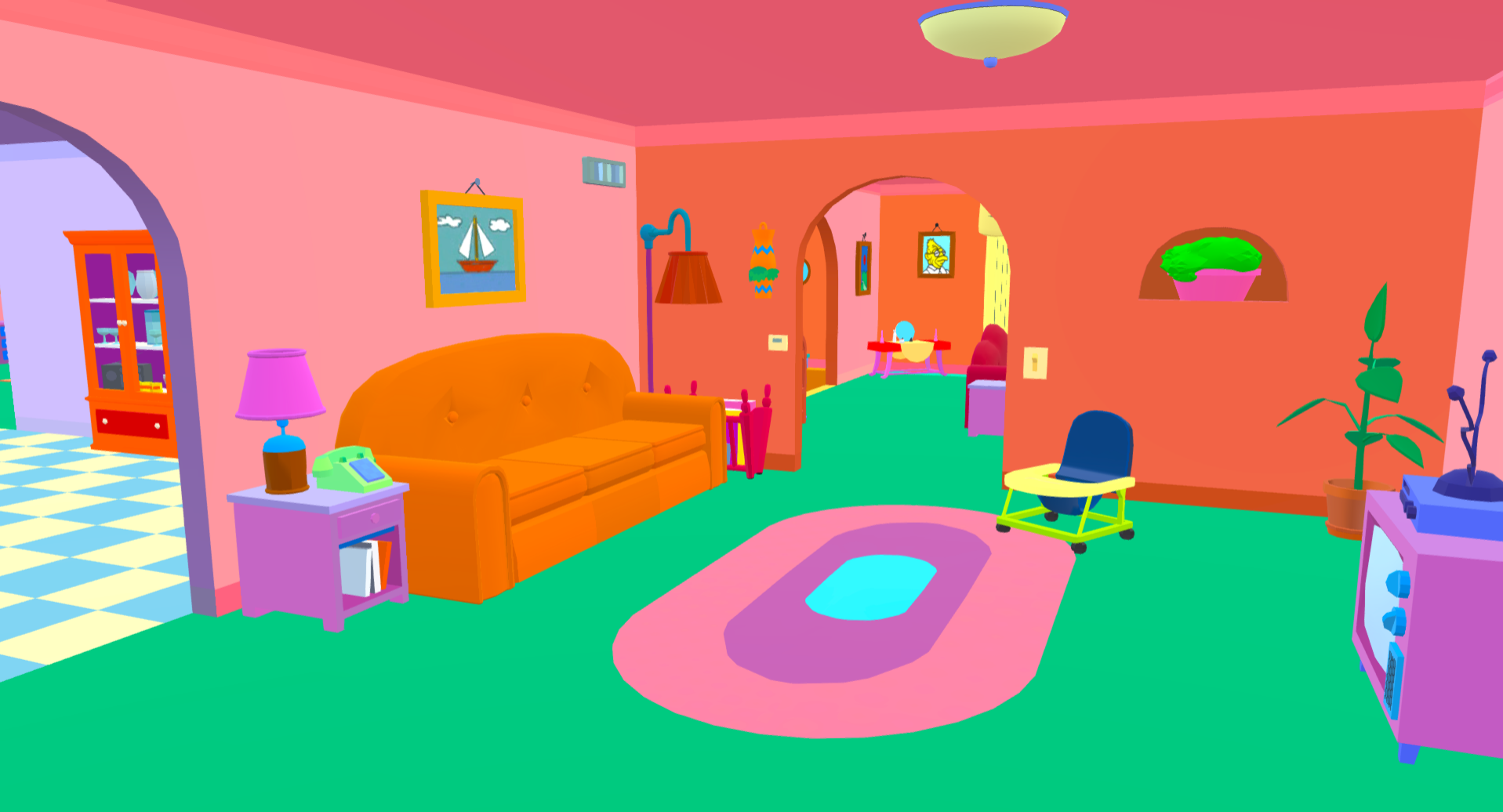
Living Room Couch
Living room couch — TV's most famous sofa. Sample orange and wall pink separately.
via TheGamer · TheGamer Community
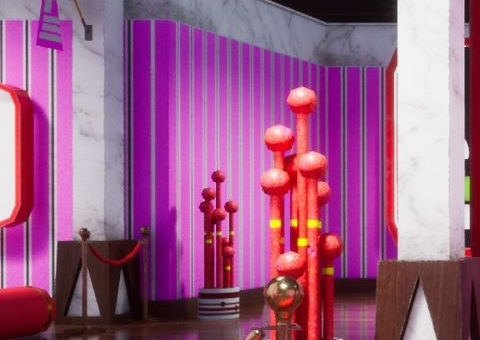
ONICHA Corner
ONICHA-themed corner props — strong in meme lobbies, rotate after round one.
via AUTOMATON · Community
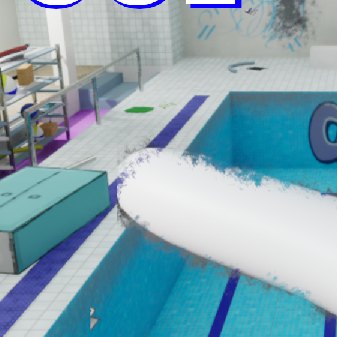
Lane Divider Wall
Lane divider wall creating false leads — avoid open pool center.
via Polygon · Community