![Peak Airport [RE-FOLLOW TO UPDATE]](/images/workshop/peak-airport.png)
Peak Airport [RE-FOLLOW TO UPDATE]
PEAK-inspired · Large terminal
by 76561198064056535 · 5 colors · 8–12 players
Overview
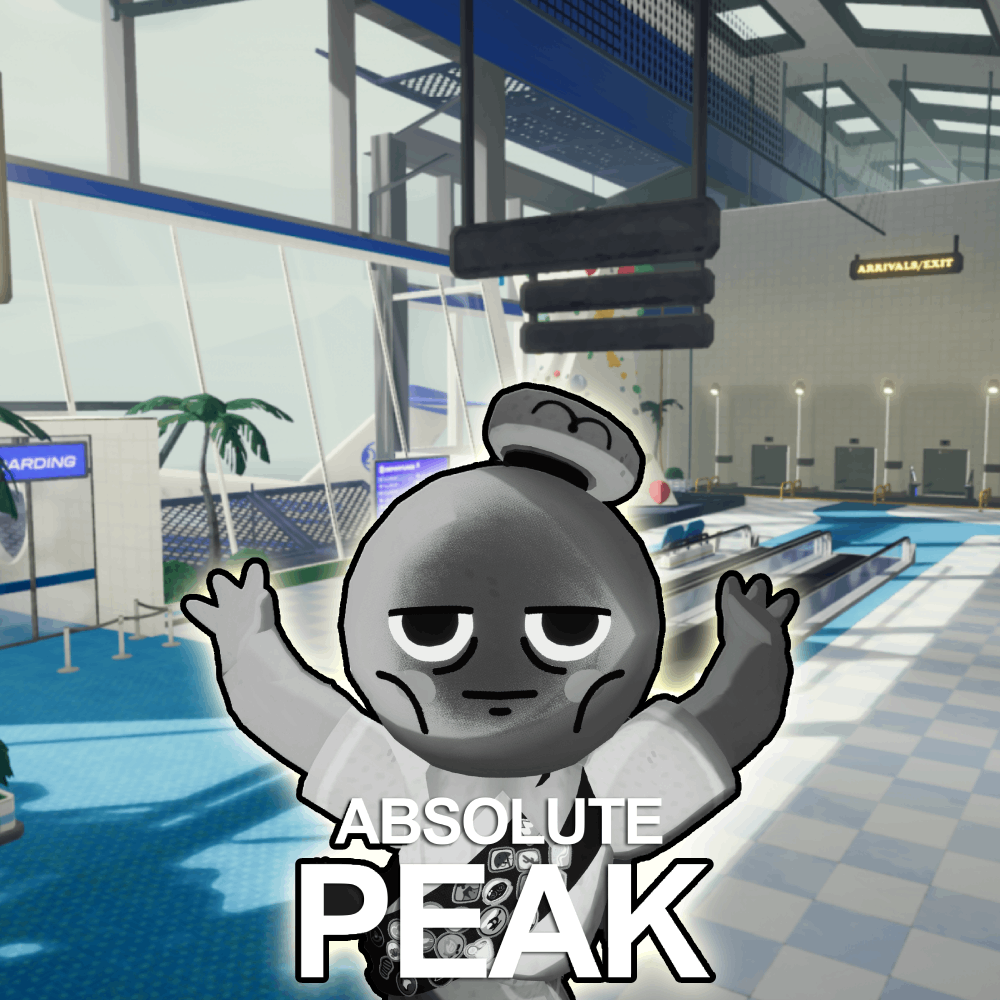
Peak Airport is a PEAK-inspired airport terminal with dense interior props across gates, shops, and corridors. Five dominant grays and fabric tones suit organized seeker sweeps in 8+ player lobbies.
Why Play This Map
TheGamer and community rankings highlight Peak Airport for groups wanting MW2 Terminal-scale competitive play with a fresh aesthetic. Large footprint rewards rotation paths and gate seating prop mimics.
Best Hiding Spots on Peak Airport [RE-FOLLOW TO UPDATE]
2 guide-sourced spots — TheGamer, Polygon, GAMES.GG, Steam Workshop
Best Colors
- Terminal Gray
- Seat Fabric
- Floor Tile
- Shop Glass
- Trim Silver
Pro Tips
- 1
Gate seating fabric + metal dual-tone — sample locally at each row.
- 2
Shop storefront clutter breaks outline at crouch height.
- 3
Establish rotation during prep — map size punishes static camps.
- 4
Sample terminal gray from trim, not floor tiles.
- 5
Corridor chokes favor quick crosses over open camping.
Hot Zones
Gate Seating Row
Fabric props with controlled sightlines.
Shop Storefront
Shelf clutter and glass tones.
Terminal Connector
Rotation path between wings.
Danger Zones
Central Concourse
Wide open with long sightlines.
Security Checkpoint
High-traffic sweep zone.
Common Mistakes
- Hosting with fewer than 8 players — map feels empty
- Camping open concourse without seat prop cover
- One gray sample for shops and gates
- Skipping prep walk on this map size
Community Notes
“Gate row survived two sweeps — sample fabric, not metal armrest.”
— PeakFlyer
“8+ players minimum. Worth the lobby setup.”
— AirportMain
Related Workshop Maps
More top competitive maps maps
Minecraft
Blocky village layout with familiar textures. Great for groups learning custom maps — trees, crafting tables, and wood tones offer varied hides.
Meeting room
Modern office interior with reception, cafeteria, and dense office props. Strong silhouette-breaking furniture.
Police Station
Balanced law-enforcement interior with desks, cells, and corridors. Works well with a single hunter.
CS2 Mirage
Counter-Strike Mirage layout with lanes, corners, and elevation. Familiar for FPS players — strong for organized seeker sweeps.