Download, Install & System Requirements
How to buy and install MECCHA CHAMELEON on Steam, minimum PC specs, launch fixes, first-match checklist, workshop subscriptions, and what new players ask before their first round.
How do I download MECCHA CHAMELEON?
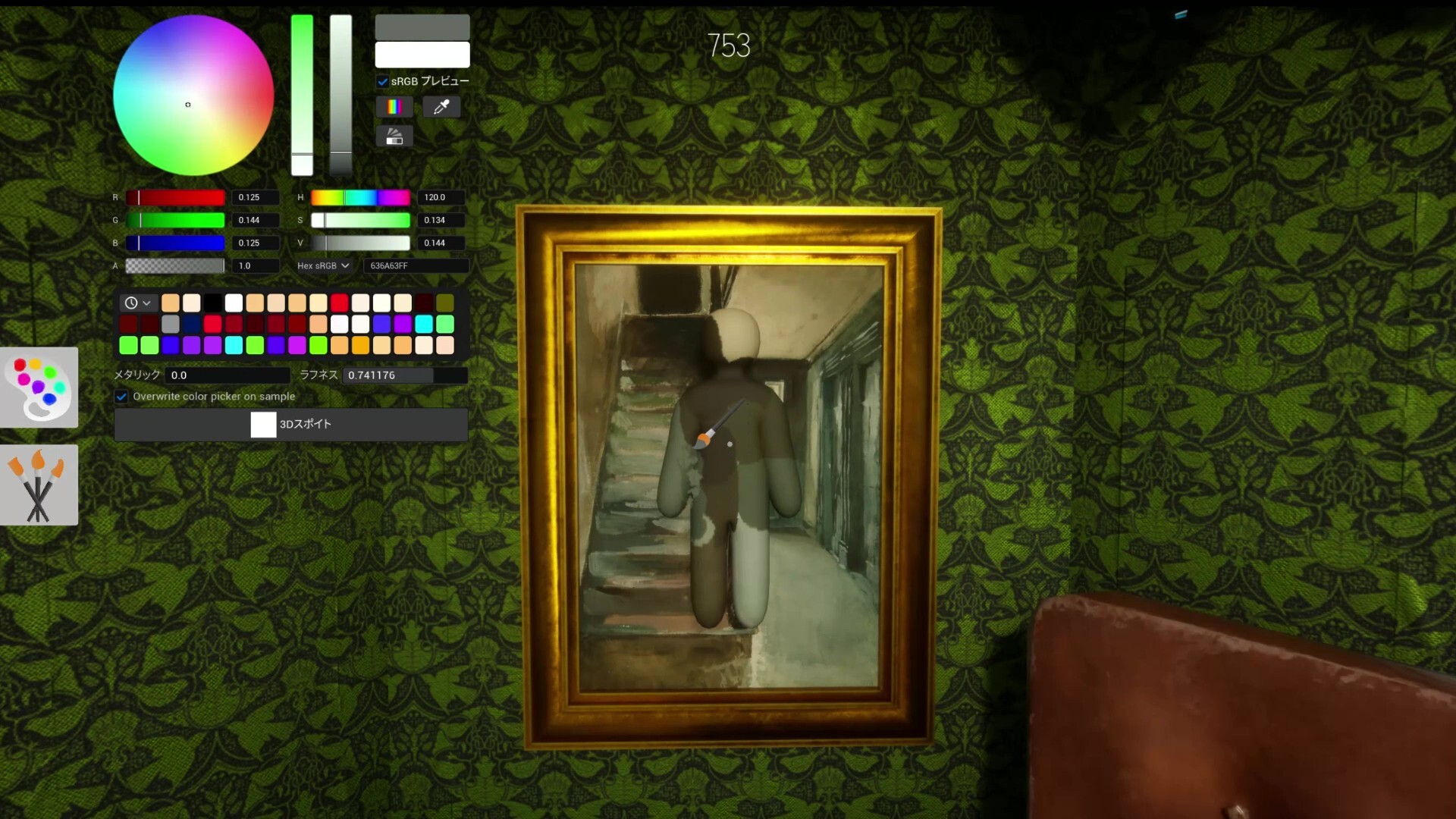
MECCHA CHAMELEON is sold on Steam for Windows PC (App ID 4704690, $5.99) and on the Nintendo Switch 2 eShop since September 9, 2026. Search "MECCHA CHAMELEON" / めっちゃカメレオン. Click Add to Cart or download from the eShop, then launch from your library.
There is no original Switch, PlayStation, Xbox, or official mobile version. Avoid third-party "free download" or crack sites — they are not legitimate distribution and will not receive updates required for multiplayer. Game*Spark flags a Nintendo Store lookalike titled 変態カメレオン.
After purchase, click Install in your library. Steam downloads the game to your chosen drive. Launch from the library or pin it to your taskbar for quick access before friend sessions.
Steam Family Sharing may let another account play if the owner shares their library — both accounts still need the Steam PC client and compatible builds for multiplayer together.
Is there a free demo or trial?
There is no permanent free demo listed on the Steam store at launch — you purchase the full game. Steam's standard refund policy applies if playtime is under two hours and the purchase is within fourteen days (verify current Steam refund rules in your region).
Watch official Steam trailers and community guides on this site before buying if you are unsure whether hide-and-seek party gameplay fits your group.
Public lobbies sometimes accept drop-in players — you still need to own the game on Steam to join; there is no spectator-only client.
What are the minimum system requirements?
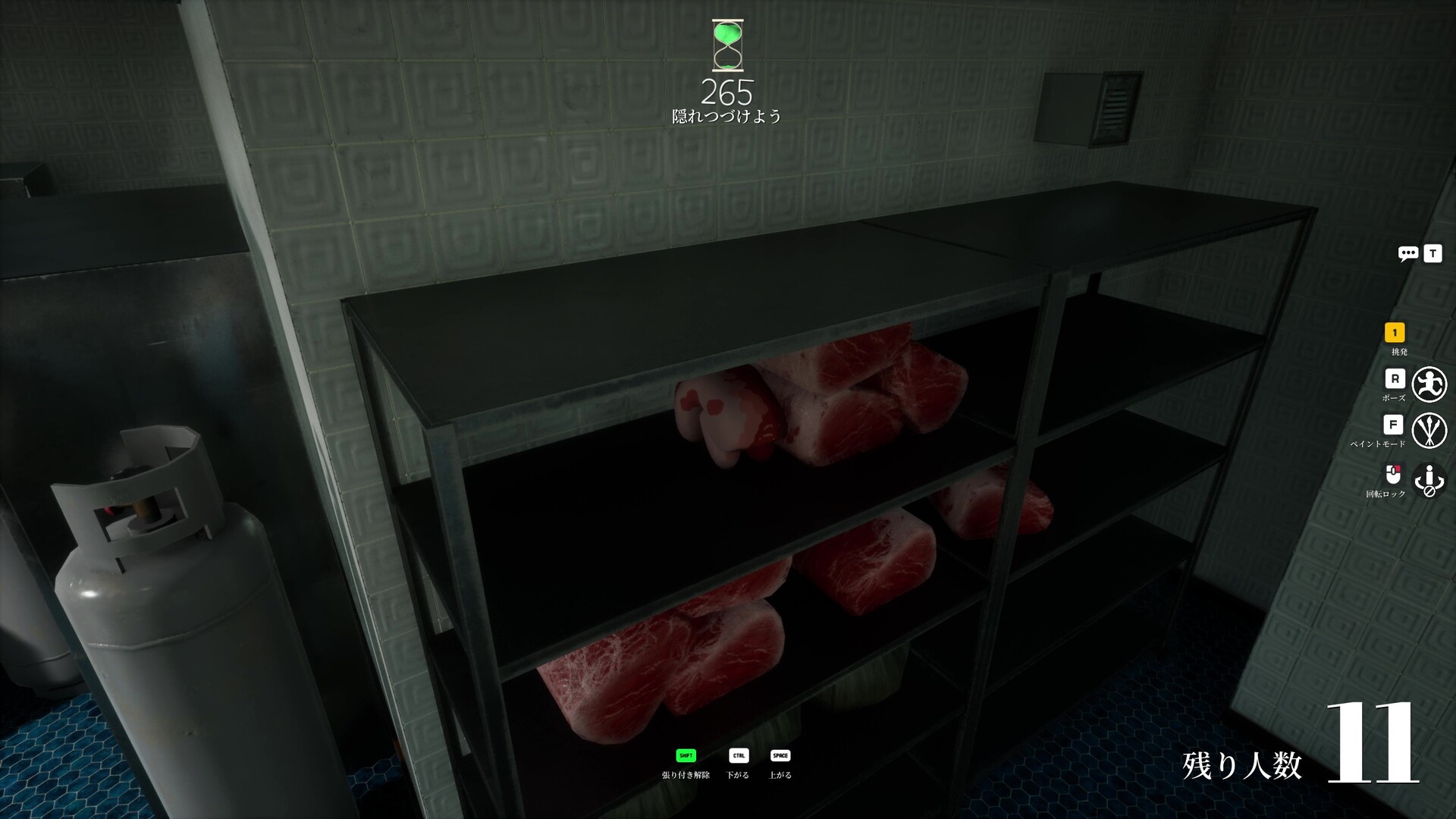
Steam lists Windows 10 64-bit as the minimum operating system, an Intel Core i5–class processor, and a DirectX 11 or DirectX 12 compatible graphics card. The game is not cross-platform — everyone in your lobby needs the Steam PC build.
For comfortable multiplayer hosting, close heavy background apps (OBS, Chrome with dozens of tabs, other capture tools) if you are both hosting and streaming. The developer recommends 2–10 players per room for stable sessions; larger lobbies depend on the host's network.
If paint edges or seeker silhouettes feel hard to read, lower graphics settings before assuming your GPU is too weak — readability matters more than max texture quality for competitive rounds.
Disk space: budget roughly 10–20 GB including future patches and workshop map cache — exact install size appears on the Steam store page and grows as you subscribe to workshop content.
Does the game support controllers?
PC builds support gamepad input for movement and menus, but competitive painting and precise eyedropper sampling are designed around mouse and keyboard. Most ranked community tips assume KB+M for fast color swaps during prep phase.
If you use a controller, rebind paint and pose in Settings → Controls before joining public lobbies — default layouts may feel slow compared to mouse players.
See our full controller guide for layout suggestions and limitations during hunt phase.
The game won't launch or crashes on startup — what should I try?
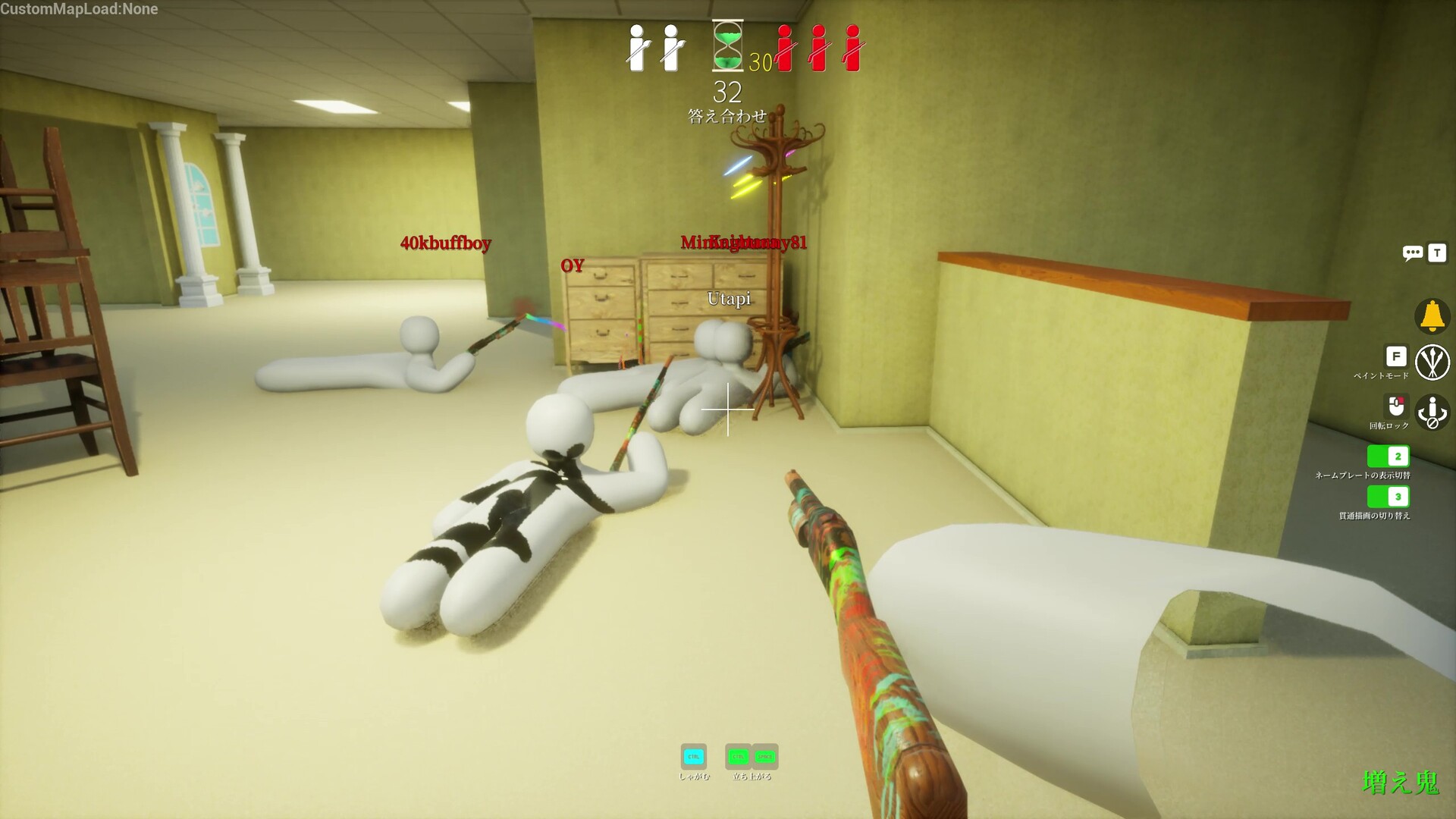
Start with Steam's Verify Integrity of Game Files (right-click the game → Properties → Installed Files). Corrupted downloads are a common cause of instant crashes.
Many Windows players fix launch failures by forcing DirectX 11: right-click the game in Steam → Properties → Launch Options → enter -dx11. Restart Steam after changing launch options.
If Smart App Control or aggressive antivirus blocks the executable, allow the game folder or run Steam as administrator once to test. Repair Microsoft Visual C++ Redistributables if the crash mentions missing runtime DLLs.
Sync Windows date and time if Steam authentication fails at startup — incorrect system clock can block online features even when offline play seems fine.
If you see "invalid authentication token" instead of a hard crash, that is an Epic Online Services login issue — follow the dedicated auth fix guide rather than reinstalling blindly.
Fresh install — authentication token error before first match
New purchasers report token errors on first launch when Epic Online Services cannot link Steam identity. Most cited fixes: -dx11 launch option, relink Steam at epicgames.com → Account Settings → Apps and Accounts, and PenguinHotel.exe compatibility (disable Run as administrator, enable Disable fullscreen optimizations).
Restart the PC after Epic relink — thread replies treat a full reboot as required, not optional.
Test mobile hotspot once if home Wi‑Fi fails — Pi-hole and DNS ad blockers interrupt EOS auth on some networks.
EULA popup or friend can't join after random language — what now?
Steam thread "Can't join friends server" reports both parties must accept the current EULA before sharing a lobby — one friend restarting and accepting the prompt fixed the issue.
If someone accepted a non-English EULA at random during install and the popup never returns, verify game files in Steam or reinstall so the agreement screen reappears.
After EULA parity, confirm same game version and create a fresh room — EULA blocks look like generic invite failures.
Do I need Steam Workshop maps before playing with friends?
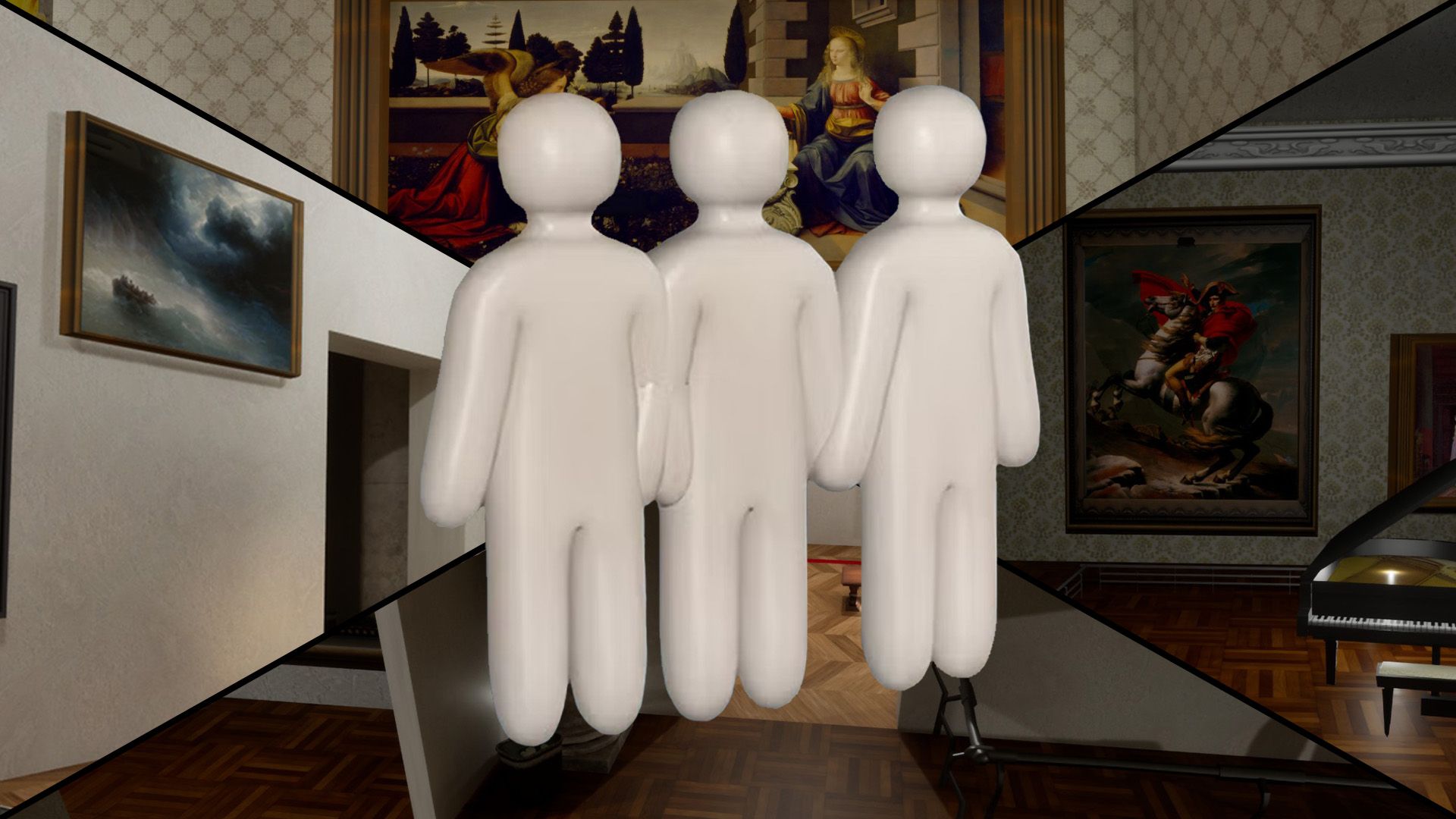
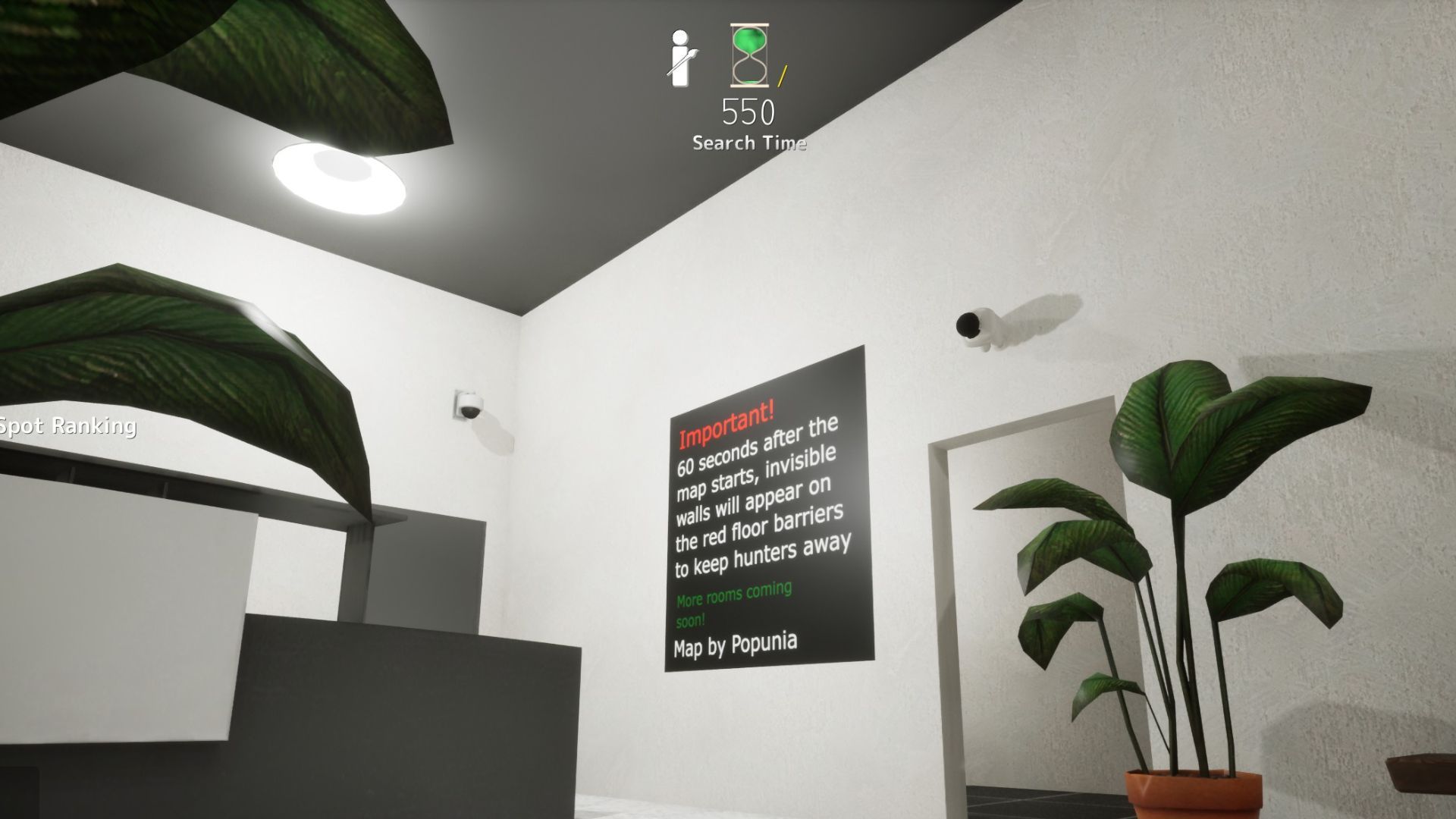
Official maps (Mansion, Sewer, Backrooms, etc.) work without workshop subscriptions. Custom maps like Art Gallery require every player to subscribe on Steam Workshop and restart the game so files download before the host starts the lobby.
If one friend lacks the map, loads fail or kick mid-join — it can look like connection or auth problems. Confirm map choice in Discord before sending invites.
Browse curated workshop listings on this site for map IDs, hiding spot guides, and subscription links.
What should I do before my first online match?
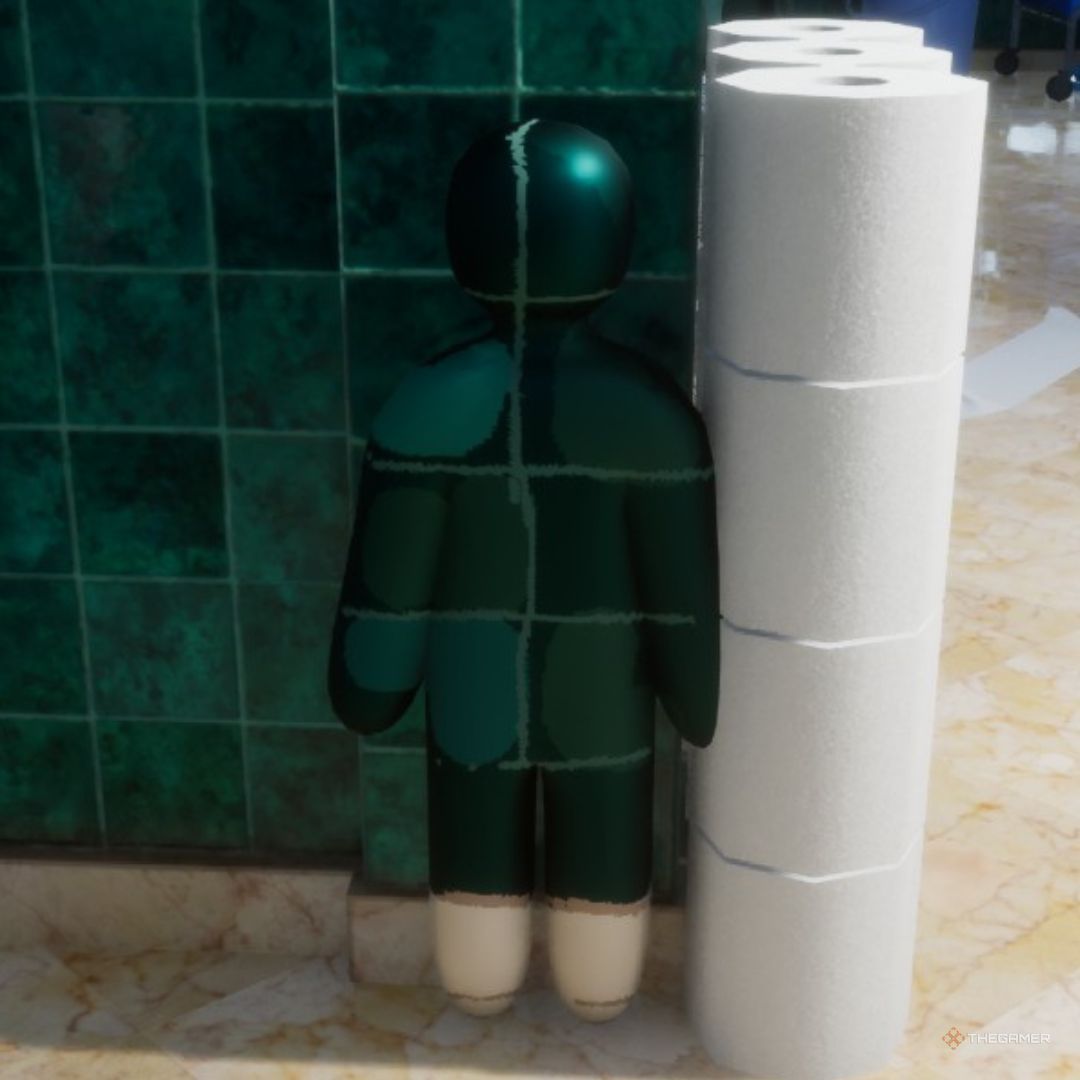
Let Steam finish any day-one patch before inviting friends — multiplayer requires every player on the same build.
Open Settings → Controls and confirm paint (F), pose (R), and movement keys. Rebind anything awkward in a private lobby before public chaos.
Queue Mansion for your first rounds. Large color blocks and readable rooms teach sampling faster than Sewer or Backrooms.
Skim the controls and painting help pages on this site, then browse one or two high-rated Mansion spots so you have a destination during prep phase instead of panicking in the open.
Host should pick an official map for the first session — add workshop maps only after everyone confirms subscriptions downloaded.
How many players do I need for a match?
Minimum two players — one hider and one seeker. The game supports larger lobbies; developer guidance centers on 2–10 for stable sessions.
Infection and custom rule sets shine at 6+ players but need a host on wired Ethernet. Start with 3–4 friends on Mansion before jumping to ten-player workshop chaos.
Solo practice in a private lobby still helps — learn paint and pose timing even without a live seeker.
How do I stay on the same version as friends?
Steam auto-updates by default. Before session night, have everyone restart Steam and confirm no pending download on MECCHA CHAMELEON.
Version mismatch is the #1 join failure — close the game fully, restart Steam, wait for sync, then host creates a brand-new room.
After patches, old invites and stale rooms often fail even when friends appear online.